Wander: Markdown Editor
iOS Universel / Productivité
Wander is a markdown editor that respects your files. Your notes stay
plain markdown in folders you control — no account, no lock-in, no
cloud required. What you see is what lands on disk, byte for byte.
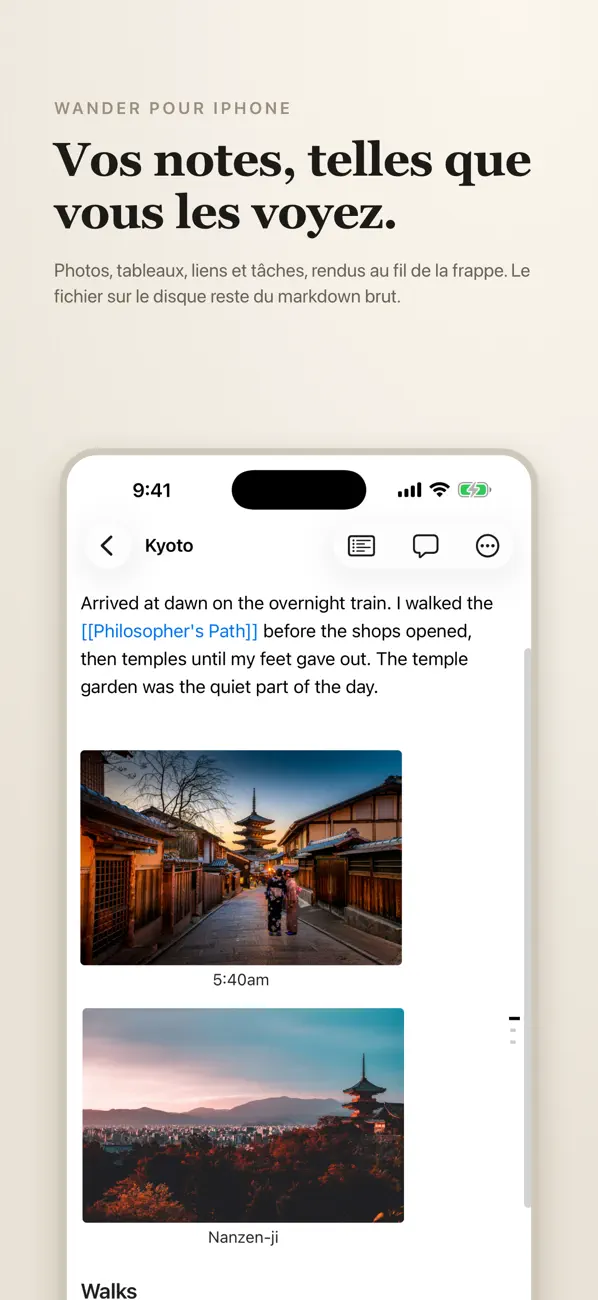
Write in a clean WYSIWYG editor — bold looks bold, headings look like
headings — while the file on disk stays tidy markdown with clean diffs.
Open any folder of markdown and start writing; Wander reads and writes
standard files, so nothing you open is trapped in the app.
• Plain markdown, in folders you own
• WYSIWYG editing, clean files on disk
• Wikilinks, tables, code blocks, task lists, footnotes
• Fast and native for iPhone and iPad — works fully offline, no account
• Your notes never leave your device unless you move them
Quoi de neuf dans la dernière version ?
Math, typst, and a lot of fixes.
- Math and typst: $x$ inline and $$ blocks typeset offline by the same engine as the Mac app, and a typst code fence renders tables and layouts right in a note. .typ files open with Source and Preview, side by side on iPad, and tapping the typeset page jumps to that spot in the source.
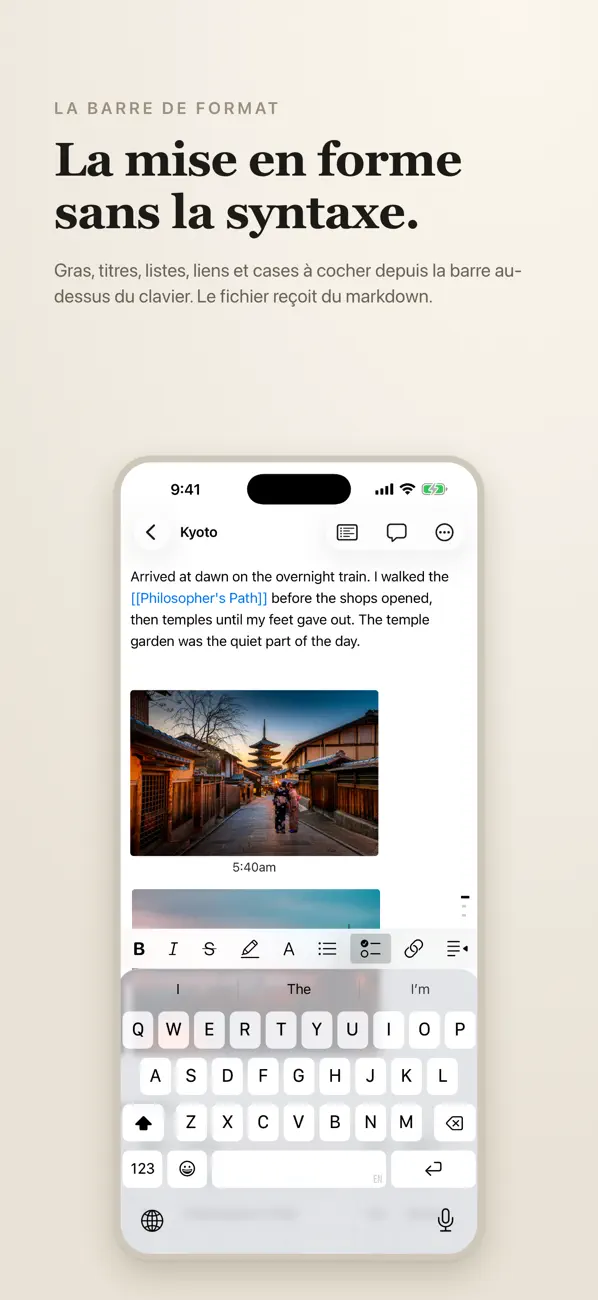
- Highlight: ==text== renders highlighted, with a highlighter button in the keyboard bar next to bold and italic.
- Raw markdown: edit the plain source from the note's menu.
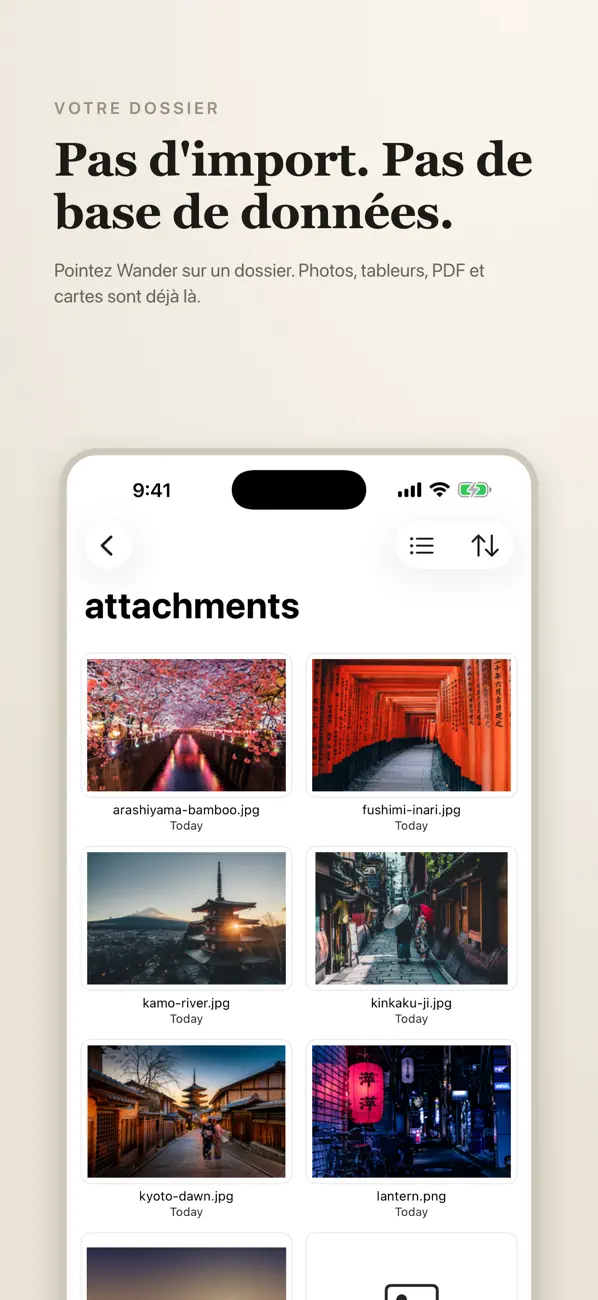
- Insert photos: add an image from Photos or Files; it lands in attachments/ with the same naming as Mac.
- Tags: a Tags list in the sidebar menu shows every tag in your vault with note counts, frontmatter tags now count alongside #tags, and the # and [[ suggestions list your vault's tags and notes. Tapping a [[link]] to a missing note creates it, block links open at the block, and a long press on a [[link]] previews the note.
- Keyboard: a hide keyboard button, swipe down to dismiss, the outline no longer summons it, and menus no longer clip above it. Strikethrough, fold controls, and word count added.
- Reliability: folder lists and the file browser no longer show empty, notes no longer open blank after switching, and a note edited on another device reloads on the phone instead of being overwritten; if both changed, your edits are saved as a conflict copy.
- Faster on big vaults: indexing only touches changed files and survives unreadable ones, and the iCloud watcher is scoped to your vault, using far less battery.