Hubbell AR
iOS Universel / Références
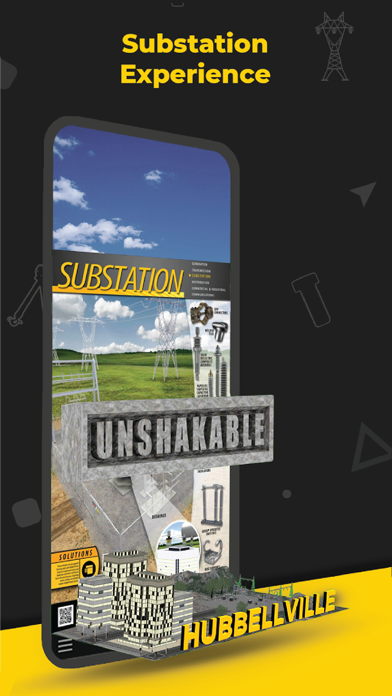
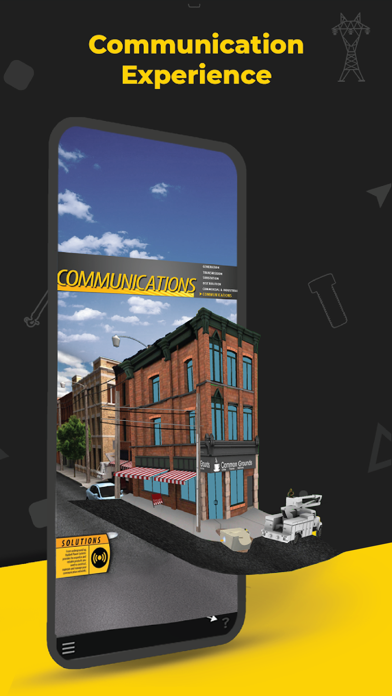
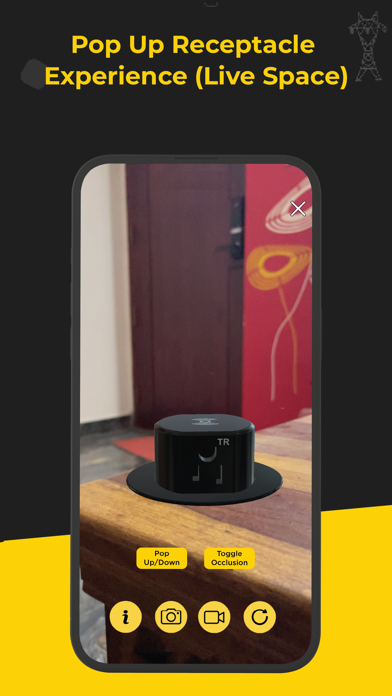
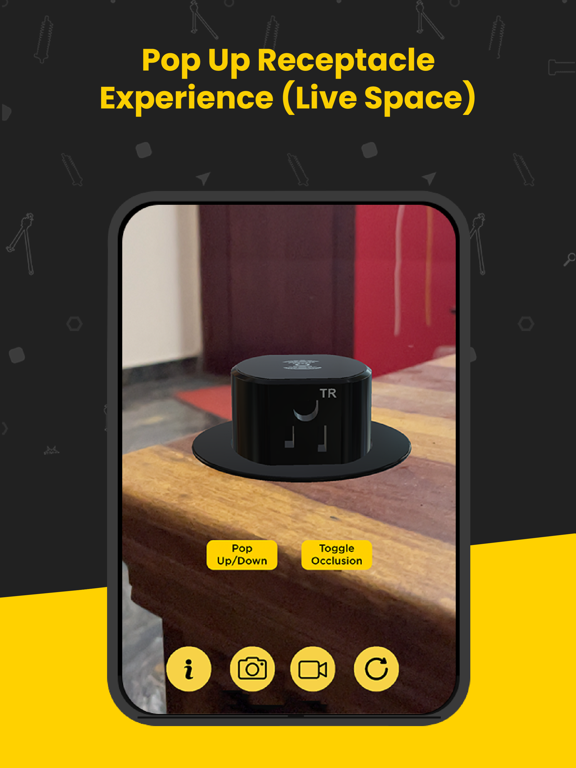
The Hubbell AR app allows you to experience augmented reality in 2 distinct ways.
Click the question mark icon in the lower right to see tutorial overlays throughout the
app.
Adding an Experience
The HubbellAR app will allow you to place an experience directly into your environment.
1. Open the HubbellAR app and allow the app to use your camera.
2. Click the “+” icon at the bottom center of your screen.
3. A list will appear arranged by markets. Select a market and click an experience in the
submenu or click the information button next to it for details.
4. Once the experience has been downloaded, move your device around to scan your
environment. Scanning flat surfaces will help the app detect the placement area(s) faster.
Tabletops, floors, streets, walkways are examples of surfaces you can scan.
5. Tap anywhere on the discovered surface (yellow highlighted area) to place your
experience.
6. Move around and closer to the experience to see more details.
7. Click any yellow buttons at the bottom of the experience to play animations. Not all
experiences have these.
8. Click the information icon in the lower left for more information about that experience
and to access other related assets.
9. Click the replay button in the lower right if you’d like to experience the animation
again.
Scanning an Image
Whenever you see the HubbellAR app logo, or a reference to the app, on a printed
image/poster/flyer/postcard, you can use the app to scan the image and reveal an AR
experience.
1. Open the HubbellAR app and allow the app to use your camera.
2. Click the Image Scan icon in the lower left of the screen.
3. Point your device at the HubbellAR optimized image so that it is completely in view.
4. Keep the image in view as you walk around or move in closer to the experience.
5. Click the information icon in the lower left for more information about that experience
and to access other related assets.
6. Click the replay button in the lower right if you’d like to experience the animation
again.
7. Simply point your device at another optimized image to begin a new experience.
8. Click the “X” in the upper right to close the Image Scan functionality an return to the
main screen.
To view these 3D experiences, please download and print any of the Hubbell Power Systems posters here: https://www.dropbox.com/sh/ukyttxqe5fxe1xf/AAC8IdxcXXrQ0zv1xvViWCe1a
Quoi de neuf dans la dernière version ?
The latest Hubbell AR app release provides the user with several important enhancements including more product models across multiple Hubbell markets and brands. The user interface has been overhauled to have a cleaner design and greater ease of use. A tutorial is available upon initial app opening to guide the user through app capabilities.
Improved user interface design
Improved plane detection
More Hubbell products arranged by markets