Racing Start Simulator
iOS Universel / Sports
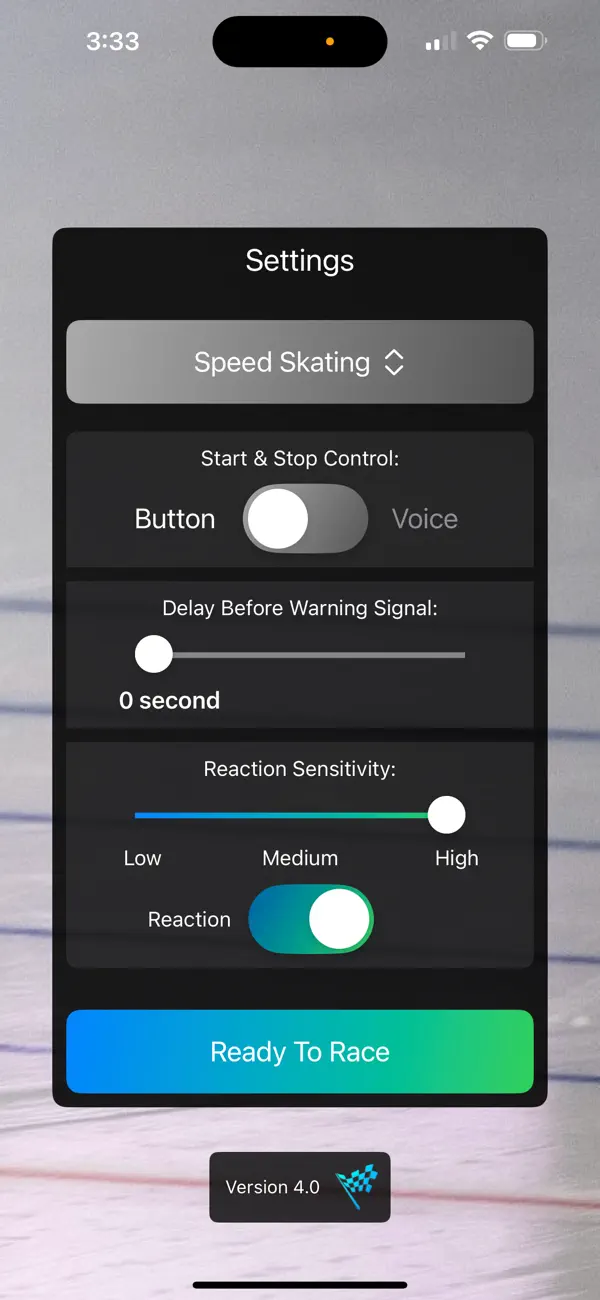
1. In Pro Mode, choose your sport (Sprint is Free by Default), button or voice control (Pro Mode only), delay and sensitivity.
2. Press "Ready To Race".
3. Start the App with your voice(Pro Mode) or by pressing "Start".
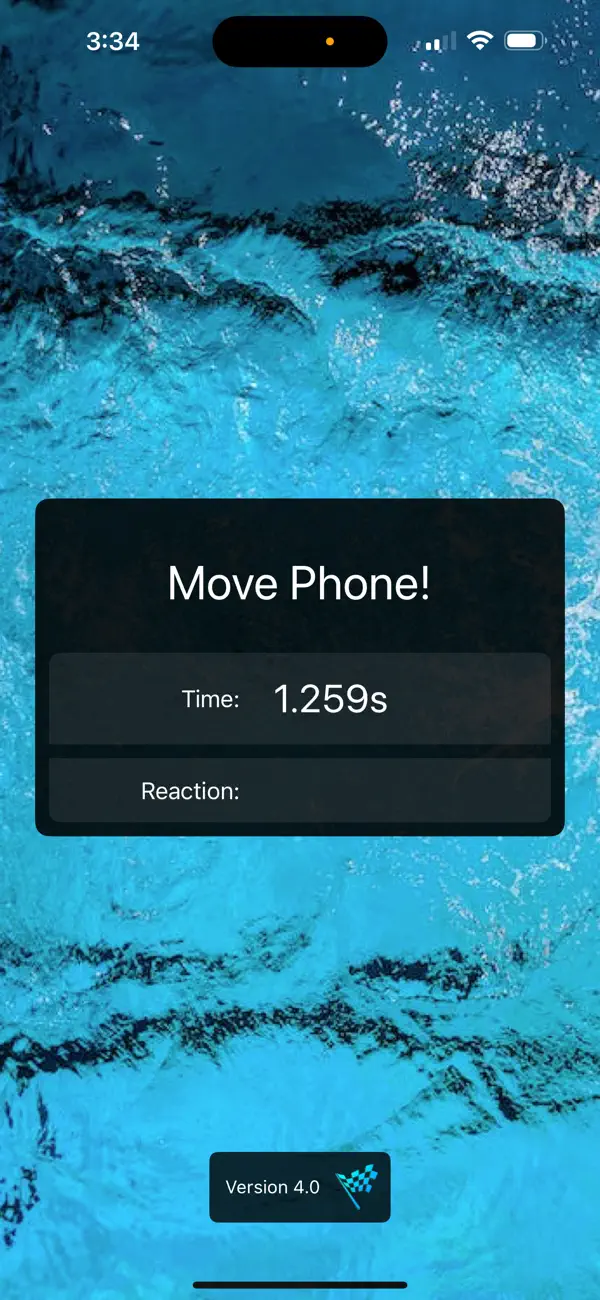
4. When you hear the main signal, do your thing as fast as you can and then press Stop (or Say Stop in Voice Pro Mode), when your racing is done to see what time you've achieved, and reaction time.
5. When you hear the signal of departure, move the phone in any direction, to see how fast you react. If you move the phone before the signal you will have a false start detected and shown on screen.
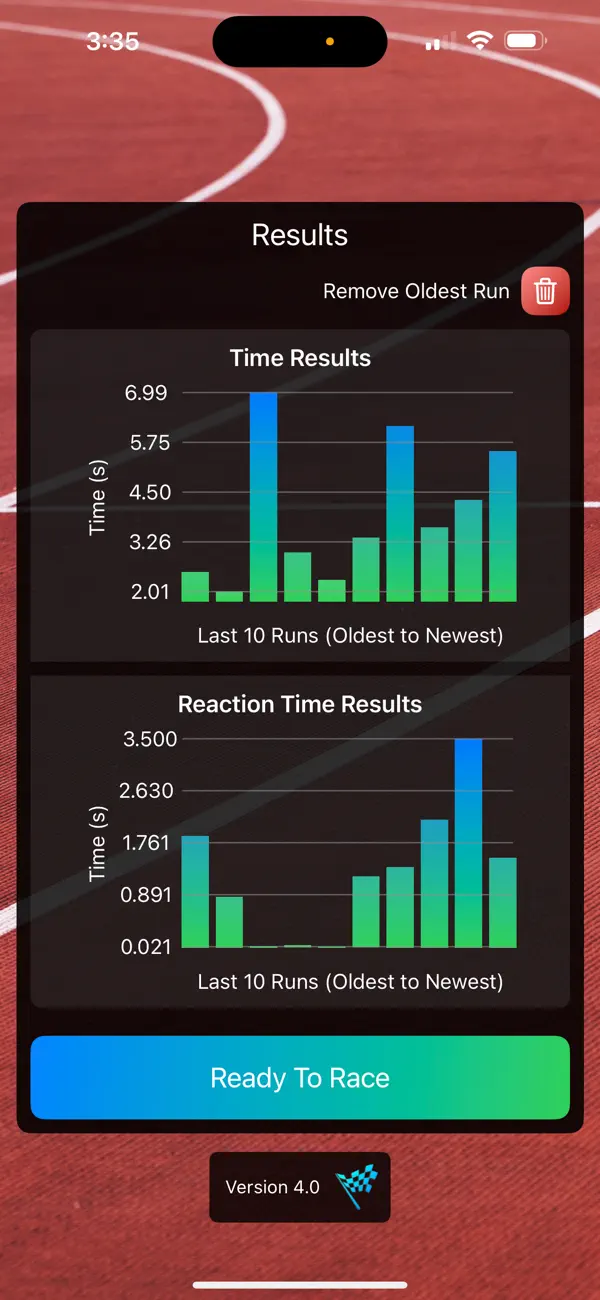
6.See your 10 previous Results all the time.
5. Look at your time, and try to beat it by restarting.
The time between the warning and the signal depends on the sport selected. The time itself always have a max coresponding to the sport:
Ice Cross (in between 2 to 5 seconds)
Snowboard Cross (in between 2 to 5 seconds)
Ski Cross (in between 1 to 3 seconds)
Horse Racing (in between 2 to 5 seconds)
Sprint (in between 0.8 to 1.5 second)
Swim (in between 0.5 to 3 second)
Rowing (in between 1.5 to 3 second)
Kayak (in between 1.5 to 3 second)
Motocross (in between 1.5 to 3 second)
BMX (in between 0.1 to 2.7 second)
Speed Skating (in between 0.8 to 1.5 second)
Quoi de neuf dans la dernière version ?
App is free
Voice Control and All Sports available for one "Pro Features" purchase.
More details on how to use the app.