RaceCapture
iOS Universel / Sports
Transform your phone or tablet into a dashboard that can transmit real-time telemetry for RaceCapture/Pro - a powerful Data Acquisition system by Autosport Labs. Learn more at http://www.autosportlabs.com
Features
* Design custom dashboards that you can share with friends
* Stream real-time telemetry to Podium http://podium.live for live analysis, sharing, lap comparison and playback
* In app analysis features - import your RaceCapture log file data and inspect your lap data!
* Automatic, configurable pit stop timer for endurance racers
* Show predictive lap times using RaceCapture/Pro's high performance GPS
* Customize gauges with sensor data, OBDII and CAN bus data streams from the RaceCapture system
* Automatic track map detection with support for hundreds of race tracks
* Fully configure all of the features and settings in RaceCapture/Pro - no laptop needed!
Getting started:
* Full quick-start guide: http://wiki.autosportlabs.com
* Power up your RaceCapture device
* Connect your iOS device to RaceCapture's WiFI network
* Start the Race Capture app
* The app will automatically search and connect your RaceCapture system.
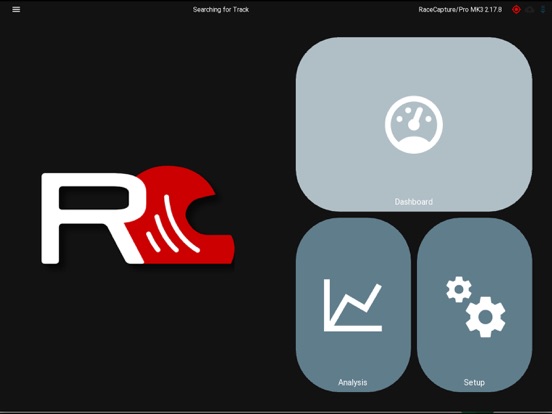
* Select the dashboard view and navigate the different screens. Here you can customize the screens with the channels you have enabled.
Troubleshooting:
* Make sure you're on the latest version of the RaceCapture firmware
* If you have trouble connecting via WiFi:
* * Verify you're connected to RaceCapture's wifi network. Alternatively, you can configure your RaceCapture device to connect to your phone's hotspot, or you can connect both devices to a common WiFi access point.
* * More troubleshooting at: http://wiki.autosportlabs.com and forums at http://forum.autosportlabs.com
Quoi de neuf dans la dernière version ?
==2.18.0==
* New: Add RaceCapture/Track MK4 to setup wizard
* New: Add BTLE connection support for compatible systems (RaceCapture/Track MK4, PodiumConnect/Micro)
* New: Add TPMS setup page for compatible systems (RaceCapture/Track MK4, PodiumConnect/Micro)
* New: Support logfile channel precision for import / export
* New: Make bottom dashboard bar visibility customizable
* New: Add option to enable/disable thermal image gauge scale
* New: Allow dashboard / analysis pages to be constrained by aspect ratio
* Fix: Make back button / ESC key dismiss dialogs and current operations to improve UX
* Fix: Change app orientation to "Any" by default to improve UX
* Fix: Adjust position of various on/off switches in setup to be more accessible
* Fix: Always make import button visible on logfile import screen
* Fix: Clarify the "send telemetry from app" option under app preferences to avoid user confusion
* Fix: Make window resizing more efficient
* Fix: Improve design, usability, and consistency of pop-up dialogs
* Fix: Thermal image gauge crash that prevented normal operation
* Fix: Improve UI/UX of presets navigation system