Blur Background - StudioBlur
iPhone / Style de vie
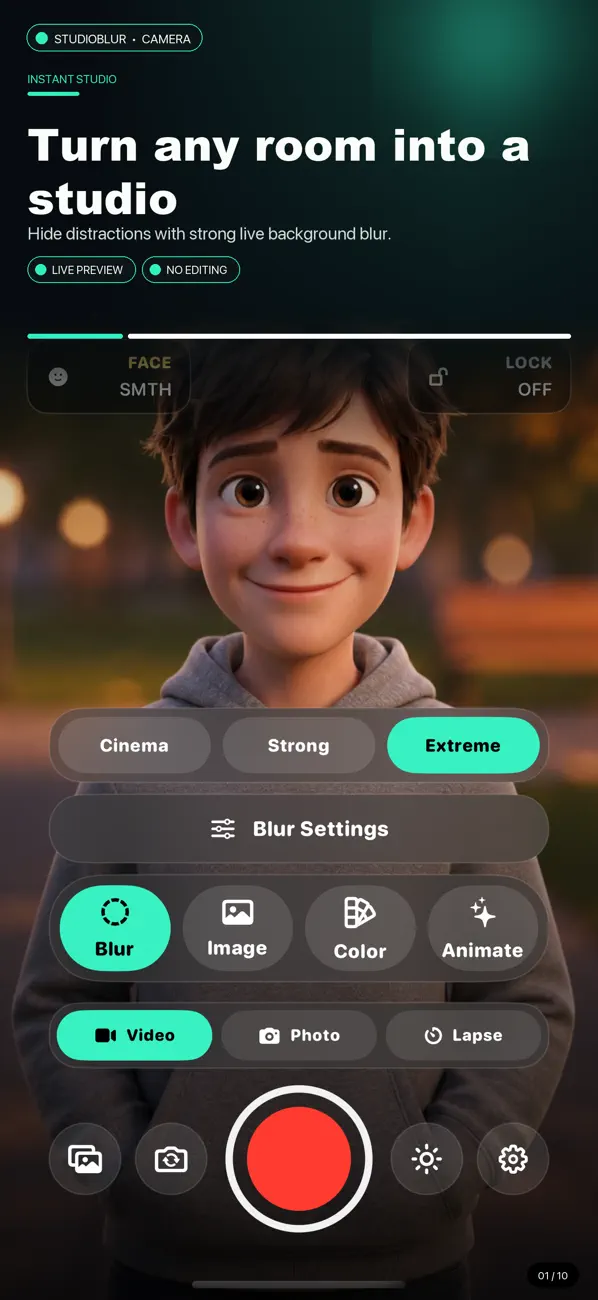
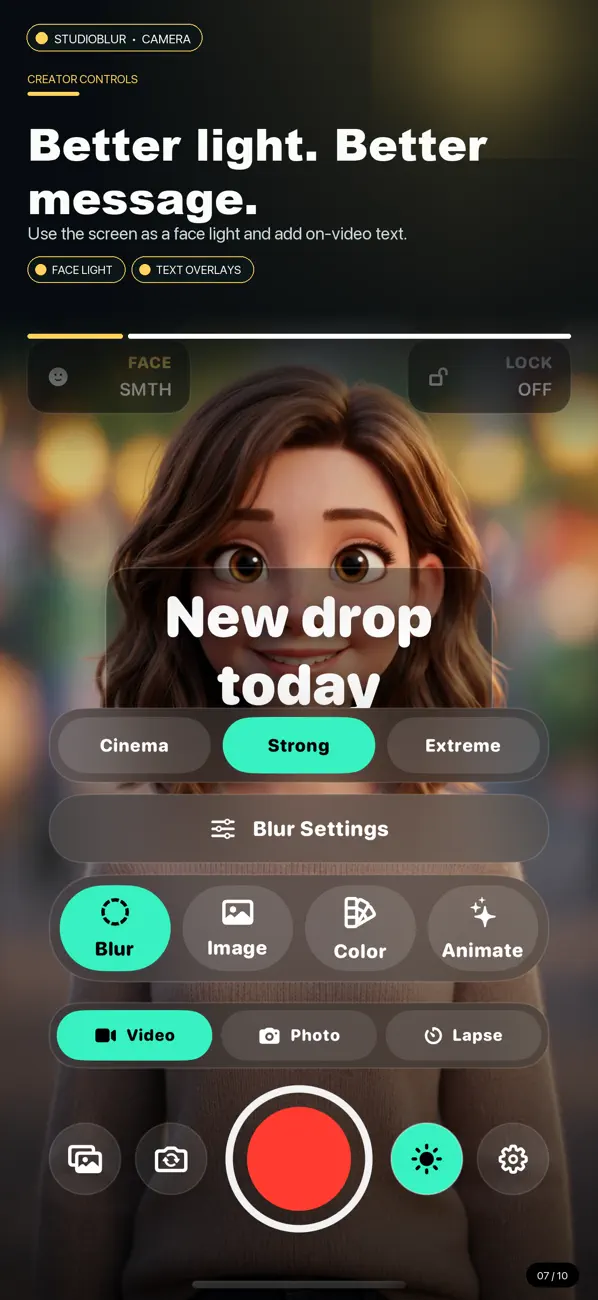
StudioBlur Camera is a creator video recorder for hiding messy rooms and building a cleaner shot before you press record.
Use strong real-time background blur, replace your background with a photo or video from Photos, pick a clean solid color, or switch to generated animated studio backgrounds. Record with the front or back camera, choose portrait or landscape framing, then save to Photos and share.
Features:
Blur mode with Cinema, Strong, and Extreme looks
Image mode with photo and video backgrounds from Photos
Color mode with preset colors and a custom color picker
Animate mode with 23 built-in moving background styles
Face smoothing controls for a cleaner on-camera look
Front and back camera support
9:16, 1:1, and 16:9 recording
Auto-save to Photos after recording
Play or Share after export
On-device processing with no account required
StudioBlur Camera is built for creators, sellers, coaches, founders, and anyone who wants a better-looking video without cleaning the room or opening an editor.
Quoi de neuf dans la dernière version ?
What’s New:
Updated with better AppStore screenshots
Added foreground split editing for virtual backgrounds
Added diagonal split lines with adjustable angle and position
Added image zoom controls for better background alignment
Added realistic desk foreground support for office-style scenes
Added a finalizing screen with progress feedback after recording
Improved Photos shortcut behavior and background selection flow