Christian Life Journal
iOS Universel / Style de vie
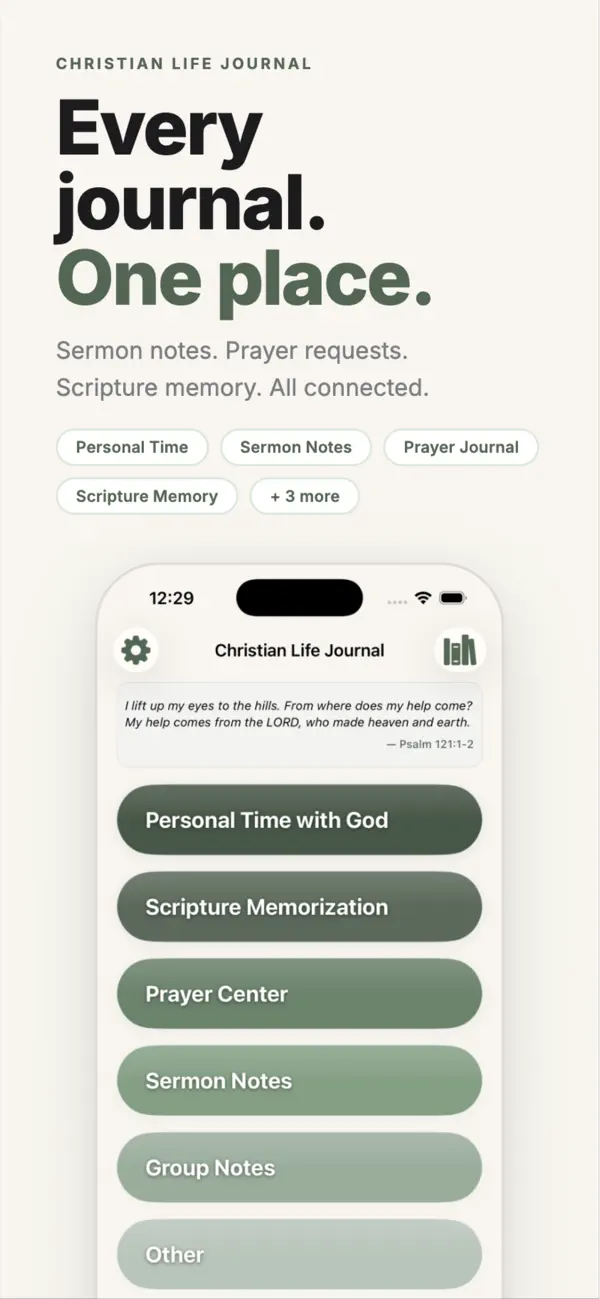
Every journal. One place.
Managing your spiritual life shouldn't require a system just to find your system.
If you've shown up to church with last week's sermon notes in one notebook, your prayer list in another, and your Scripture cards stuffed in your Bible — you already know the problem.
Christian Life Journal brings every dimension of your faith into one organized, searchable app. One less thing to manage. One more thing to trust.
---
EVERY JOURNAL TYPE YOU NEED
Personal time with God. Sermon notes. Prayer thoughts. Scripture memorization. Prayer requests. Group study notes. There's a dedicated space for all of it — no more wondering which notebook to grab.
PRAYER REQUESTS THAT DON'T GET LOST
Add requests, track how many days you've been praying, and record when God answers. Your entire prayer history — answered and ongoing — always with you.
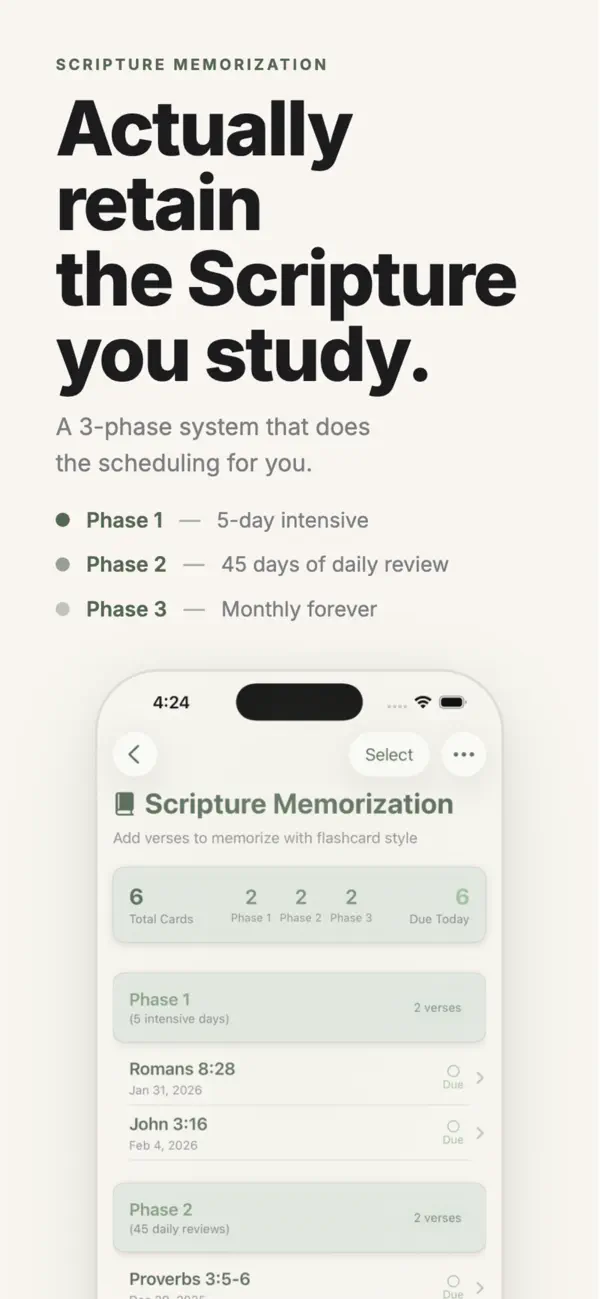
SCRIPTURE MEMORIZATION THAT ACTUALLY WORKS
Our built-in 3-phase system takes you from first reading to lifelong memory. Type a Scripture reference and we'll fill in the verse automatically.
FIND ANYTHING, INSTANTLY
Full-text search across every entry you've ever written. Organize with tags, binders, and speakers. Years of journals, searchable in seconds.
YOUR DATA, YOUR WAY
Sync across all your devices using any cloud service — iCloud, Dropbox, Google Drive, or any folder you choose. Your journal goes where you go.
FREE FOR 90 DAYS
Explore every feature, free for 90 days. After your trial: $0.99/month or $9.99/year.
---
Stop managing multiple journals. Start focusing on what matters.
Terms of Use (EULA): https://www.apple.com/legal/internet-services/itunes/dev/stdeula/
Terms of Service: https://christianlifejournal.vercel.app/terms-of-service
Privacy Policy: https://christianlifejournal.vercel.app/privacy-policy
Quoi de neuf dans la dernière version ?
Version 1.6.0 brings major improvements to Scripture study, better use of iPad's screen, and Real-Time Sync:
iPad Redesign
Christian Life Journal now has a fully redesigned iPad experience. A split-view layout lets you browse and read entries side-by-side, with improved spacing and typography built specifically for larger screens.
Real-Time Sync
A new optional sync tier keeps your journal up to date across all your devices instantly — no waiting for iCloud file propagation. Enable it in Settings → Real-Time Sync. No account required.
Inline Scripture Cards
Type any Bible reference followed by a space (e.g. "John 3:16 ") in your notes and it's automatically replaced by a verse card showing the full text. Tap any card to change the translation or adjust the verse range.
Auto-Save to Passage List
Inline Scripture cards can also be automatically added to the passage list for that entry as they're created — no extra steps needed.
Compare Translations on Memory Verses
Enable comparison mode on any Scripture memory verse to see it side-by-side with a second translation, helpful for deepening your understanding as you memorize.
Bible Translation Settings
A new dedicated settings page (Settings → Bible Translation) lets you choose your primary translation for auto-fill and set a default comparison translation.
Custom List Ordering
Tags, Speakers, and Prayer Categories can now be sorted in a custom manual order. Tap Reorder on any of those settings pages, switch to Manual, and drag items into the order you want.