Ad Silencer
iOS Universel / Utilitaires
Ad Silencer is a clean, lightweight Safari content blocker for iPhone and iPad that reduces ads and pop-up interruptions. No VPN, just Safari content-blocking rules.
Simple by design
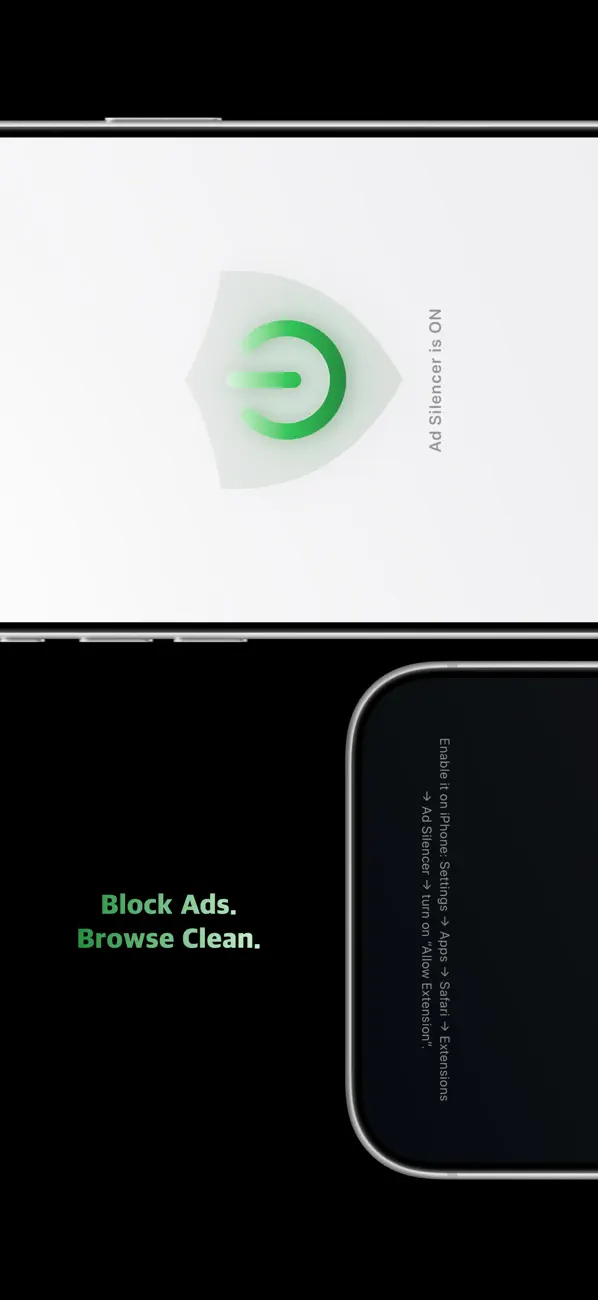
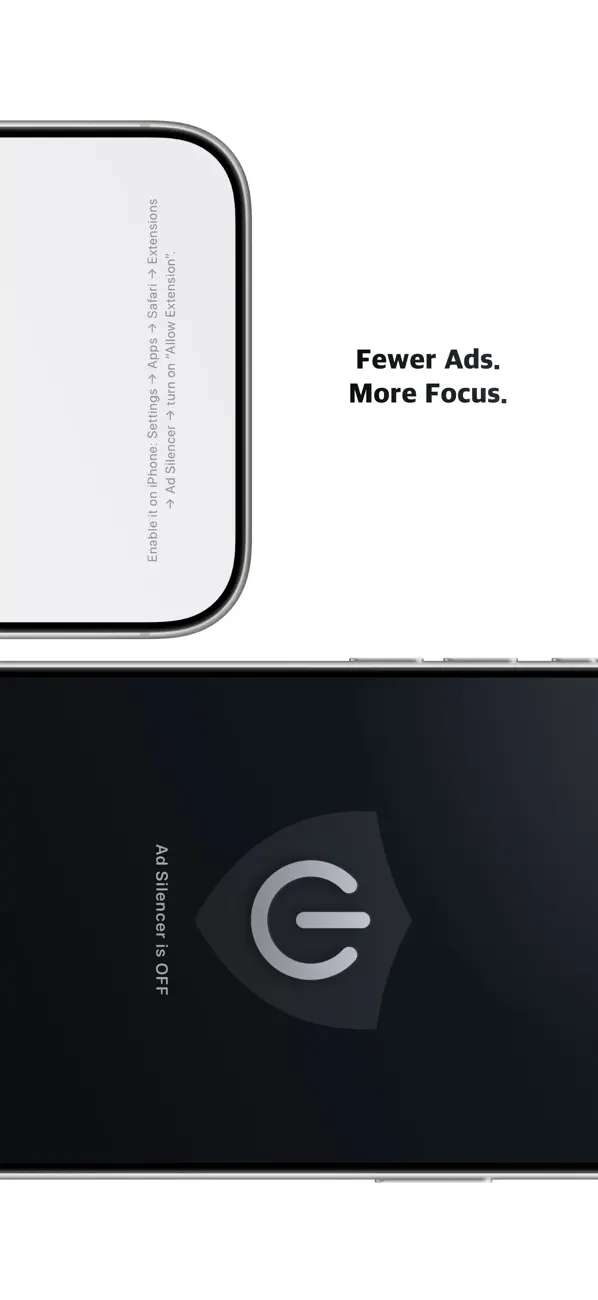
- Clear ON/OFF status so you know when blocking is active.
- Lightweight, minimal interface with no clutter.
Setup (once)
1. Open the Settings app.
2. Go to Apps > Safari > Extensions.
3. Turn on Ad Silencer.
4. Optional: allow it on all websites.
Notes
- Ad Silencer is a Safari content blocker. The control lives in Safari’s extension settings, while the app helps you check whether it’s enabled.
- Some websites may work better if you temporarily turn the blocker off.
Quoi de neuf dans la dernière version ?
- Refined the UI for a simpler, cleaner experience.
- Fixed minor bugs and improved performance and stability.