AirBoard: Bluetooth Mouse
iOS Universel / Utilitaires
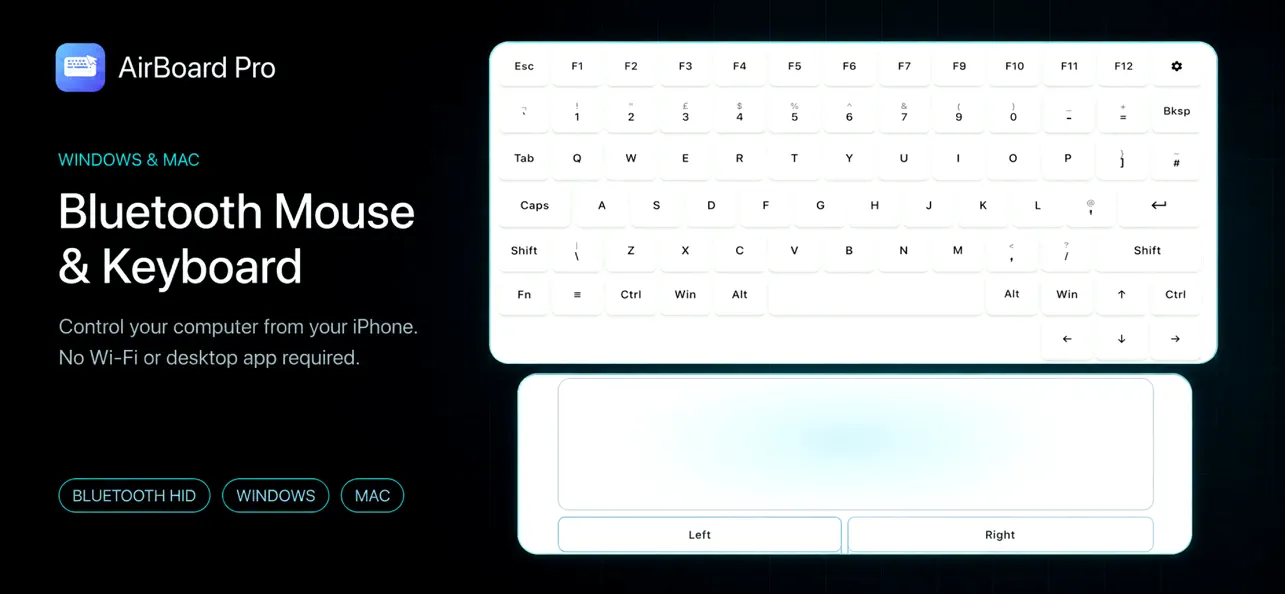
Turn your iPhone or iPad into a real Bluetooth keyboard, mouse, and touchpad for your Mac or Windows PC.
Pair once in Bluetooth settings and start controlling your computer. AirBoard sends standard Bluetooth HID input directly to the paired device — no shared Wi‑Fi, desktop app, drivers, or USB receiver required.
KEY FEATURES
• Wireless Keyboard
Type with a full keyboard, function keys, arrows, modifiers, and everyday shortcuts.
• Precision Touchpad
Move the pointer, click, double-click, right-click, drag, and scroll using familiar touchpad gestures.
• Built for Mac and Windows
Switch between Mac and Windows keyboard layouts and controls.
• Direct Bluetooth Connection
Your computer recognizes AirBoard as a standard Bluetooth keyboard and mouse. Pair from system Bluetooth settings and use it anywhere nearby.
• Shortcuts and More Keys
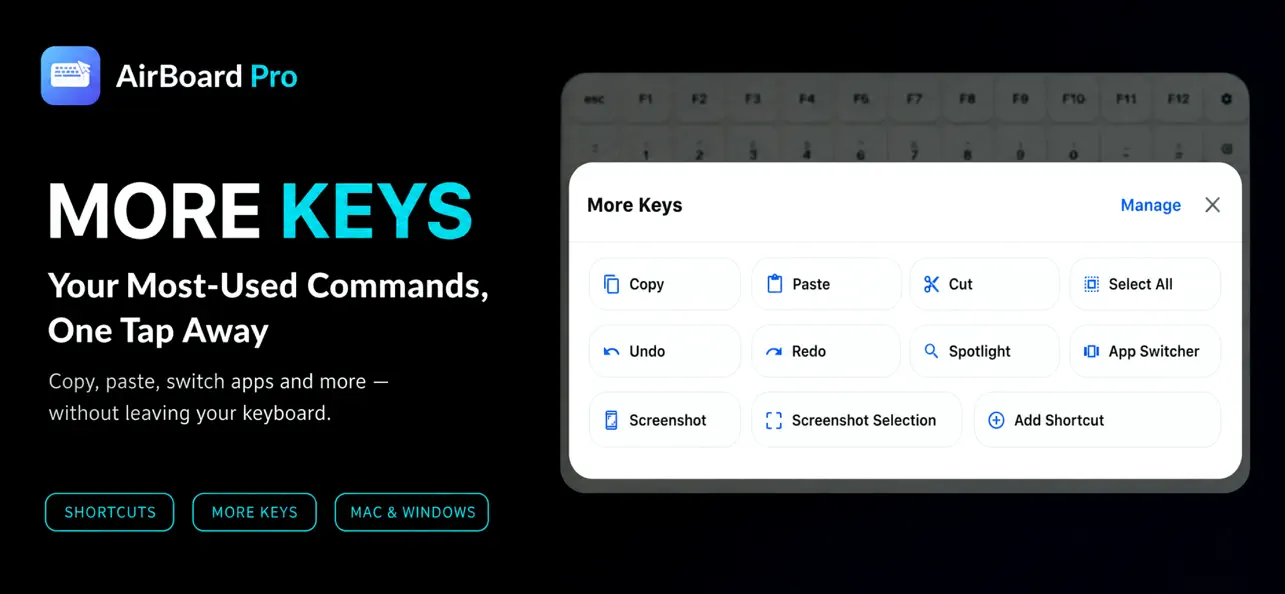
Access common actions quickly, including copy, paste, undo, navigation keys, function keys, and modifiers.
• Adjustable Controls
Fine-tune pointer speed, scrolling, natural scrolling, gestures, and shortcuts for the computer you use.
PERFECT FOR
• A missing or broken keyboard or mouse
• Presentations, media control, and couch use
• Quick typing and shortcuts from across the room
• Turning your iPhone into a portable computer controller
Start with a 3-day free trial. Unlock the full experience with a one-time lifetime purchase. No subscription.
Support: https://airboardpro.com/support
Privacy Policy: https://airboardpro.com/privacy
Quoi de neuf dans la dernière version ?
Added an in-app Contact Support option.
You can now easily get help with purchases, restoration, or Pro activation.
Improved purchase event handling to prevent restored purchases from being counted twice.
Improved error messages and overall stability.