Auto Scroll Plus
iOS Universel / Utilitaires
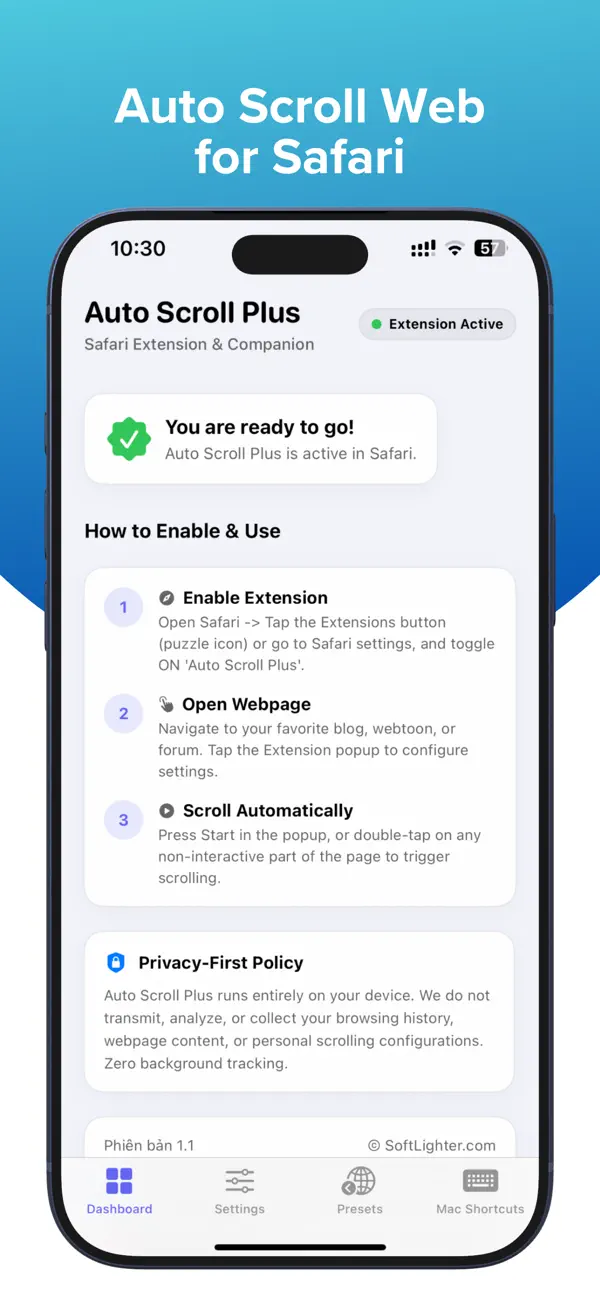
Auto Scroll Plus is a Safari extension that scrolls webpages for you, so you can read and browse more comfortably without constant swiping. It’s great for news, blogs, forums, articles, webtoons, and other long pages in Safari.
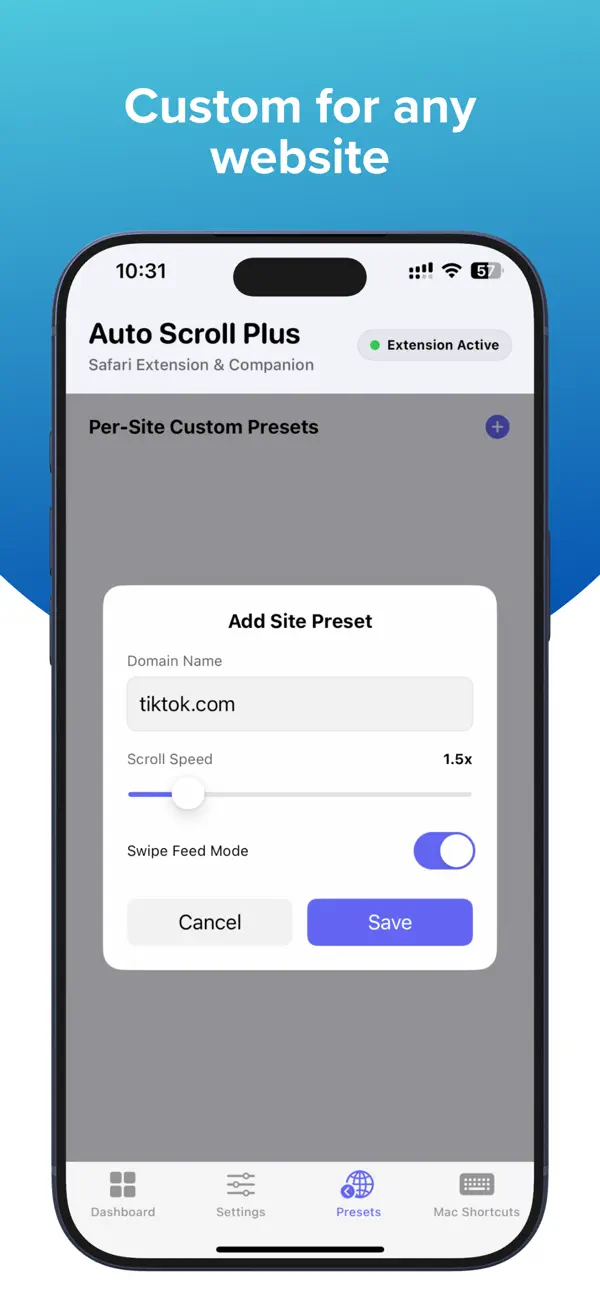
With Swipe Mode, Auto Scroll Plus can also help you move through supported vertical feeds more comfortably. The app is designed to reduce hand fatigue, stay lightweight, and keep the experience simple.
Included Features
Auto Scroll for Safari.
Swipe Mode for supported vertical feeds.
Adjustable scroll speed.
Timer control.
Pause and resume anytime.
Double-tap to start or stop on iPhone and iPad.
Optional + / - speed buttons in the extension popup.
Lightweight operation with no unnecessary background activity.
Privacy
100% local operation.
No browsing history is collected or transmitted.
No usage history is collected or transmitted.
Device Support
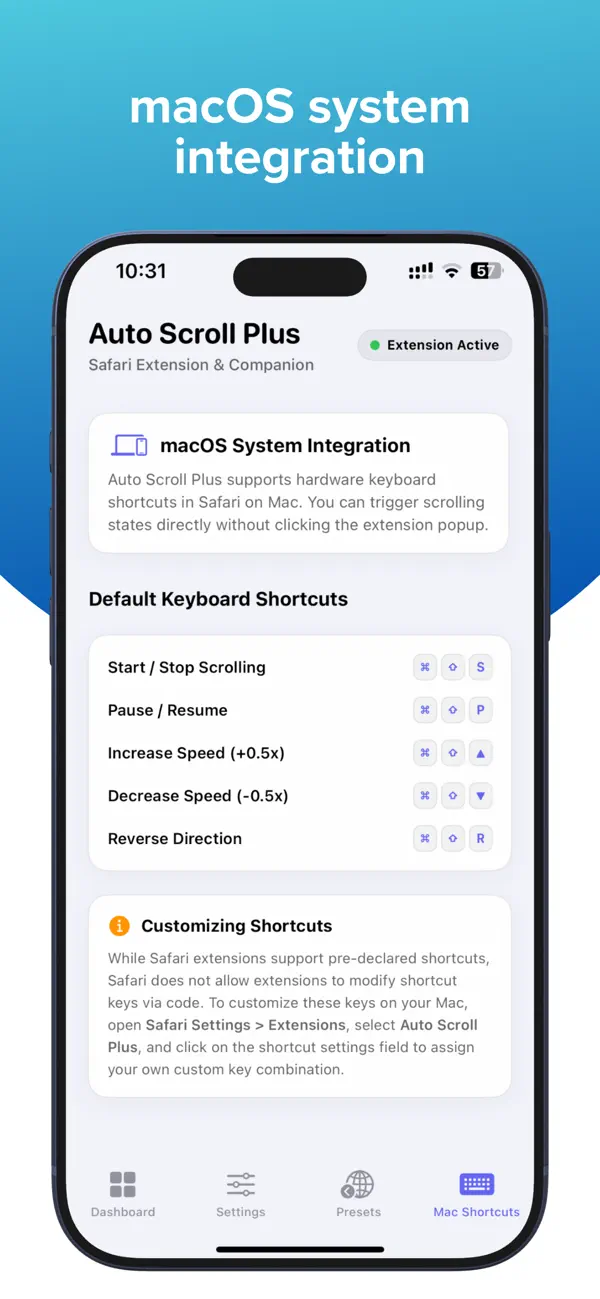
Works with Safari on iPhone, iPad, and Mac.
Some gesture-based controls are available only on iPhone and iPad. Safari extensions are supported across Mac, iPhone, and iPad, and users enable them in Safari settings on each platform.
How to Enable the Extension
On iPhone and iPad: Go to Settings, open Safari, tap Extensions, select Auto Scroll Plus, and turn on Allow Extension.
On Mac: Open Safari, go to Safari > Settings, click Extensions, and enable Auto Scroll Plus.
Notes
On some websites, or depending on Safari system behavior, scrolling or swiping may stop or not work as expected. If that happens, fully quit Safari and relaunch it.
Privacy Policy: softlighter.com/auto-scroll-plus/privacy