BowlersAI
iOS Universel / Utilitaires
Better coaching. Better bowling.
BowlersAI is the bowling development platform for bowlers, coaches, and families. Whether you are working to raise your average, coaching a team, or supporting your child on the lanes — BowlersAI puts everything you need in one place.
Most bowling apps stop at the score. BowlersAI goes further — helping you plan your practice, track your progress, connect with a certified coach, and review your results with AI-powered insights.
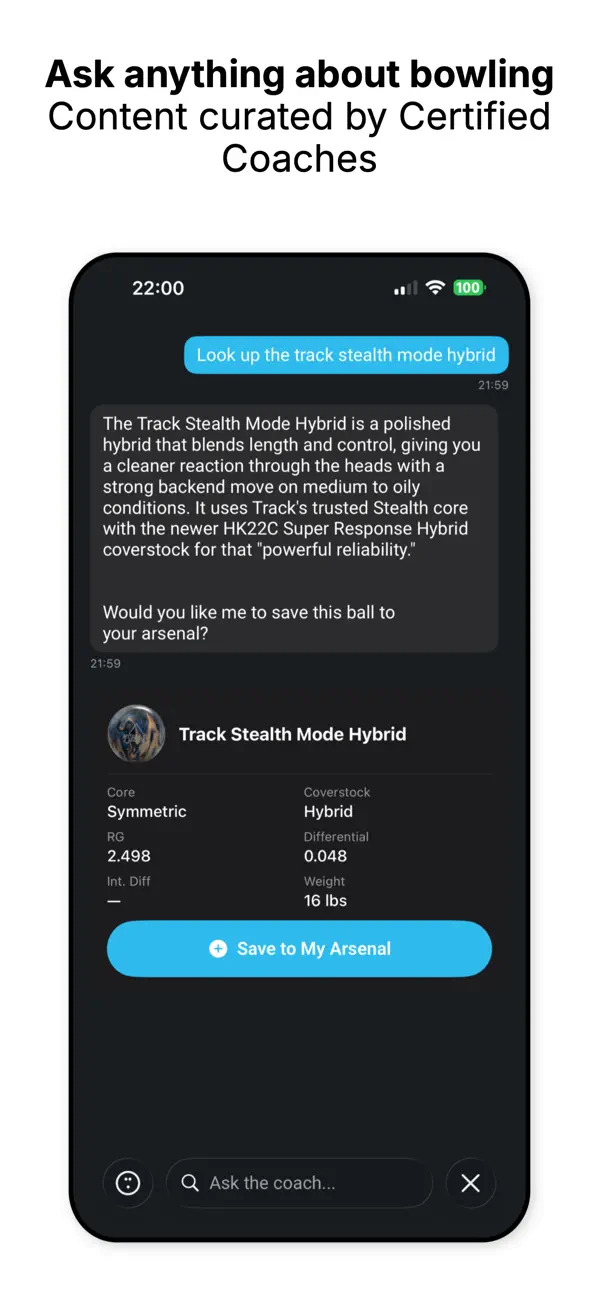
AI Assistant Coach
Ask anything about bowling. Look up any ball by name, get specs and recommendations, and save it to your arsenal. Get personalized tips based on your game.
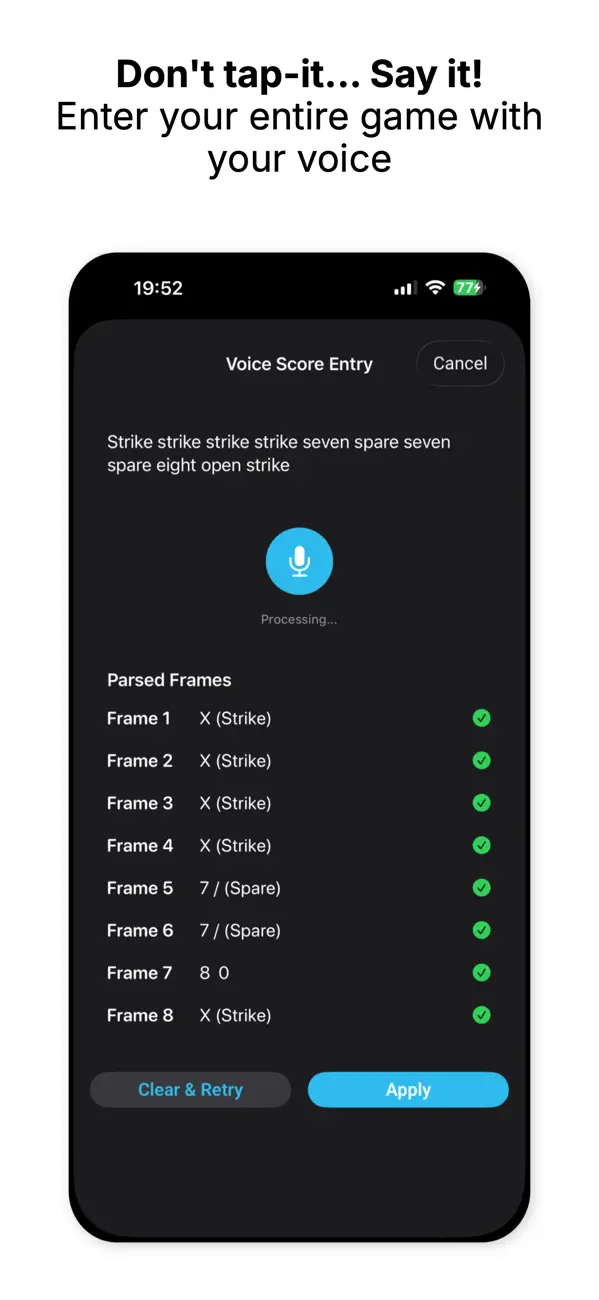
Voice Score Entry
Don't tap it — say it. Enter your entire game by voice, frame by frame or all at once.
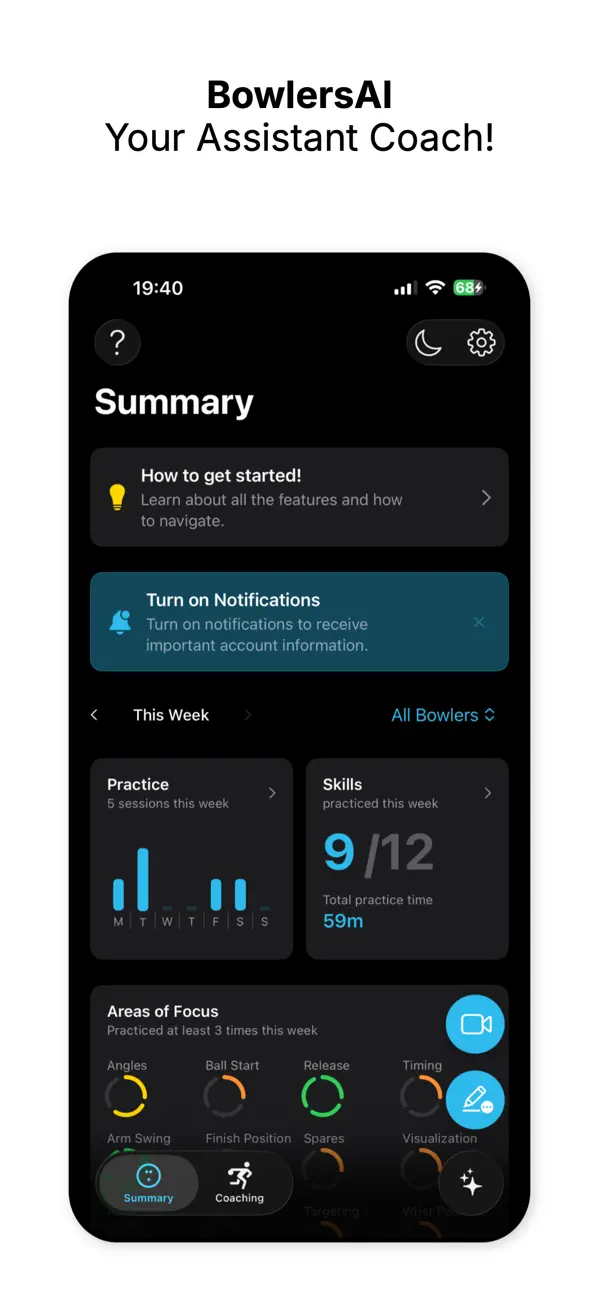
Practice Tracking
Timed sessions with hit/miss tracking across 12 areas of focus. Build accountability into every session and share results with your coach.
Video & Evaluations
Record your approach. Certified coaches evaluate your physical game and share detailed feedback with you and your family through our web app — no download required.
Spare System
Know where to stand, where to aim, and which ball to use for every spare combination.
Lane Whiteboard
Visualize your target line before you throw. Draw, adjust, and plan on a full lane diagram.
BowlersAI is built on the PAR and GEM principles — a complete framework for decision-making and coaching that helps bowlers take ownership of their development. Because every bowler is the head coach of their own game. We are the assistant on your staff.
Terms of Use: https://bowlersai.com/terms
Quoi de neuf dans la dernière version ?
New in 3.2.0
Movement Analysis
Analyze any saved video right on your device — no upload — to study your approach:
• Center of gravity with a motion trail
• Shoulder, hip and spine alignment lines
• Head-tracking circle
Ball Maintenance
• Keep tabs on each ball's care — last surface prep date, grit applied and whether it's polished — now visible on your ball list.
Fixes & polish
• The keyboard no longer covers form fields
• Tap the video to show or hide playback controls