Call for Help - Big Buttons
iPhone / Utilitaires
Call for Help makes it simple to reach help fast.
Designed for clarity, speed, and ease of use, this app provides large, easy-to-tap buttons to call emergency services, family members, doctors, or caregivers without confusion or clutter. Every part of the app is built to reduce friction and make it easier to take action when it matters most.
Whether for seniors, caregivers, or anyone who wants quick access to important contacts, Call for Help delivers a clear, reliable, and easy-to-understand experience.
Emergency Calling Made Simple
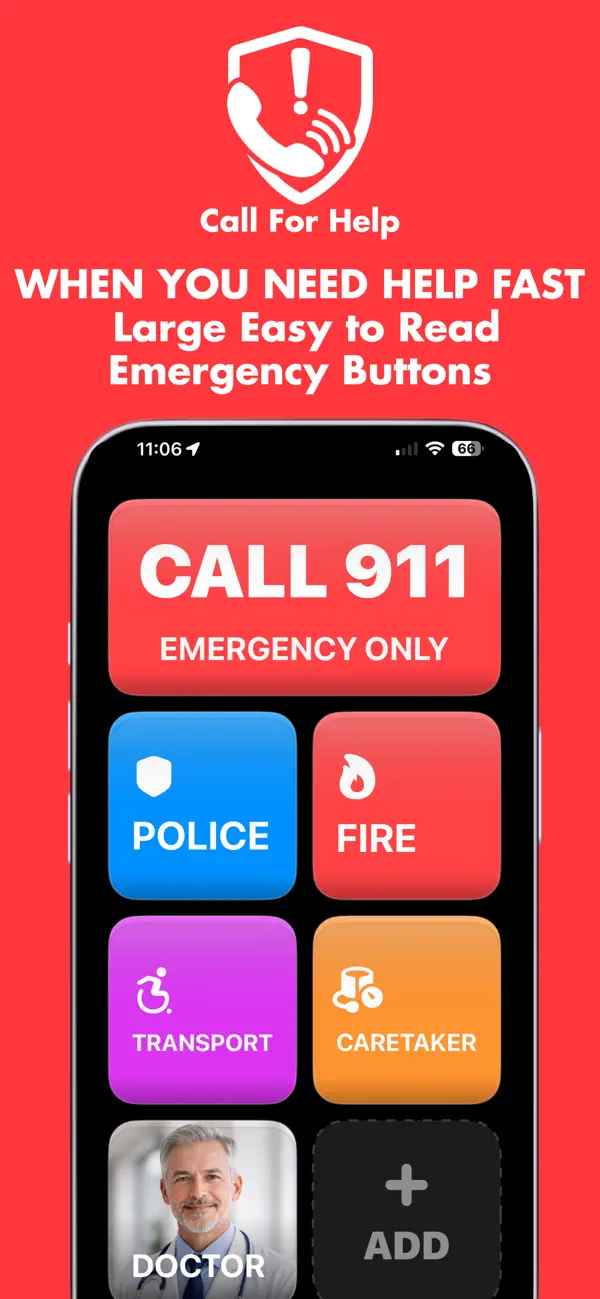
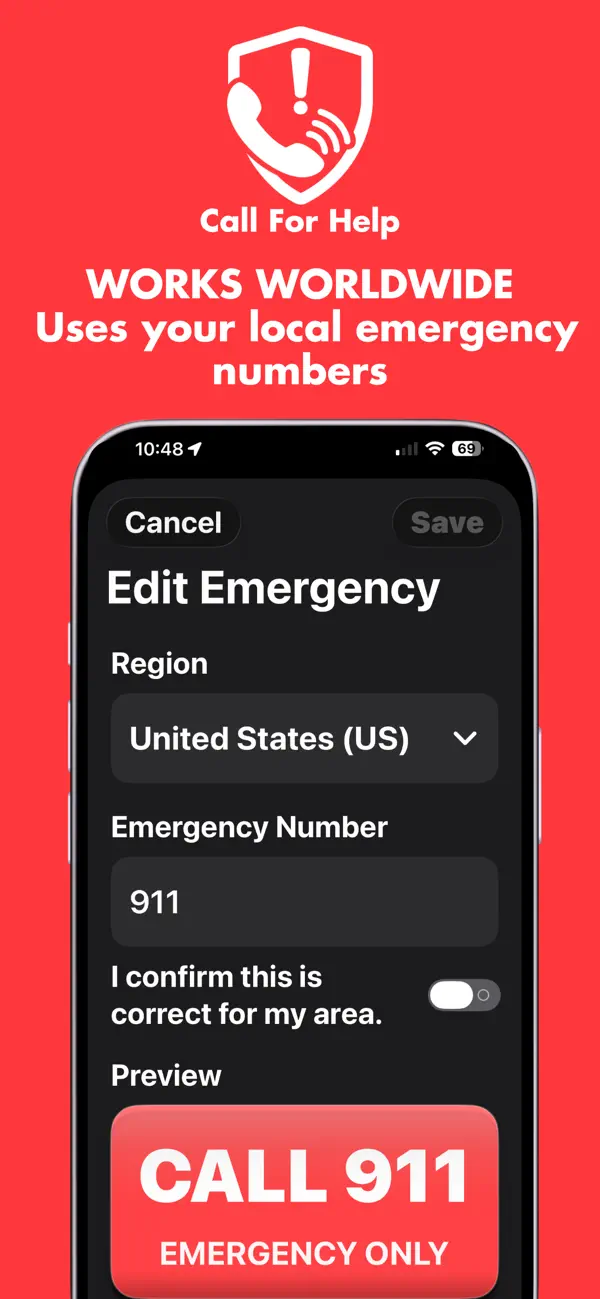
Quickly call your region’s emergency number such as 911, 112, or other local emergency services. The emergency button is clearly labeled and easy to access, helping reduce hesitation and confusion in urgent situations. Large buttons and simple wording make it easy to recognize the right action immediately.
Custom Contact Buttons
Create personalized call buttons for the people who matter most. Add family members, caregivers, doctors, neighbors, or any important contact.
Customize each button with a clear label such as:
Call Daughter
Call Son
Call Doctor
Call Caregiver
Assign a phone number to each button and arrange them in the order that makes the most sense for you. This allows fast, direct access without searching through contacts or navigating complex menus.
Large Button, Easy-to-Use Interface
Call for Help is built with simplicity as the priority.
Large tap targets make buttons easy to press
High contrast design improves visibility
Clean layout removes distractions
Minimal text keeps everything easy to understand
The interface is designed to reduce mistakes and make interaction as straightforward as possible, especially for users who may struggle with small text or complicated apps.
Designed for Seniors and Caregivers
This app is especially helpful for:
Seniors who want a simpler phone experience
Caregivers setting up a device for a loved one
Families who want quick access to important contacts
Anyone who prefers large, clear, and simple controls
Call for Help removes unnecessary features and focuses only on what matters: quickly reaching the right person.
Home Screen Widget
Add the Call for Help widget to your Home Screen for even faster access.
Tap once to open the app
No searching or navigating required
Always visible and ready when needed
The widget provides a simple entry point to the app so help is never more than one tap away.
Fast, Direct Calling
Call for Help uses your phone’s built-in calling system to place calls quickly and reliably. There are no accounts to create, no logins, and no unnecessary steps between you and the call you need to make.
Private and Simple
No accounts required
No tracking
No data sharing
No unnecessary permissions
Your contacts and settings remain on your device, giving you full control and privacy.
Built for Real-Life Situations
In stressful or urgent moments, complex apps can slow you down. Call for Help is designed to eliminate confusion and make it easy to act quickly.
Instead of searching through contacts or navigating menus, you can simply tap a clearly labeled button and make the call immediately.
Flexible and Customizable
Set up the app in a way that fits your needs.
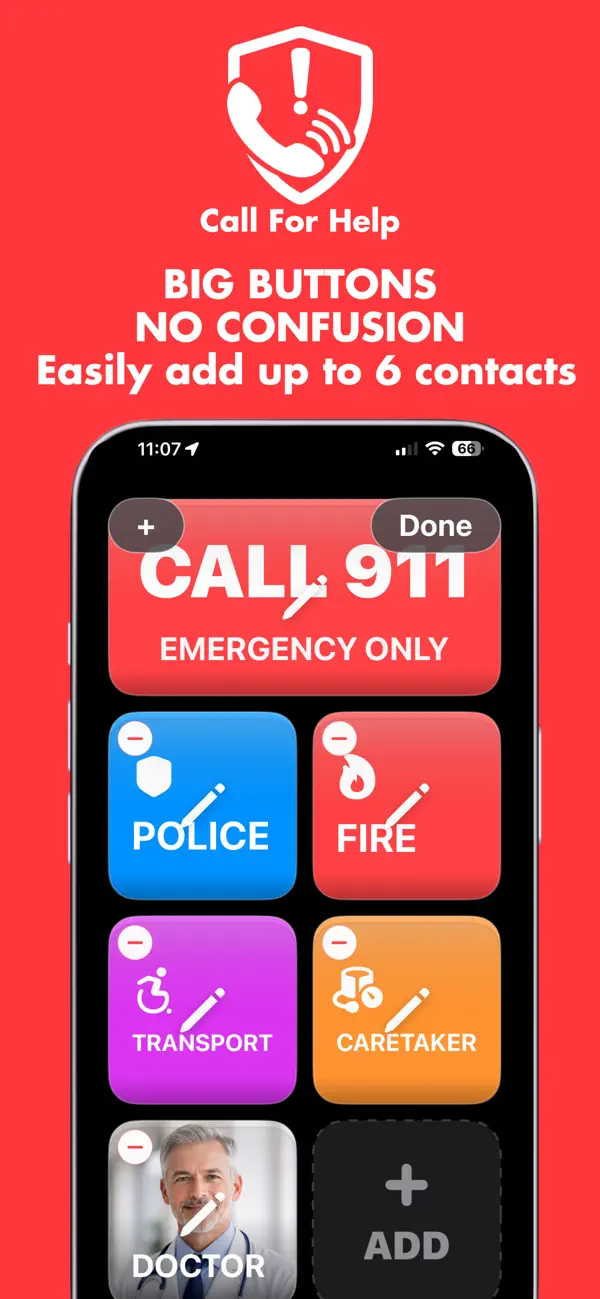
Add as many contact buttons as needed
Change labels at any time
Update phone numbers easily
Reorder buttons for priority access
This flexibility allows the app to adapt to different users and situations, whether it is used for daily convenience or emergency preparedness.
Important Notice
Call for Help is not a replacement for emergency services. It is a tool designed to make it easier and faster to contact emergency services or important contacts using your device’s standard calling functionality.
Always follow local guidelines for emergency situations.
Quoi de neuf dans la dernière version ?
Updated widgets