Conditions Data Collection
iOS Universel / Utilitaires
Data Entry
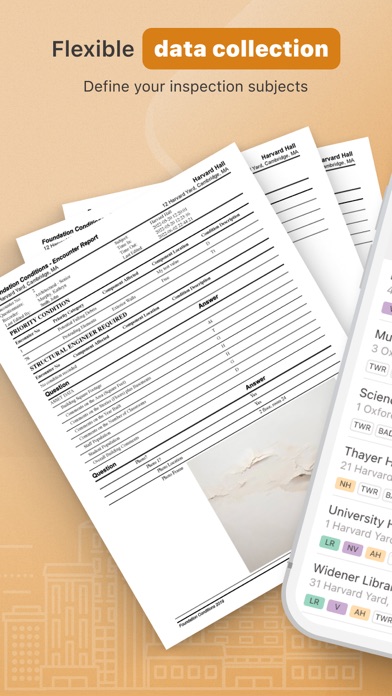
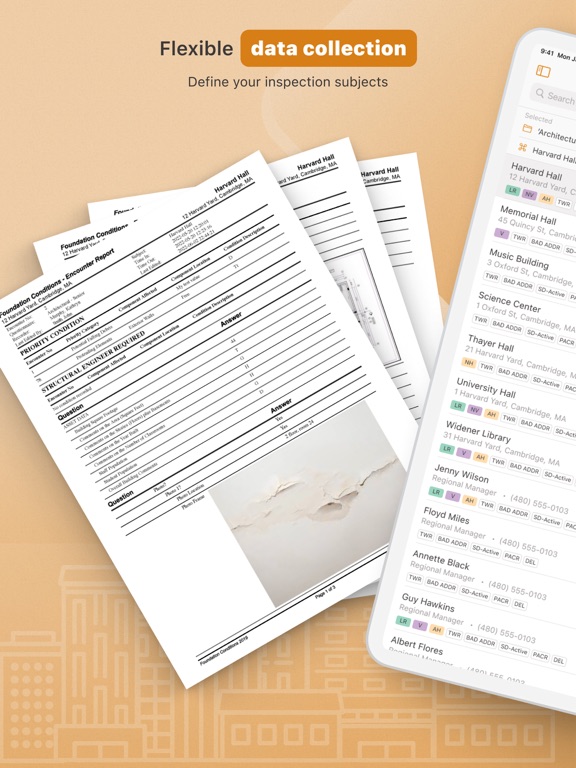
•Users presented with only the relevant questions.
•Logical Branching
•Drill-down features increase efficiency
•Enforced completeness as data is entered
•Validated data with defined ranges and formats
•Version control for answers
•Standard, consistent questionnaire presentation
•Context-sensitive reference information
•Reference window supports photos
•Easy to navigate fields
•Data entry by key pad, stylus, or free form writing
•Optimization for smaller screen devices
•Rotate for both portrait and landscape views
Quality Assurance
•View data as it becomes available
•Time/date stamps create a record of when data was collected
•Audit trails track edits of data by user
•Supports user status
•"Conflict resolution" logic for edited questionnaires
Technology
•Compatible with Microsoft SQL or Oracle databases
•Exportable to various formats
•Utilizes web services, XML
•Compatible with MapForce for data transformation
Security and Authentication
•Encrypted data transmission
•Track what information was entered, when, and by whom
•Supports digital signatures
Battery use disclaimer: Continued use of GPS running in the background can dramatically decrease battery life.
Quoi de neuf dans la dernière version ?
Fixed issues, adjusted behavior.