eBookSort
iOS Universel / Utilitaires
Your eBook Library Is a Mess
Kindle shows you a flat list of everything you've ever bought. Apple Books isn't much better. No genres, no categories, no easy way to browse. Want to find that sci-fi novel you bought two years ago? Good luck scrolling.
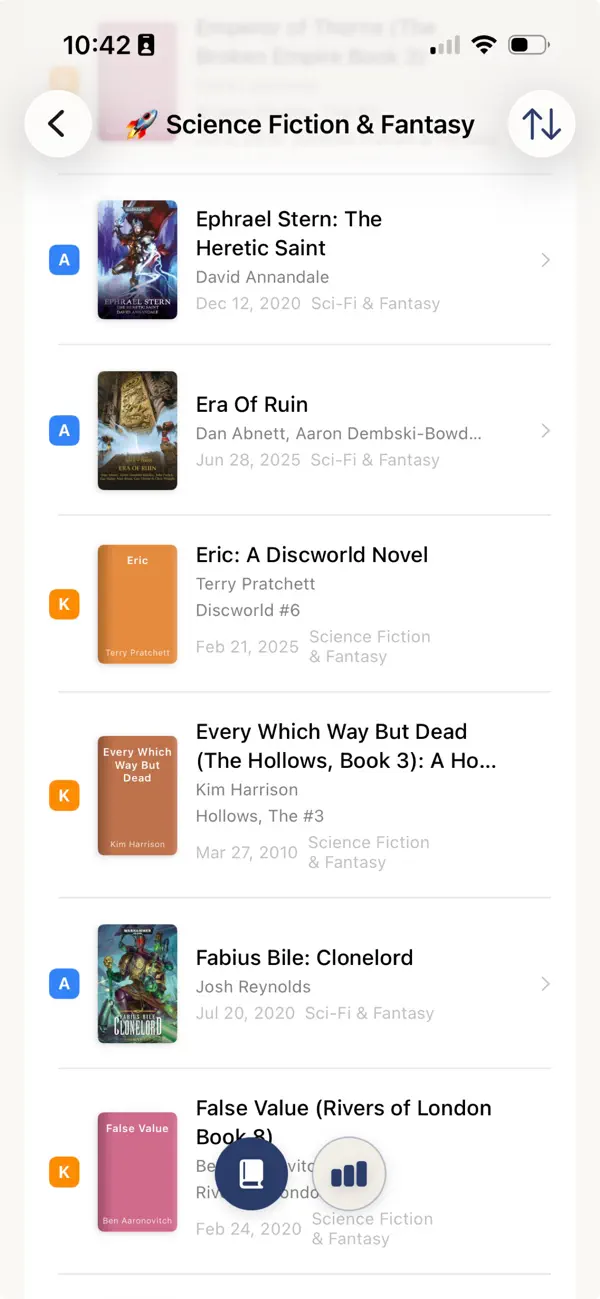
eBookSort fixes this. It reads your Kindle and Apple Books data and automatically groups everything by genre. View each library on its own or browse them as one combined collection. Setup takes about five minutes, and everything runs on your iPhone — your data never leaves your device.
What it does:
Sorts your Kindle and Apple Books by genre automatically,
Identifies book series and reading order (Kindle only),
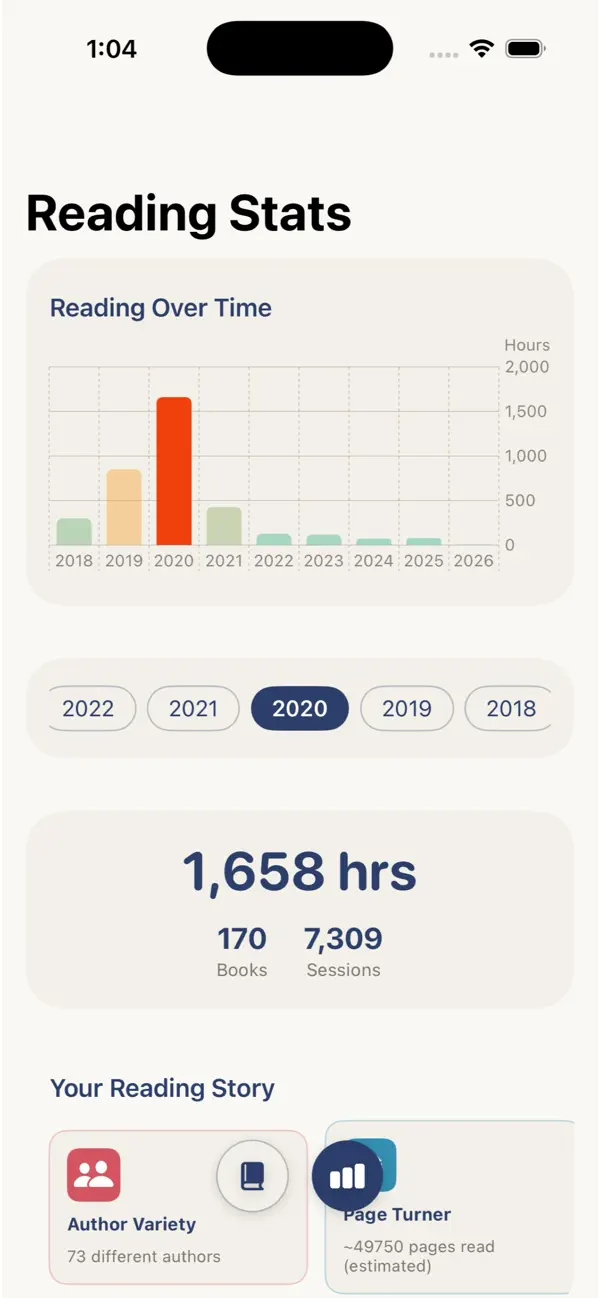
Shows reading time, progress, and reading history (Kindle only),
*Runs on-device. Cover art loads from the Apple Media service— everything else works offline.
Quoi de neuf dans la dernière version ?
More aggressive cover lookup.