Email Reader
iOS Universel / Utilitaires
* What can you do with Email Reader:
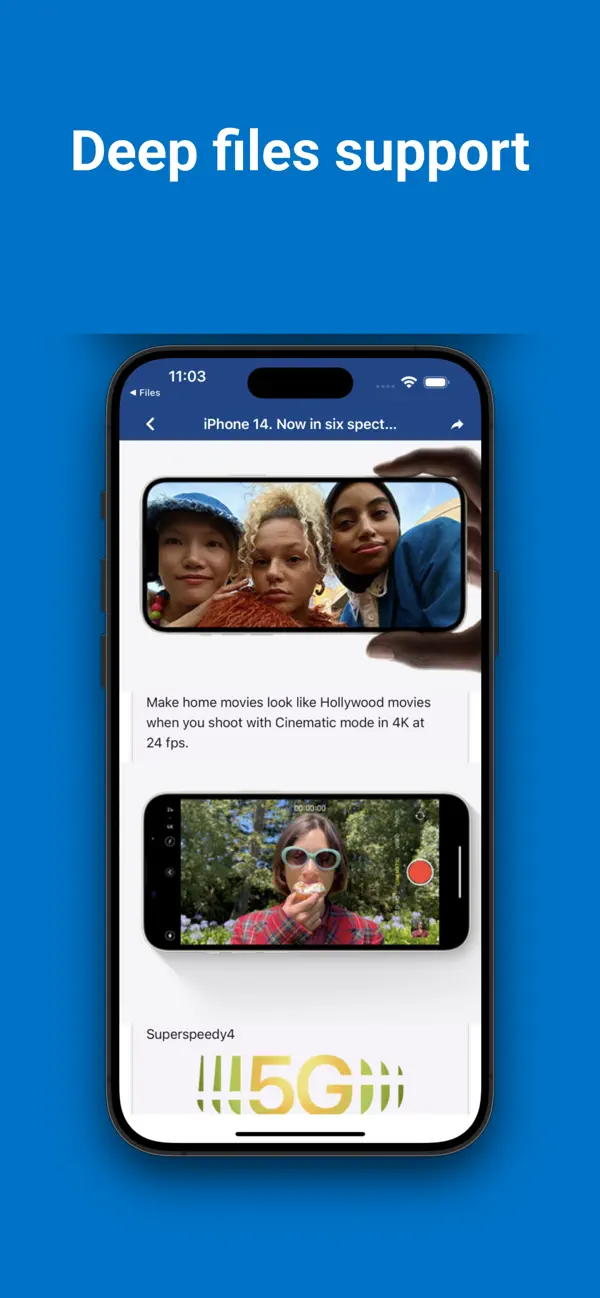
- Read any email file with extension .msg, .eml
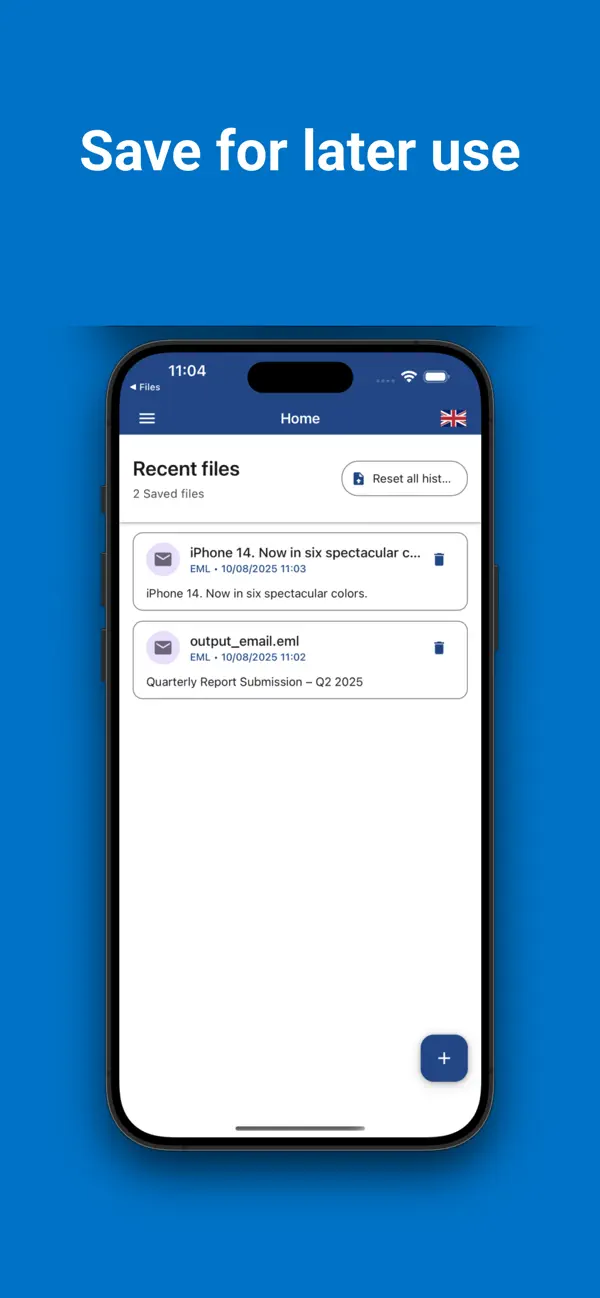
- Save or share email file contents
Read saved mails with MSG & EML file viewer. Extract attachments and text just by a few taps. Intuitive .msg & .eml viewer and reader for everyday use!
* MSG & EML File Reader features:
- View MSG mails
- View EML mails
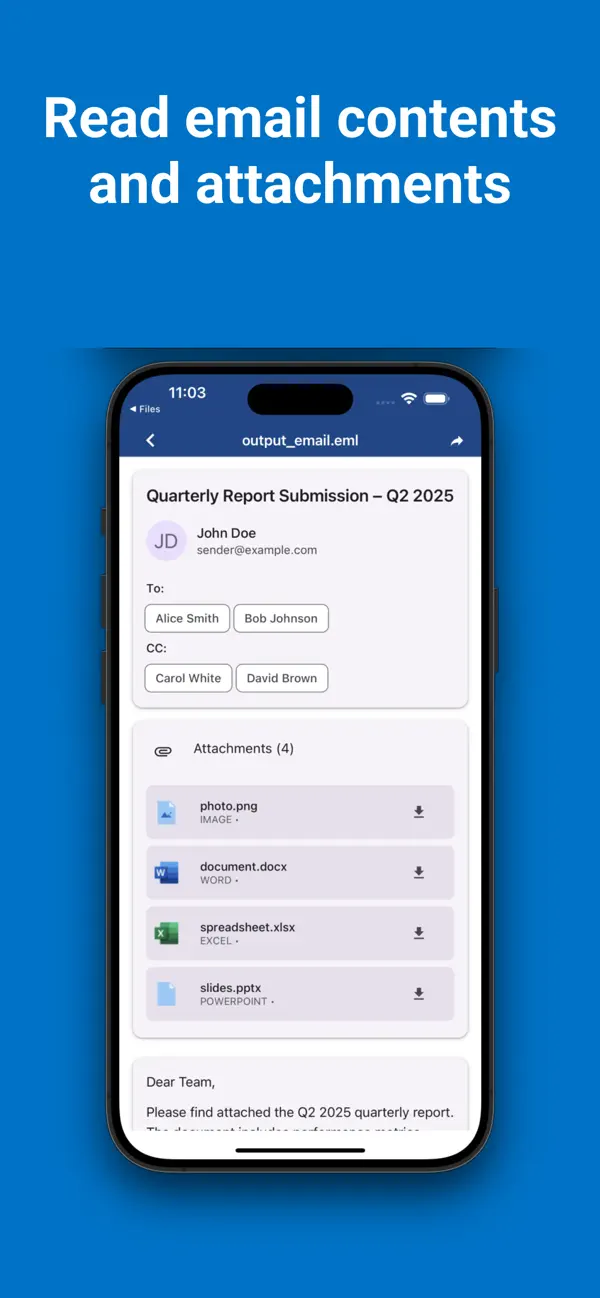
- Shows CC, BCC, Subject, Date
- Extract and save your attachments (even if it's one more mail)
Has saved files from Gmail or another email service? From now, it's not a problem! Just use EML file reader to extract and read message from EML or MSG file. You can even extract and save attachments from mail.
MSG reader will ever help you in a situation when appears an urgent need to look at an old letter to find out the necessary address or data in it. MSG & EML Viewer will help you open such letters, show all the data that is in the letter, and, if necessary, the attached files.
Saved an important photo or file in a letter from Outlook? Use MSG file reader to extract and save the necessary attachment to your internal memory. Now use it like any other regular file.
All links included in the letter are clickable and you don’t have to look for a way to click on it. Any part of the text of your letter can be selected and copied. In MSG & EML Reader everything is done for your convenience.
Msg reader supports all available today msg formats, including attachments in it. But at the same time, it uses external apps to open it. So if your phone doesn't have the right app, please download it from the market.
To open eml file or open msg file, just use an in-build or system file explorer to find it. EML reader file explorer shows only supported formats, so you will not lose your focus. Tap on the circle button on the right part of the screen to open the manager and find your files!
EML and MSG Viewer ask for permissions in runtime, no need to provide all on the start just use it and provide on the go. Even more, it doesn't contain any suspicious permissions. Your safety is constant for us.
If you have any suggestions or suggestions about .msg & .eml File Viewer, as well as if you encounter an error, please send me a form to contact the developer, and I will fix the problem or add new functionality. Of course, if it is in my power
Quoi de neuf dans la dernière version ?
Title: UI Improvements and Performance Enhancements
What’s New:
Redesigned UI – Enjoy a cleaner, modern, and more intuitive interface.
Performance Boost – Faster loading times and smoother navigation throughout the app.
Optimizations – Under-the-hood improvements for better stability and responsiveness.
Update now to experience a more beautiful and responsive app!