FieldLogger
iOS Universel / Utilitaires
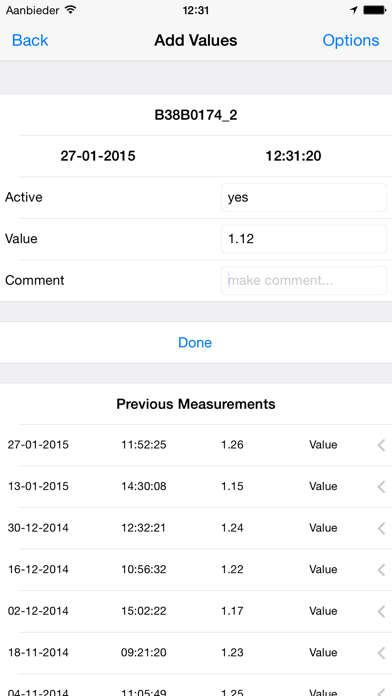
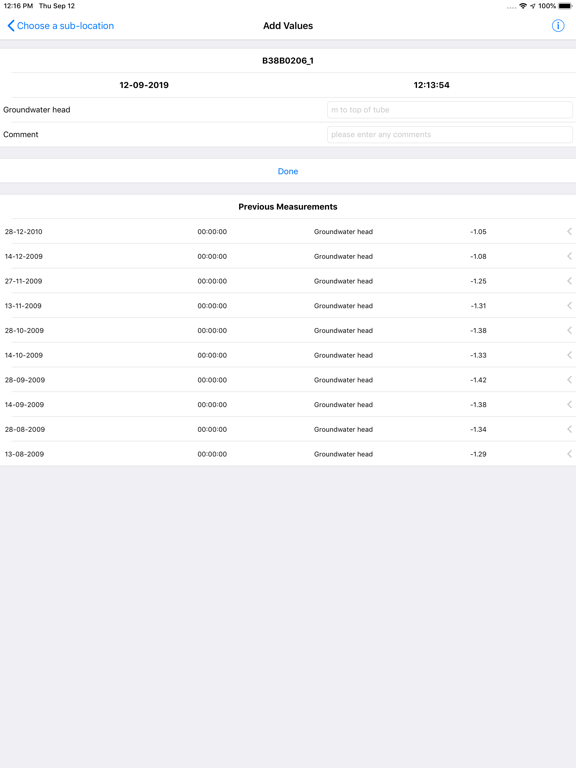
Use FieldLogger to conduct location-bound measurements in the field, store the values on your phone in csv-format, and share the measurements by mail or FTP.
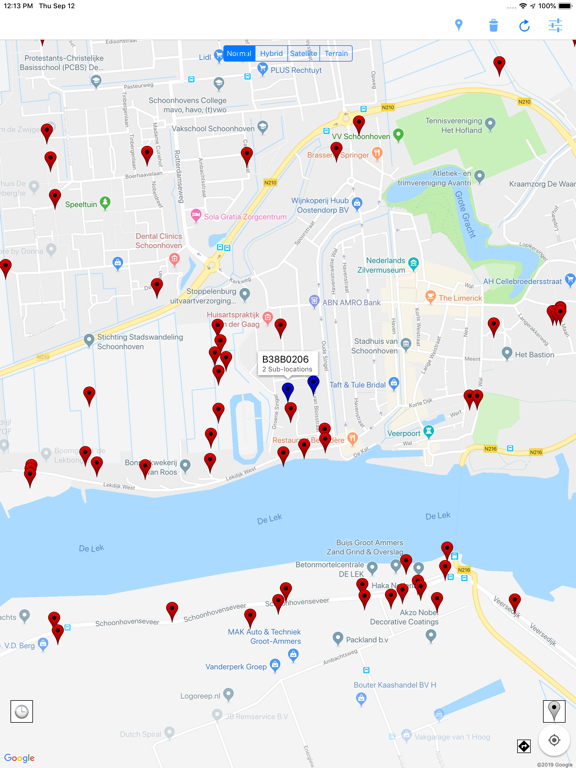
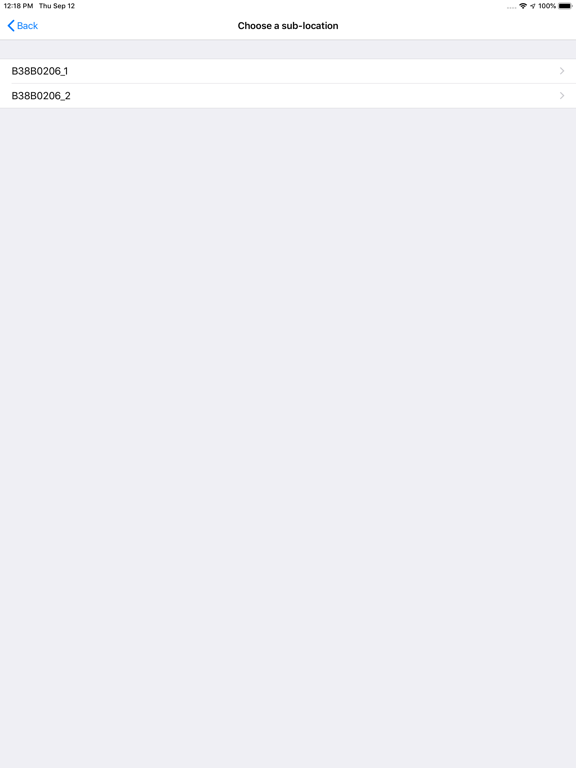
You can add locations by hand, or import them from a csv-file. You can choose which type of measurements can be performed at each location, before you add new measurements. At the end of the day, you can mail the locally stored locations and measurements to yourself or anybody else. The locations and measurements can also be imported into the app.
FieldLogger was initially build to log measurements of groundwater head in wells, but it has grown into a tool to store measurements that are bound to a location, but vary with time. No internet connection is needed to perform the measurements (the google maps background needs an internet connection though). The app is completely free, with no ads. If you find any bugs, please contact us. If you use the app and like it, please rate it.
The data is stored in two csv-files: the locations in the file locations.csv and the measurements in the file measurments.csv.
The locations.csv has the following propierties:
The columns are separated by ';', and the title-row has to include the following fields: NAME, SUBNAME, LAT, LON. If the user wants to use his own input-fields at each location, the field INPUTFIELD needs to be added to the header as well. For each location the input-fields are separated by '|'. At the top of the file these input-fields have to be defined by three column rows, preceeded by the header NAME;INPUTTYPE;HINT. For each location the input-fields are selected by matching the INPUTFIELD in the location list to the NAME string in the input-field list. So the locations.csv-file will look something like this:
NAME;INPUTTYPE;HINT
Value;number;in m. to top of tube
Comment;text;make comment...
NAME;SUBNAME;LAT;LON;INPUTFIELD
Well1;Well1_1;53.2983;6.6653;Value|Comment
Well1;Well1_2;53.2983;6.6653;Value|Comment
Well2;Well2_1;53.2988;6.7286;Value|Comment
The measurements.csv has the following propierties:
A five-column (also seperated by ';') csv-file with the header LOCATION;DATE;TIME;VALUE;TYPE
So the meassurements.csv-file will look something like this:
LOCATION;DATE;TIME;VALUE;TYPE
Well1_1;26-08-2014;07:56:14;5.53;Value
Well1_1;26-08-2014;07:56:14;Waterlevel is high;Comment
Well1_2;26-08-2014;07:57:11;The well is dry;Comment
The development of this iOS app, including the additional features, was made possible by the Dutch Waterboard Peel & Maasvallei.
Quoi de neuf dans la dernière version ?
Added support for pdf's in location information (property must be named 'PHOTO')