Golden Ratio Calculator Pro
iOS Universel / Utilitaires
I made Golden Ratio Calculator Pro for one very specific moment: you are deep in a layout, canvas, frame or screen design, you know one side, and you just want the other number without stopping to do math.
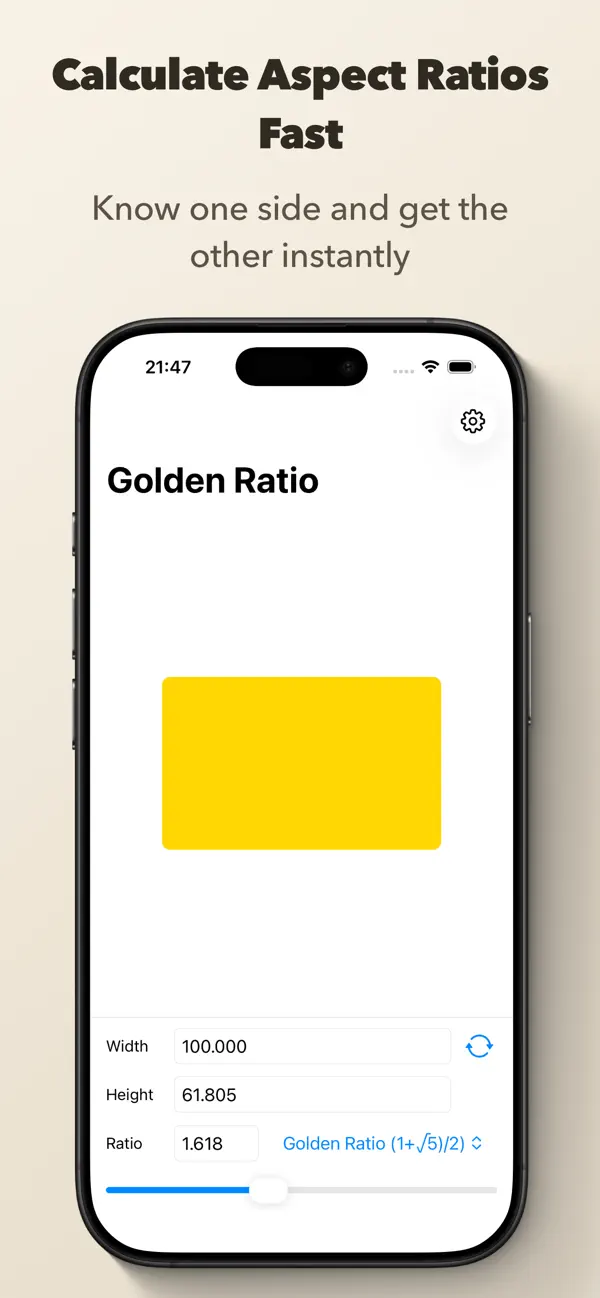
Type in width or height, pick a ratio, and the app gives you the matching value right away. Already have both dimensions? Switch to Detect Ratio and the app tells you the exact ratio plus the closest named preset.
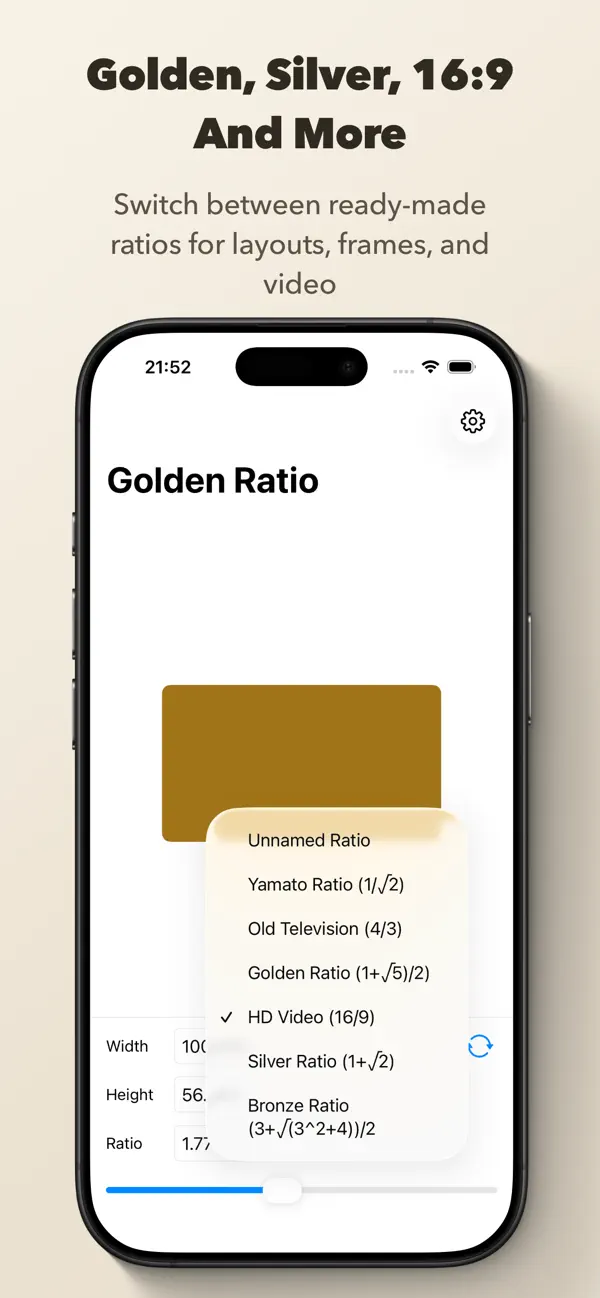
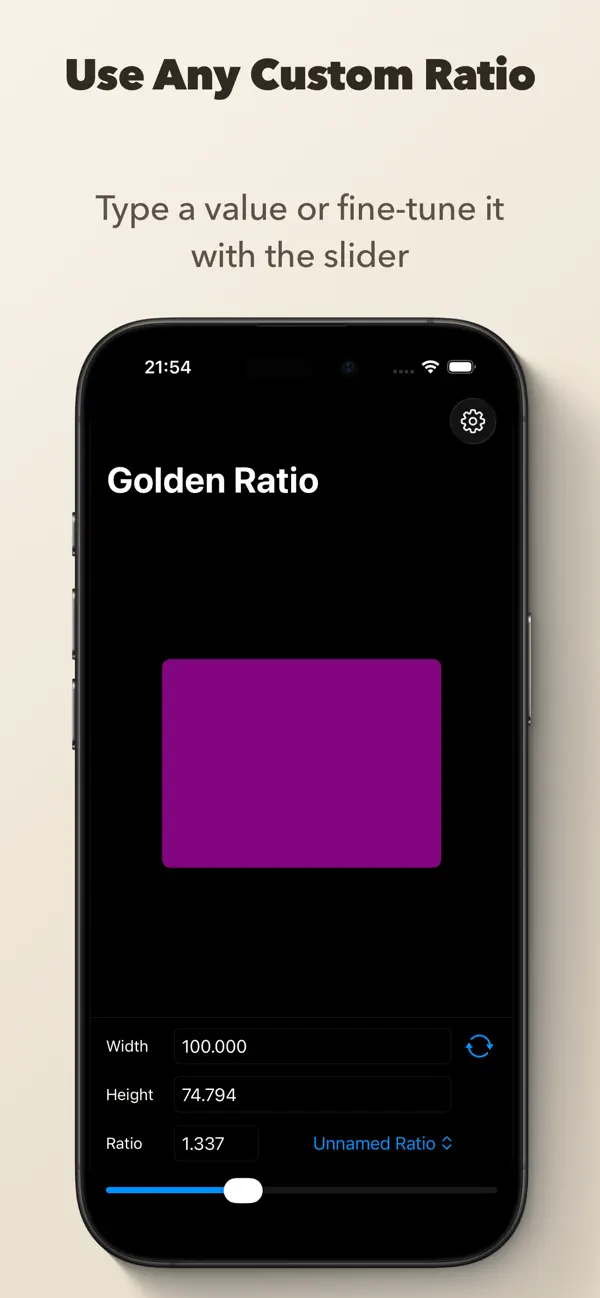
Choose from 12 built-in presets grouped by category — mathematical ratios like Golden, Silver and Bronze, photography standards like 3:2 and A-Paper, or video formats like 16:9, 21:9 and Cinema Scope. If none of those fit, dial in your own custom ratio with the slider or type it in directly. Save any custom ratio with a name and reuse it whenever you need it.
The rectangle preview updates as you go, the color shifts with the ratio, and the calculated value is copied to the clipboard automatically. Small thing. Surprisingly lovely when you do this often.
FEATURES
• Calculate width or height instantly from a chosen ratio
• Detect Ratio mode: enter both dimensions to identify the ratio and closest named preset
• 12 built-in presets grouped by Mathematical, Photography & Print, and Video & Film
• Presets include Golden, Silver, Bronze, Yamato, Square, A-Paper, Photo 3:2, Super 16, HD Video 16:9, Ultrawide 21:9, Cinema Scope and Old Television
• Save, name, and reuse your own custom ratios
• Enter any custom ratio with the slider or direct input
• Live visual preview of the proportion you are working with
• Flip orientation with one tap
• Automatically copy the calculated result to the clipboard
• Choose between 0 and 5 decimal places
• Home Screen Quick Actions for Golden, Silver, Bronze and Yamato
• Spotlight search for the built-in named ratios
• Supports light and dark appearance
• Works on iPhone and iPad
Speed up your design workflow today. Download Golden Ratio Calculator to get perfect proportions in seconds!
Quoi de neuf dans la dernière version ?
- Save, name, and reuse custom ratios — your ratios persist across launches
- New ratio picker sheet with search and grouped sections including My Ratios
- Saved ratios are included in closest-match detection
- 12 preset ratios: added Square, A-Paper, Photo 3:2, Super 16, Ultrawide 21:9 and Cinema Scope
- Presets grouped by category: Mathematical, Photography & Print, Video & Film
- Expanded Spotlight search for quick access to any preset
- Detect Ratio mode: enter width and height to identify the ratio and see the closest named preset
- Seamless mode switch between Calculate and Detect Ratio on the main screen