HEIC to JPEG - convert to JPG
iOS Universel / Utilitaires
We’re excited to announce that you can now use HEIC Converter to convert HEIC files into a variety of other image formats using our conversion App.
HEIC Converter App is designed to enable you open and Convert to JPEG These are images in High Efficient Image Format (HEIF). Images in this format take twice more space on your device without any loss of image quality. Using this JPEG format will help you to save up to 50% of storage space for images by using convert to JPG App
HEIC to JPEG App works completely offline and you don't need an internet connection to make the App work. You can either open a single image or select any number of images and convert them to HEIC to JPEG without losing quality or metadata with the help of a HEIC converter
Heic Converter App is a free tool that is used to convert HEIC to JPEG. It allows the conversion of HEIC files, HEIC is a new format file and this converter to JPG app allows you to convert HEIC to JPEG, PNG, and WEBP.
There is no restriction on the conversion of HEIC images and it works without any internet connection. HEIC Converter is a format that contains one or multiple HEIF image sequences.
Key Features
Convert HEIC to JPEG, PNG, and WEBP
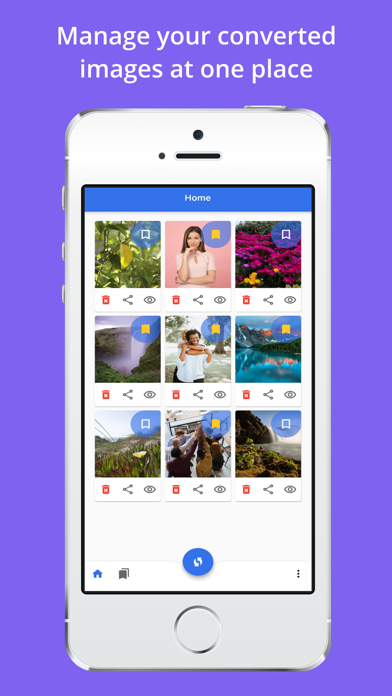
Easy to get detail of all converted file
Get full control on image quality
Easy to share the converted file by using convert to JPG app
HEIC Converter app support PNG, JPG, and WEBP as output format.
HEIC Converter App maintains a good quality of all converted files and also maintains a full resolution and high quality. HEIC to JPEG app helps you to create PNG, JPG, and WEBP files, and all the converted files are saved on the phone picture directory. HEIC Converter app will allow to get converted file detail and also share them on any social media.
Through HEIC to JPEG App, you will get full control over image quality and can easily change the output image quality. HEIC Converter app works completely offline and there is no need for an internet connection. Through convert to JPG app, you can convert HEIC to a single file without losing image quality.
How to use
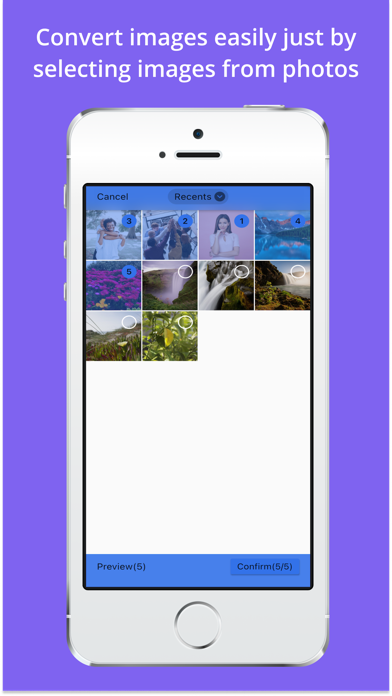
Just add the pic from the gallery or live capture from the cam
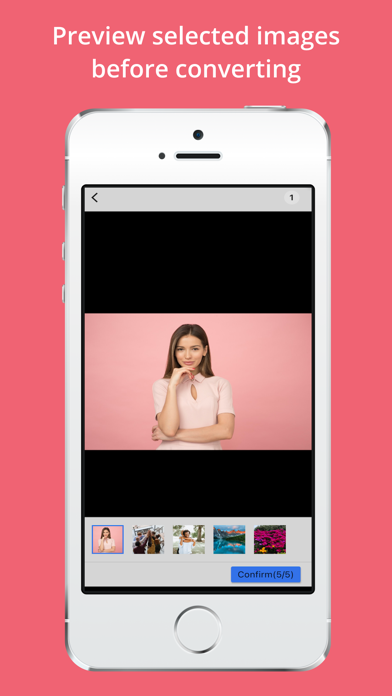
Choose the single or all selected images you want to convert
Then ok and convert into JPG OR JPEG
Save and share with your friends and family
Quoi de neuf dans la dernière version ?
- User Guide
- Minor Fixes