HomeVision
iOS Universel / Utilitaires
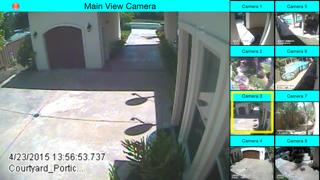
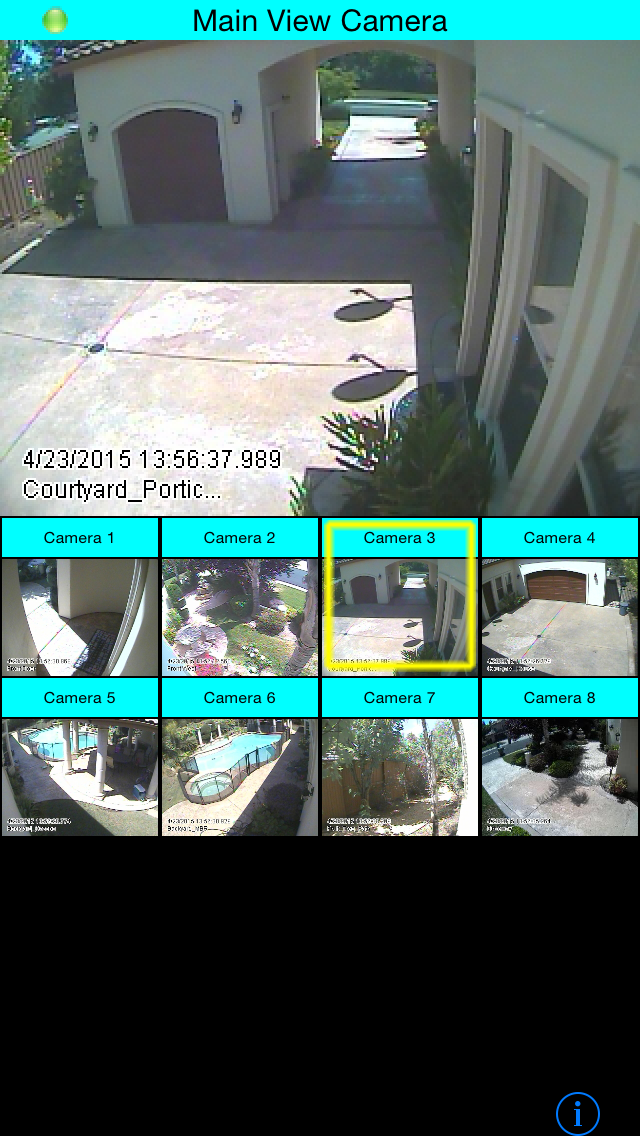
View your security cameras on your iOS Device!
With HomeVision, you no longer need to be limited to the clunky software provided by your security system provider. HomeVision works with all iOS devices (iPhone, iPad, iPod) that are running iOS8 or better. You can view your security cameras from anywhere you can access the Internet: from your home, or from around the world.
Features:
• Works with most Geo Vision PC-based security systems.
• Works on all iOS devices (iPhone or iPad).
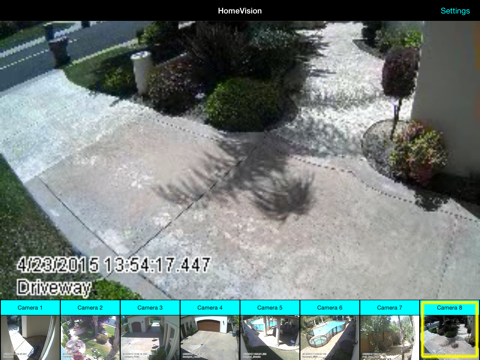
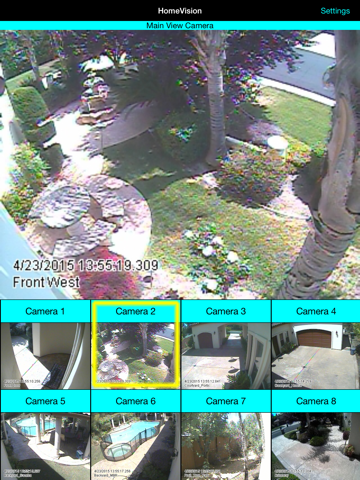
• Portrait or Landscape Views.
• Large Main Camera View and small Thumbnails of up to eight cameras.
• "sleep mode" will allow the user to blank the screen yet rapidly wake up to view upon a simple tap to the screen.
To work, you must know the URI of your security system. To determine this, consult your documentation or contact your security system vendor.
HomeVision assumes your security system will provide a JPEG image at the URI you input in the settings, given by:
http://URI/getimage/camX.jpg?id=A&pwd=B
where:
• "URI" represents the IP address of your security system
• "X" represents the camera number, from 0-7.
• "A" represents the username of your security system guest account
• "B" represents the password of your security system guest account
• HomeVision supports up to 8 cameras (camera numbers 0-7).
--> All you need to do is go to the Settings view ("i" on iPhone lower right corner of app; "Settings" on iPad upper right corner of app) and fill in your URI, username, and password. Then select the number of cameras you want to view. HomeVision does the rest!
If you like this FREE (and no ads!) program, but would like something custom for your use, please feel free to contact TNB Technologies, LLC at tom@tnbtechnologies.com for a quote to make HomeVision work great with your particular system.
NOTE: This software is presented AS IS and with NO WARRANTY whatsoever. See product EULA for more info.
Quoi de neuf dans la dernière version ?
This update from Apple will improve the functionality of this app. No new features are included.