i.Files - File Manager & Offline Browser
iOS Universel / Utilitaires
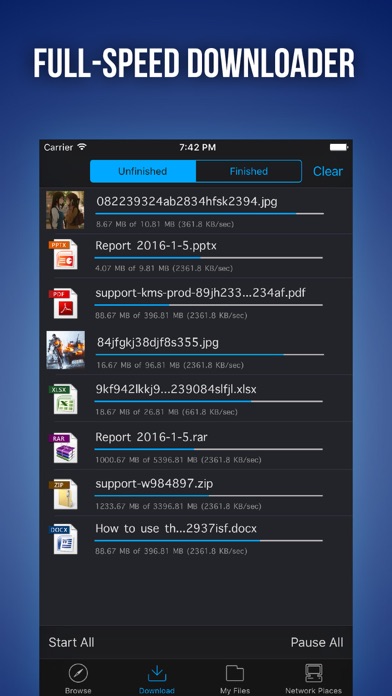
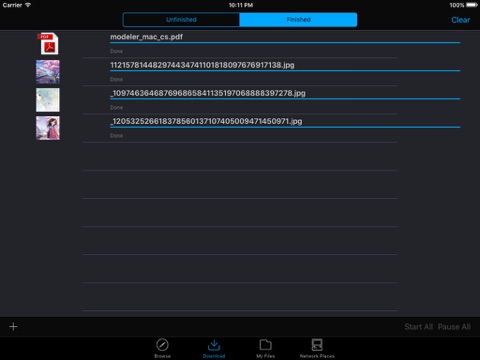
With i.Files, you can achieve high-speed file downloads from websites direct to your iPhone/iPod, and browse most common file formats. The secret behind i.Files' rapid download speed is its multi-thread download technology, which simultaneously uses multiple threads to download the same file. You'll notice the speed often meets or even slightly exceeds your bandwidth limit. In addition, it will resume interrupted downloads from the point where they broke off.
Key features:
* Download/Upload
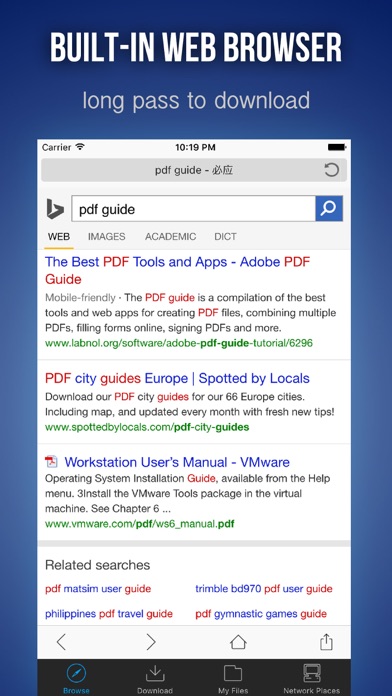
- Built-in webpage browser for easy download from websites.
- Multi-thread download technology simultaneously starts multiple threads to download the same file, achieving maximum download speeds.
- Resume broken downloads technology, resumes interrupted downloads from break off point.
- Image batch download. Downloads all images on one page in a single batch.
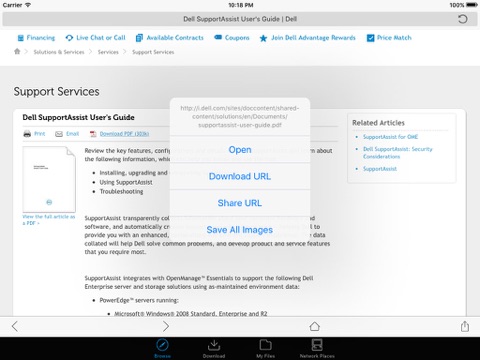
- Hold down to download images from webpage.
- Hold down to force download.
- Can save the entire webpage you are browsing.
- Fully-featured download manager that can pause, continue, or delete the files you are currently downloading or ones you have already downloaded.
- Downloaded images can be saved to the system album.
- You can maintain downloads after turning off the screen or switching to other apps.
- Downloaded files can be exported via WiFi, USB, or Email.
* File Browsing
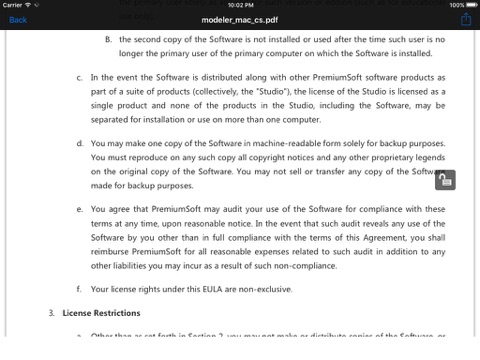
- Built-in multi document readers, with support for common formats (PDF, DOC, PPT, etc.).
- Dedicated TXT file reader, allows change of text size, color, etc., and is perfect for lengthy reads!
- Ability to save last reading position reached.
- Built-in dedicated image viewer, for easy image browsing.
- Screen orientation lockable when browsing documents or images.
* File Protection
Create multiple password-protected folders for your confidential files.
* File Manager
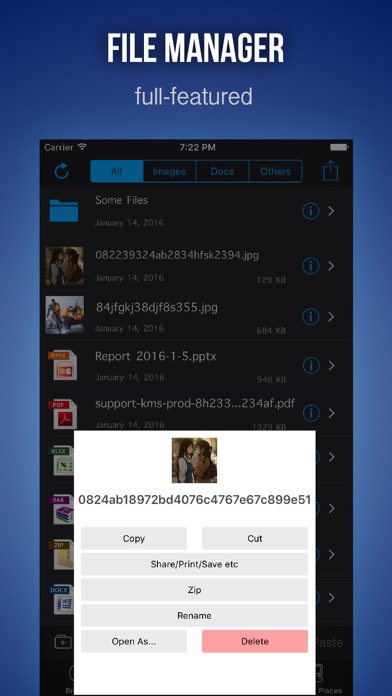
- Fully-featured file manager for managing both downloaded files and files uploaded via WiFi or USB.
- Zip / Unzip
- Supports folder creation, and allows you to assign an access password to each folder.
- Supports movement of files between folders.
- Manipulate multiple files at one time, batch delete, copy, paste, rename, compress, etc.
- Take your own photos or import images from the system album and save as files.
- You can enter texts which can be saved as files and edited
- Enter texts, save them as files, and edit them.
* File Sharing
- WiFi: No data line, no OS limit, and no need to install additional applications on your desktop PC. All you need is an ordinary web browser in order to connect via WiFi to your iPhone for file uploads or downloads.
- USB: No need for an Internet connection. IPhone data line and iTunes are enough to transfer files.
- E-mail: You can use e-mail to send files.
- Use the “open as...” menu to exchange files with other apps (including saving email attachments)
* Supported File Formats
Document: PDF, RTF / RTFD, DOC / DOCX, XLS / XLSX, PPT / PPTX, CSV
Text: HTM / HTML, TXT ...
Image: JPG / JPEG, GIF, PNG, TIFF, BMP, TGA ...
Quoi de neuf dans la dernière version ?
This app has been updated by Apple to display the Apple Watch app icon.
- Some bugs fixed.