IpCamPal2
iOS Universel / Utilitaires
IpCamPal2 is an app that makes it simple to manage your IP or Web cameras - as well as act as an image viewer!
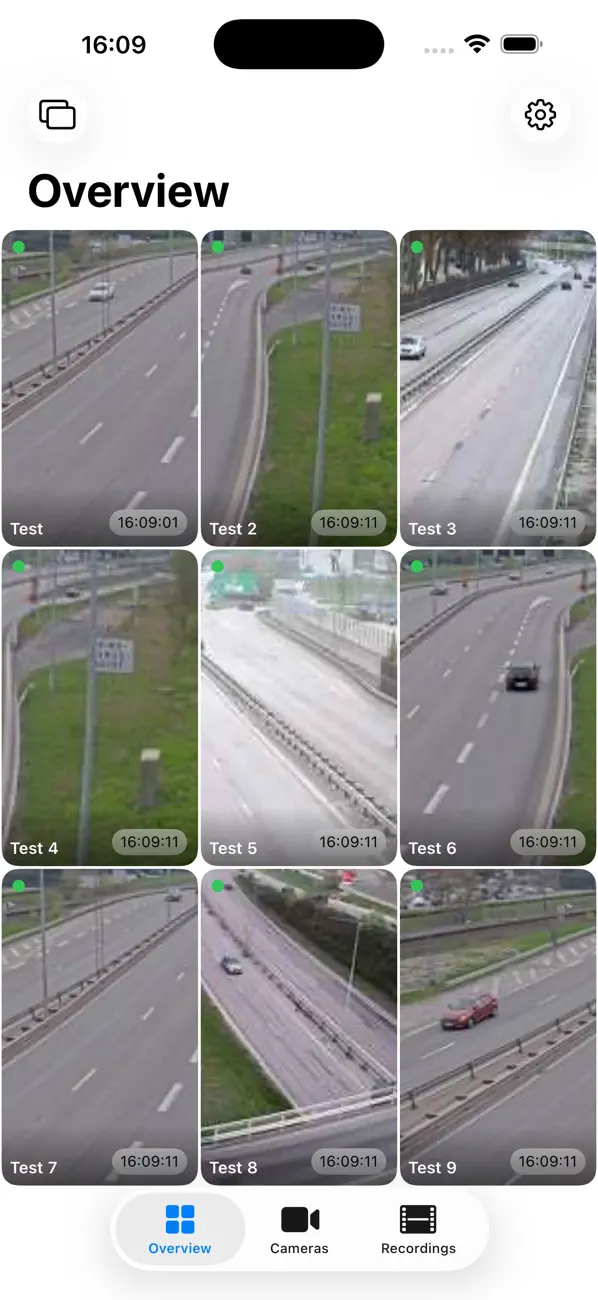
It can show still images, or do snapshot polling of cameras, or even stream MJPEG video - all side by side in the same gallery view.
The app uses the IP camera's URL to get the images. Other apps can be intimidating when it comes to settings, options or camera model specifics, whereas IpCamPal can show images from practically any camera - as long as you provide the URL for it! Because it simply points to the image source, it can also act as an image viewer, allowing the user to combine pictures of IP cameras like traffic cams, weather cams as well as family pictures and more in one elegant overview.
Monitor all your cameras in the same app, e.g.:
- Private surveillance cameras installed at home
- Public surveillance cameras available on the Internet
- Traffic cameras
- Weather cameras
- Construction sites
And as an image viewer:
- Essentially any image online that you can point to using an URL
The URL must be in the following format:
https://ipAddressOrDomain/pathtoimage/snapshot.jpg
or
https://ipAddressOrDomain/pathtovideo/mjpg.cgi
(the snapshot image usually is an actual .jpg or .png image, or a mjpg stream)
Features:
* Add custom image/video source, with individual settings
* Still image / snapshot polling with time interval or MJPEG video stream
* Supports image sources that require user/password credentials (you need to know the formatting of the URL however)
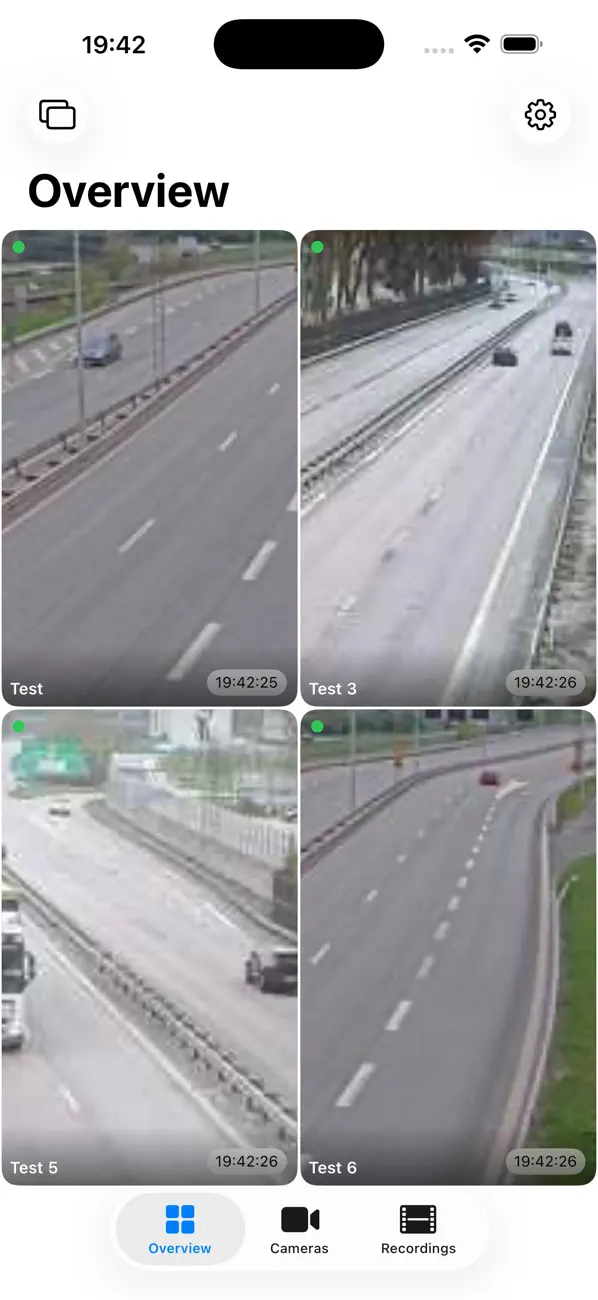
* Option to include each camera in the Overview tab
* Detail view per camera with fullscreen mode
* Overview tab with fullscreen mode
* Slideshow mode in Overview tab to have all your selected sources cycle with time interval controlled by setting
* Take snapshots in Detail view or record clips - playback in the Recordings tab
* Supports both Portrait and Landscape orientations
* Each detail view supports pan/zoom to focus on a specific part of the image
** This setting is persistent over all views in the app, and configurable for portrait and landscape orientations individually **
Disclaimer: The app has been tested on several kinds of IP cameras as well as public cameras found on the Internet. That said, there are a lot of different kinds of cameras out there, so unfortunately we cannot guarantee it works an all of them - but again - as long as you provide a valid URL it should work (tm).
*** IMPORTANT *** Remember that every time the app refreshes an image, it downloads the image using the Internet, so when not connected to a Wifi network your mobile network will be used instead! This not only takes more time but can also cost you money, depending on your phone provider and subscription. Images are often pretty large which uses a lot of bandwidth.