Noise Exposure
iOS Universel / Utilitaires
Measure the noise levels around you
With our Noise Exposure App you can estimate the noise level around you. Use it to measure noise at work, in your car or at your local sporting event.
In the Noise Exposure App you can:
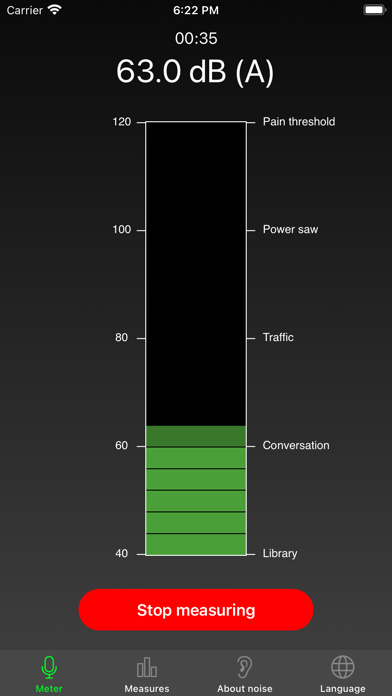
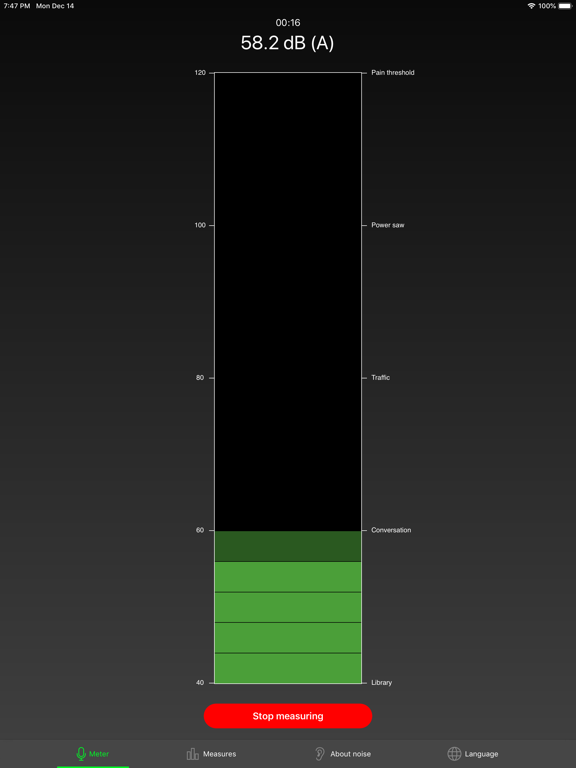
• Measure sound levels in real time.
• Save and compare measurements over time.
• Share measurements with others.
• Learn about noise levels and regulations.
How does the app work?
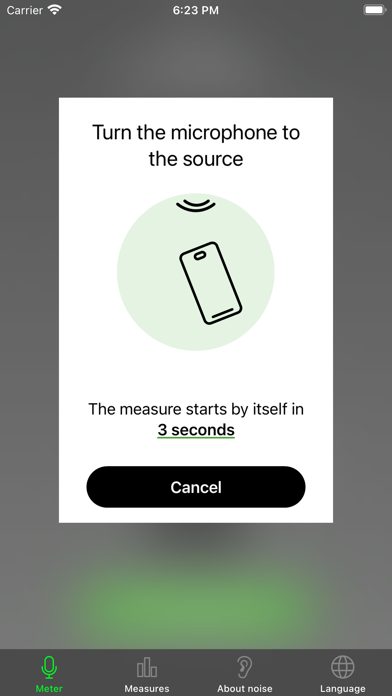
Hold the phone so that you point it away from your body. Direct the microphone at the bottom of your phone towards the noise that you wish to measure. Start measuring by tapping the button ”Measure”. The app will keep measuring until you tap ”Stop”. Once finished, you will see the average value for your measurement. You can then choose to save and name your measurement. You will also have the option to share it with your friends or colleagues. You can also share the measurements later.
In the app you will find useful information about noise levels and regulations. You can also visit our website for more information about noise, regulations and when noise becomes harmful to you.
Measuring noise with the noise exposure app will give you a good indication of the noise levels around you – for example at your workplace. Due to the limitations of the phone, the app does not fulfil European or international standards for sound level meters.
If your measurement shows that the sound levels are too high, we recommend you proceed by doing more accurate measurements with professional equipment. Iphones generally measure sounds well between 40 dB(A) and 100 dB(A). But the microphones can differ in quality. Always use a professional sound level meter if you want accurate results.
If you experience high sound levels at your workplace, the first thing you should do is to talk to your employer. The employer is responsible for your work environment. This includes taking preventative measures to ensure that the sound levels are not harmful to you or others.
Visit our website to see how we have tested and adjusted the app to each model.
The app is published by The Swedish Work Environment Authority
Quoi de neuf dans la dernière version ?
Added support for Polish language.