PhysiKey
iOS Universel / Utilitaires
PhysiKey – Physical Therapy Edition
NEW VERSION 2.1! PhysiKey now includes a redesigned companion app with full iPhone support, an improved keyboard layout, larger keys, enhanced navigation, and an even better documentation experience for rehabilitation professionals.
Document faster. Chart smarter.
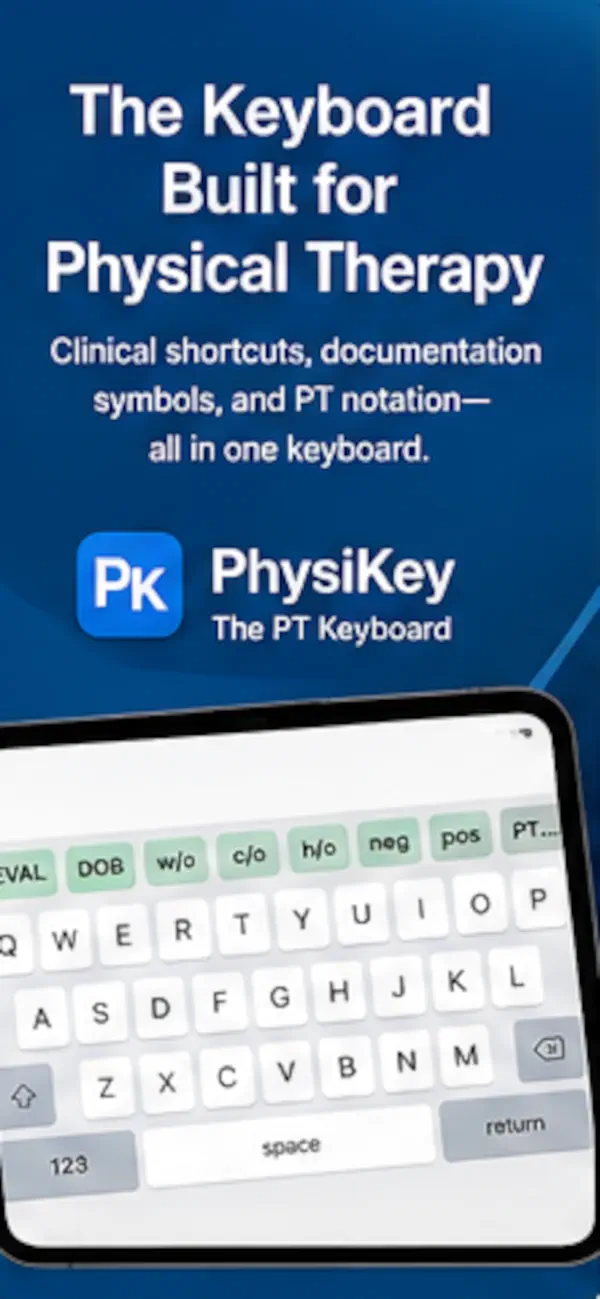
PhysiKey is a custom iPad keyboard built specifically for physical therapists, occupational therapists, and rehabilitation professionals. Quickly enter clinical abbreviations, documentation shortcuts, and PT-specific symbols without interrupting your workflow.
Whether you're documenting evaluations, daily treatment notes, or patient progress, PhysiKey helps reduce typing, improve consistency, and speed up documentation in virtually any app that supports custom keyboards.
Features
• PT-specific documentation shortcuts including:
EVAL, DOB, c/o, h/o, w/o, neg, pos, and more.
• Over 25 physical therapy symbols including:
Directional arrows, body position symbols, fractions, Greek letters, macrons, and other commonly used clinical notation.
• Recently Used symbols automatically keep your most frequently accessed symbols within easy reach.
• Familiar typing experience with:
Shift and Caps Lock
Auto-capitalization
Double-space period
Native iPad keyboard layout
• Works with virtually any app that supports custom keyboards, including electronic medical records (EMRs), web-based documentation systems, email, messaging, Safari, Notes, and many other productivity apps.
Designed by Clinicians
PhysiKey was developed with input from experienced physical therapists to provide a keyboard designed specifically for rehabilitation documentation—not a generic medical keyboard.
Spend less time searching for symbols and abbreviations, and more time focused on your patients.
Quoi de neuf dans la dernière version ?
What's New in Version 2.1
• NEW: Full iPhone support for the PhysiKey companion app
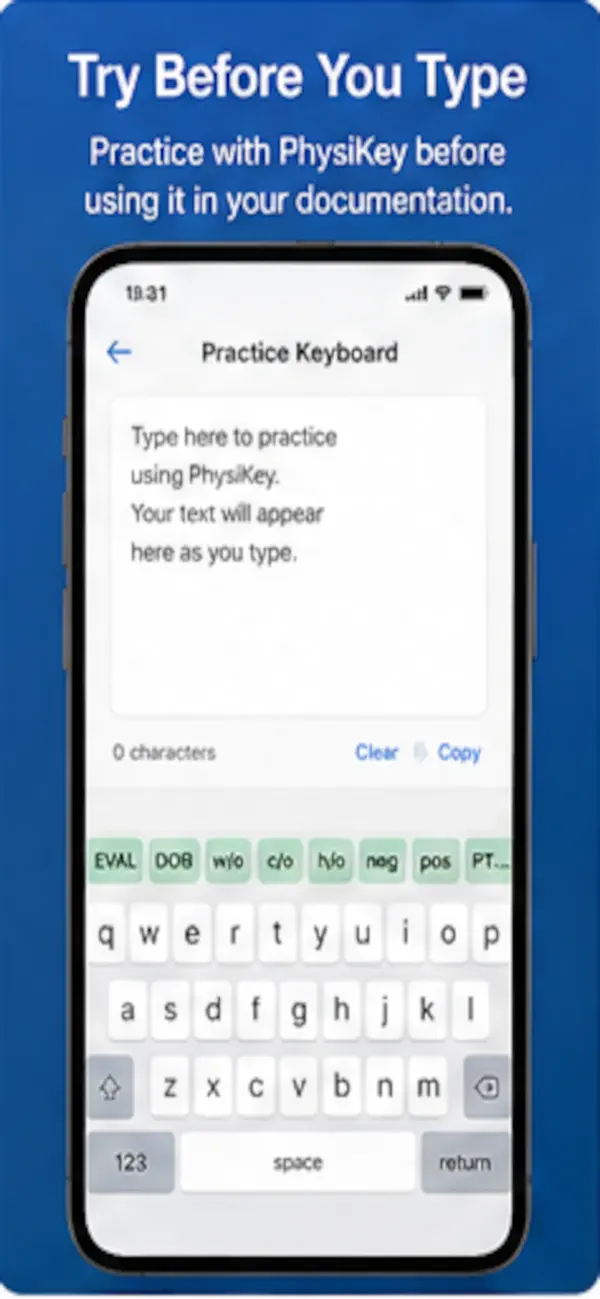
• NEW: Completely redesigned home, installation, settings, and practice screens
• NEW: Improved keyboard layout optimized for iPhone
• NEW: Scrollable shortcut bar on iPhone with first-use swipe hint
• IMPROVED: Larger, more comfortable typing keys
• IMPROVED: Better spacing and navigation throughout the app
• IMPROVED: Modernized interface with a refreshed design
• Numerous bug fixes and performance improvements