QRcode Scanner - Scan & create
iOS Universel / Utilitaires
QR code scanner is a smart and completely free QR code or barcode scanner software.It is both a QR code scanner and QR code scanner and barcode scanner.
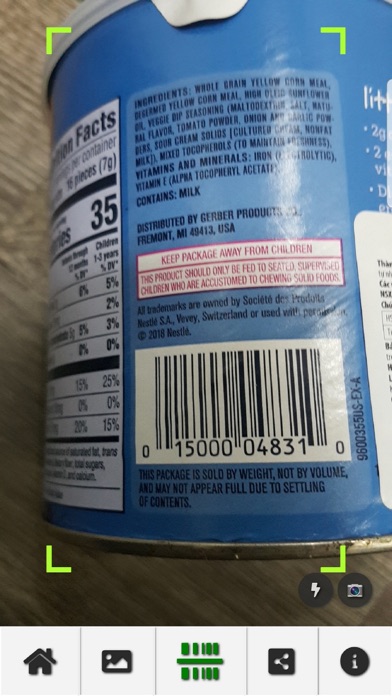
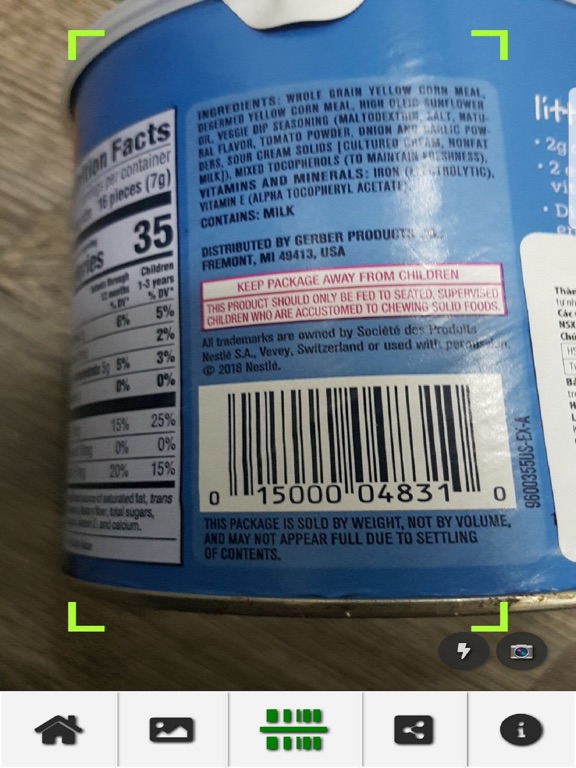
QR code scanner helps you to accurately barcode products just with your smartphone and search, check all products with just 1 barcode scan.
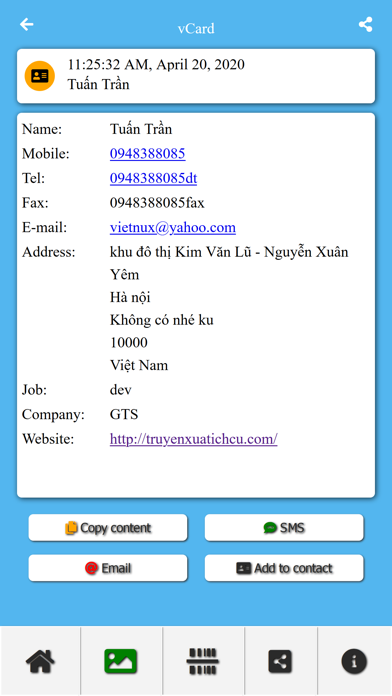
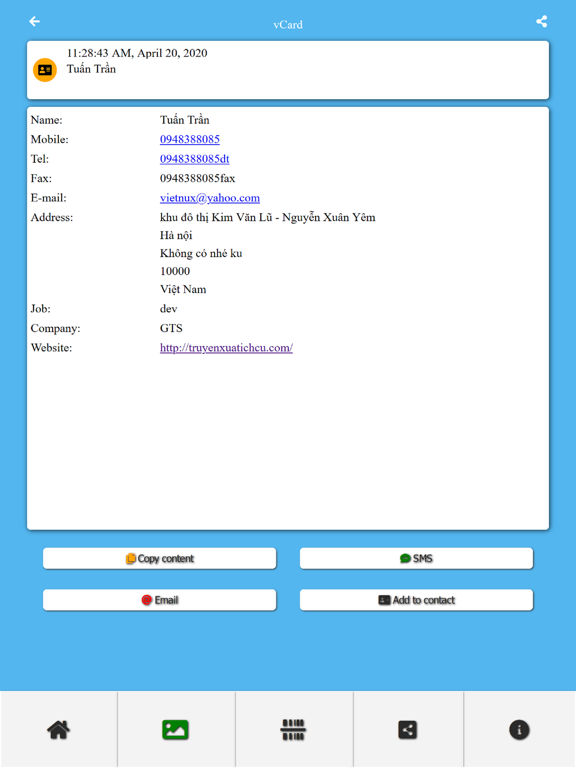
QR code scanner can scan and read all kinds of QR codes including text, URL, ISBN, contact, email, location, ... and many other formats.
The QR Code Scanner application can generate QR code types and allows you to save and share the code you have just created.
Barcode scanner is best supported for IOS devices. Enjoy all the benefits of scanning QR codes / barcodes anytime, anywhere.
To scan a QR code, simply open the application, align the code. QR Code Reader will automatically identify any code. When scanning a QR, if the code contains a URL, you can open the browser to the site by pressing the browser button. If the code contains only text, you can see it immediately.
You can capture text from a scanned image, upload your image file from your mobile, or take from your gallery. The text from your scanned can then be copied and pasted into other programs and applications.
Features of QR code scanner - Barcode scanner:
- Easily scan QR codes and create QR codes.
- Powerful QR decoding speed.
- Scan document or upload image and convert image upload to text.
- Allows you to create QR codes for personal information, create codes for messages, contact information, ...
- Generate QR codes for a paragraph, a web link in the form of a URL.
- Create QR codes for emails you want to send to your friends or relatives
- Create QR from contacts.
- Barcode scanner allows you to view detailed product information by QRcode at shops, supermarkets, ...
- QR code scanner does not need Internet connection to scan QR / barcodes
- QR code generator can save and share the code you just encrypted
- Save QR history, filter support and search your QR scan history.
QR code scanner is widely used to decode QR 1D, 2D / barcodes such as ISBN, EAN, UPC, Data Matrix data matrix, PDF 417 and other codes.
QR code reader designed with camera permission. If you care about security, this is the code scanning application you need. It is safe and fully compatible with IOS devices
Barcode scanner as a professional QR code reader. QR code scanner is very fast and especially free.
Quoi de neuf dans la dernière version ?
Fix popup