QRizer
iPhone / Utilitaires
Turn your business cards into a modern, share-anywhere QR wallet.
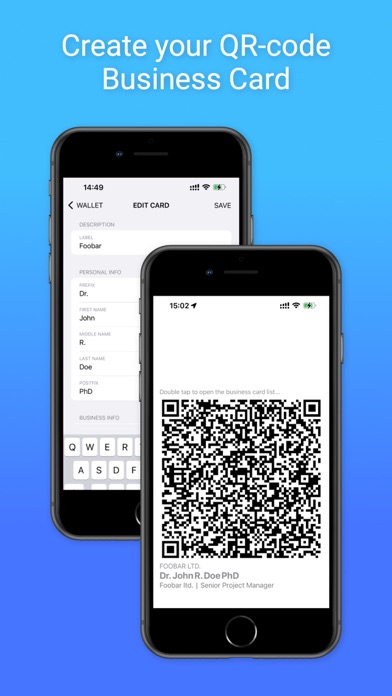
Create beautiful, scannable QR codes for your corporate, personal, freelance, or side-project identities—then share them instantly at conferences, coffee chats, client meetings, and more. No paper. No reprints. No running out.
Key features
• Digitize every card: Convert your details into QR cards in seconds.
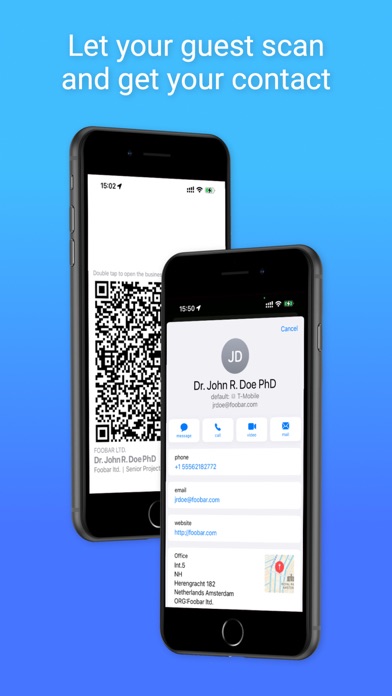
• Share in one tap: Show your QR on screen or send it via Messages, email, AirDrop, and more.
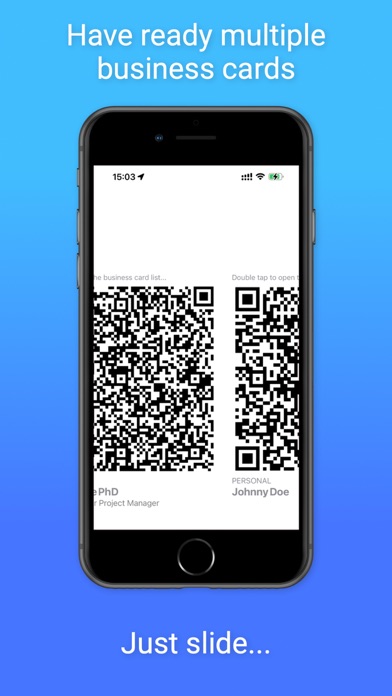
• Multiple cards for multiple roles: Keep separate cards for different jobs, audiences, and projects.
• Customize your style: Choose logo shape (square or circle), tweak logo size, and set a custom QR color per card.
• Print-ready exports: Export QR codes to add to physical cards, badges, flyers, and signage.
• Sync across devices: Your wallet stays up to date so your cards are always with you.
• Secret code protection: Lock cards with secret codes, safely stored in Keychain history for quick reuse.
• Built-in Help: Quick tips and instructions are always available in-app.
Apple Watch support
Browse your QR cards on Apple Watch with smooth Digital Crown paging, and display QR codes (with logos) right from your wrist. Cards stay in sync between iPhone and Apple Watch.
Polished experience
• Full-width QR display for faster, easier scanning
• Confirmation before deleting a logo to prevent mistakes
• Refined screens, reliability improvements, and bug fixes
• Updated widgets with support for small widgets only
Make networking simpler, smarter, and more memorable—without the clutter.
Quoi de neuf dans la dernière version ?
- hot fix QR data