Quicktapp42
iOS Universel / Utilitaires
QuickTapp – Your companion for stress-free calling, navigation and so much more.
Sound familiar? You're in the car, need to make a quick call or enter an address into navigation – but without reading glasses, the tiny buttons on your smartphone are nearly impossible to see? QuickTapp solves exactly this problem.
EXTRA LARGE CONTROLS
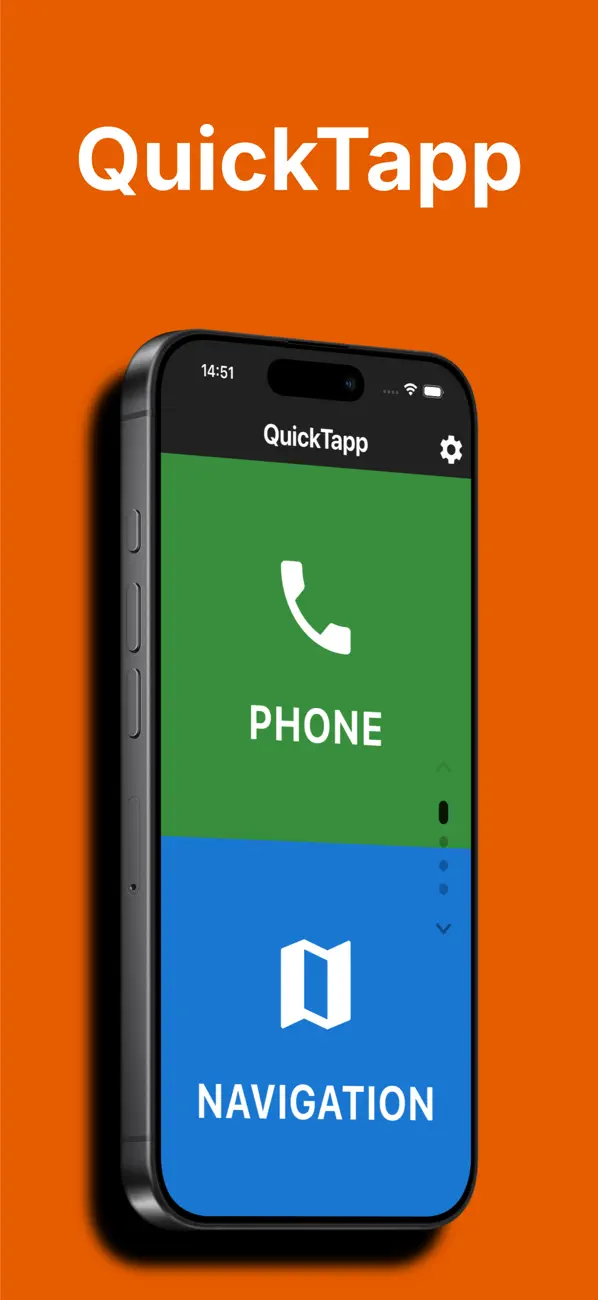
QuickTapp was specifically designed for use while driving. All buttons, text, and input fields are intentionally oversized. This lets you see your most important contacts and navigation destinations at a glance and select them with a single tap – no glasses needed.
YOUR FEATURES AT A GLANCE
• CALL
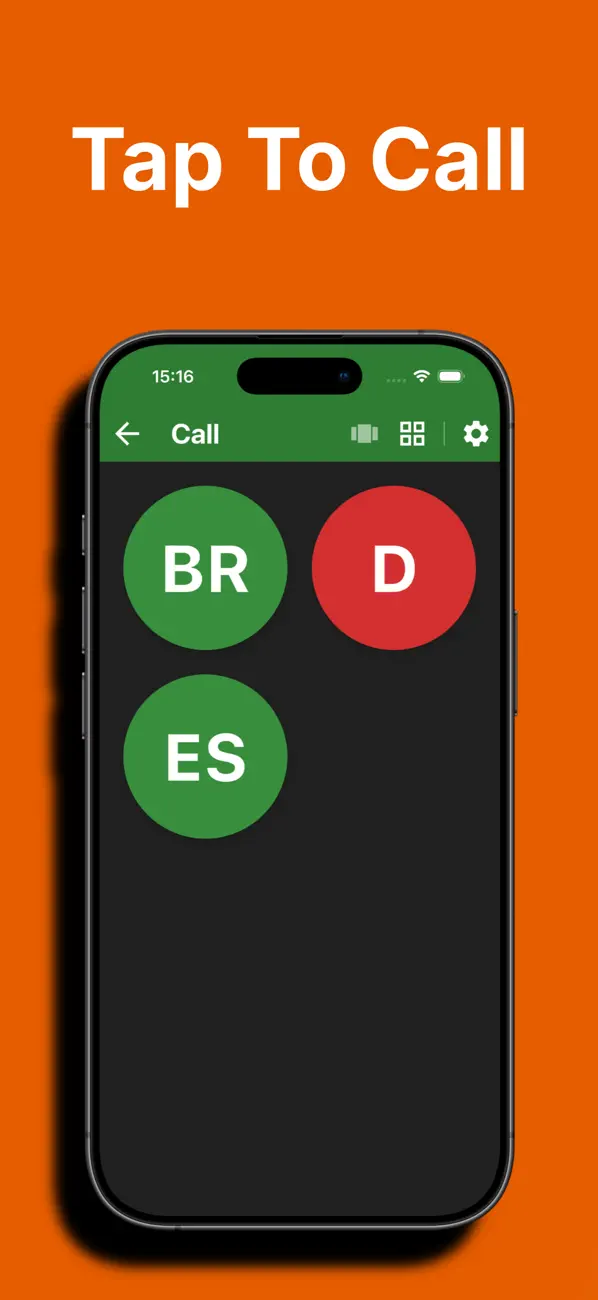
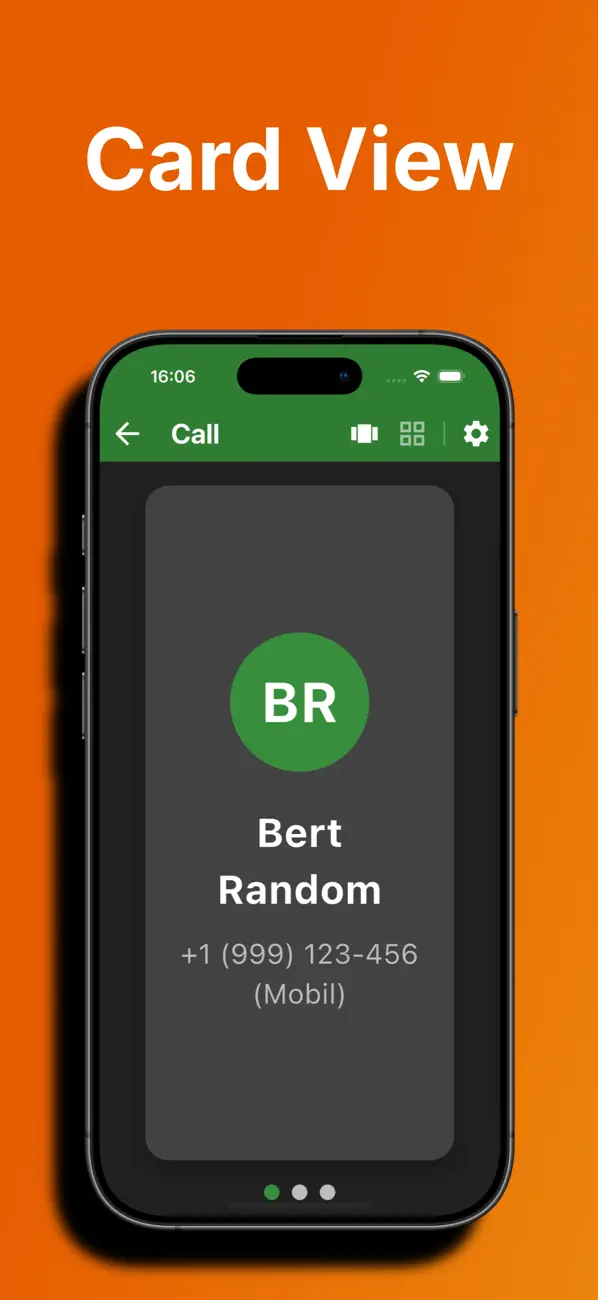
Save your most important contacts as favorites and call them with a single tap. Large profile pictures and names make selection effortless.
• NAVIGATION
Store your frequent destinations and start navigation with just two taps. QuickTapp automatically opens your preferred maps app.
• LOCATIONS (Premium)
Save your current GPS location with a custom name – perfect for parking spots, meeting points, or unfamiliar places. Navigate back with a single tap.
• SOS EMERGENCY
Every second counts in an emergency. Reach police, fire department, or ambulance quickly and easily. Custom emergency contacts can also be saved.
• MAGNIFIER (Premium)
The built-in magnifier uses your camera as a digital magnifying glass. With zoom slider and freeze-frame function. Perfect for reading menus, schedules, or fine print.
• INFO DISPLAY
Time, date, and current speed at a glance – in extra large format. Choose between km/h or mph.
• VAULT (Premium)
Securely store sensitive data like passwords, PINs, or codes on your device. Optionally protected with Face ID or Touch ID biometric authentication.
• VOICE MEMOS (Premium)
Record voice memos directly in the app. Playback, rename, and share included – ideal for quick thoughts on the go.
THOUGHTFUL DESIGN
• Automatic switching between light and dark mode based on sunrise and sunset
• 25 languages supported
• Intuitive swipe gestures for quick navigation
• Minimalist design without distracting elements
• Fully customizable home screen – show/hide and reorder tiles
• Speed detection prevents access to settings while driving
• Backup & restore all your data
FREEMIUM
QuickTapp is free to use with one contact, one address, one vault entry, and one voice memo. Upgrade to QuickTapp Pro to unlock all features and unlimited entries.
PRIVACY
QuickTapp stores all data locally on your device. No registration required, no data is transmitted to servers.
PERFECT FOR
• Drivers who want to make calls without glasses
• Seniors who prefer large, easy-to-read buttons
• Anyone looking for a quick and simple everyday app
• People with visual impairments
Download QuickTapp now and experience how easy it can be!
Terms of Use (EULA): https://www.apple.com/legal/internet-services/itunes/dev/stdeula/
Privacy Policy: https://www.region42.com/apps/quicktapp/privacy