Rclone UI
iOS Universel / Utilitaires
Command multiple rclone instances from your phone with the only open source app to manage your Rclone remotes and much more!
The perfect companion for cloud storage from AWS S3 to Dropbox and Koofr.
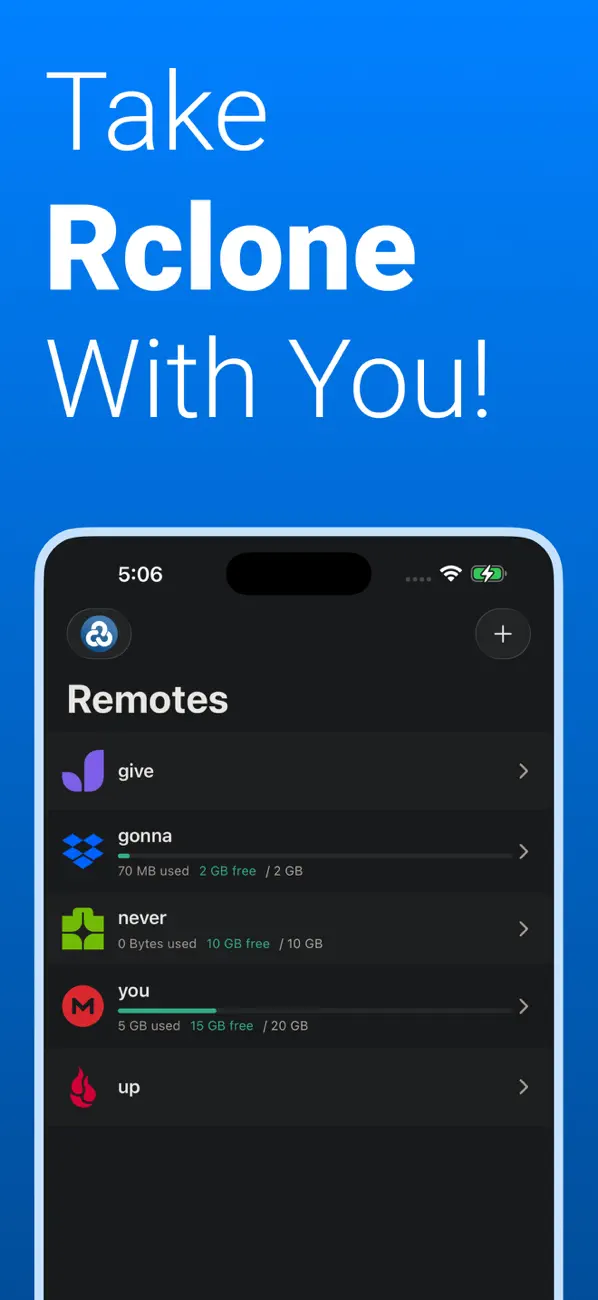
◆ REMOTES
- View All Remotes
- Create New Remotes
- Edit Remotes
- Delete Remotes
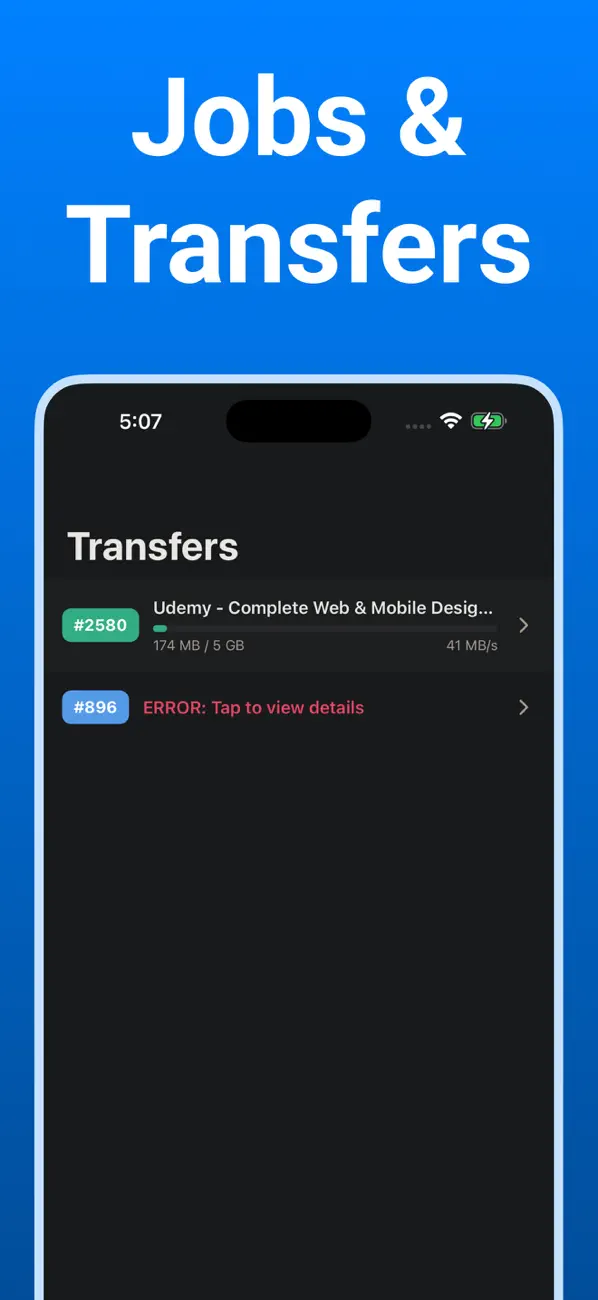
◆ JOBS/TRANSFERS
- Check out active transfers
- See logs for past transfers
- Check detailed error messages
◆ BROWSER
- Browse files on your remotes
- Upload files to your remotes
- Create new folders
- Delete files & folders
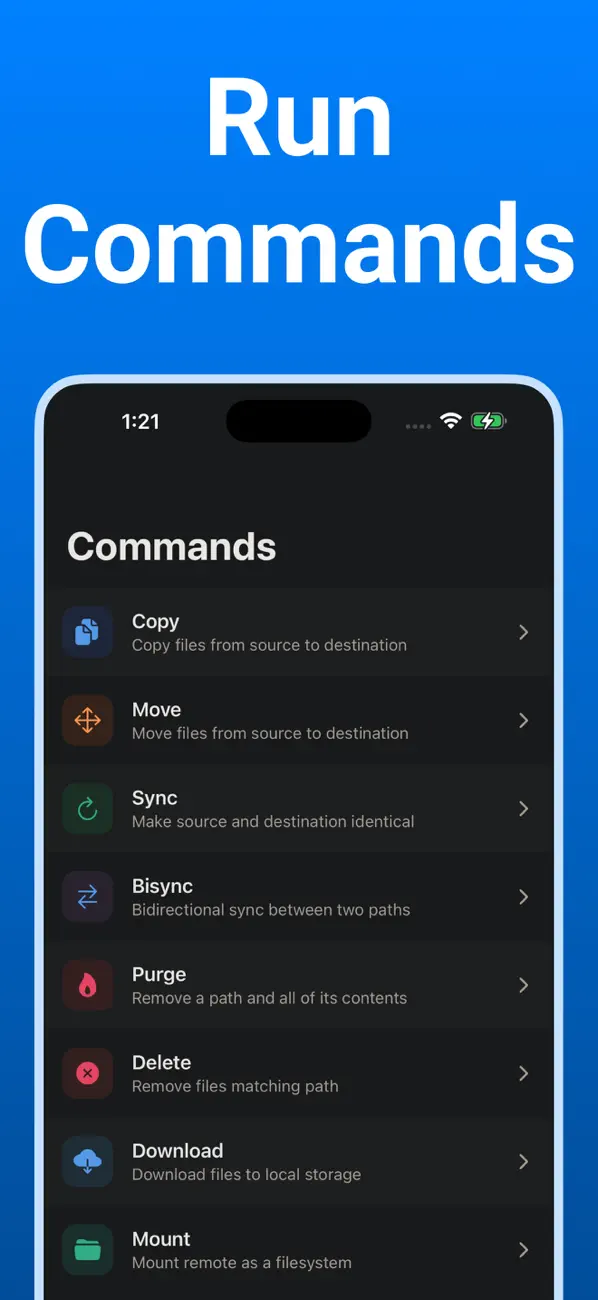
◆ COMMANDS
- Run rclone commands such as Copy, Sync, Bisync, Move, Purge, Delete, etc
That’s it folks!
This text isn't gonna get any more interesting. I mean, I think we've pretty much covered all the good stuff. Still here? Ummmm, ok. How's everything? Good? Cool cool cool.
What are you looking for? The app description is over. For real, check out the app. It's way better than hanging out in the App Store this long.
Wow, you're dedicated. Do you just love app descriptions? Weird. OK, we're gonna go now. Bye.
NOTICE & ACKNOWLEDGMENT
1. Credentials are stored locally on your device, and never leave it.
2. Rclone UI is OSS (Open Source Software), feel free to open an Issue or PR at github.com/rclone-ui/rclone-ui
3. This is not a replacement for the desktop app. Certain actions, such as scheduling jobs, should be done directly in the app.
4. This app connects to an existing rclone instance on your laptop, desktop, homelab, or server.
© FarFetched 2026. All trademarks and copyrights belong to their respective owners.
Quoi de neuf dans la dernière version ?
Sending the flag