Site Surveyor
iOS Universel / Utilitaires
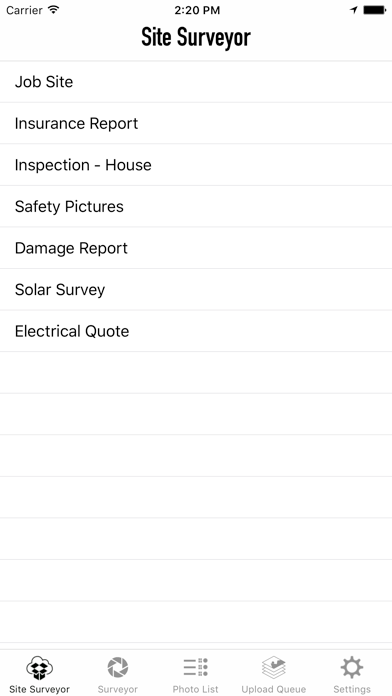
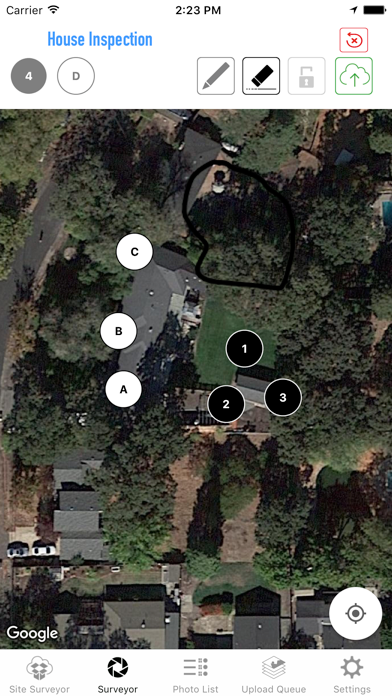
Save Location pictures with a reference map denoting the pictures locations.
Step 1. Bring up a satellite map of location. Name "Site Name".
Step 2. Drag a picture icon/button to location on map where picture is being taken from.
Step 3. Hold down button and take picture.
Step 4. Pictures are uploaded to Dropbox folder named "Site Name".... files are named "sitename_1.jpg"
Step 5. After all pictures are taken, save Screen Capture denoting photo locations. The screen capture along with a google earth placemark (kml) will upload to dropbox.
Requires a DropBox account.
Quoi de neuf dans la dernière version ?
This update from Apple will improve the functionality of this app. No new features are included.
iOS 10
Latest iPhone and iPad compatibility
DropBox API v2 Integration
New Interface design.