SnapClip for Safari
iOS Universel / Utilitaires
SnapClip — Select, Copy & Save from Safari
A lightweight Safari extension that adds a floating action button to every webpage.
FEATURES:
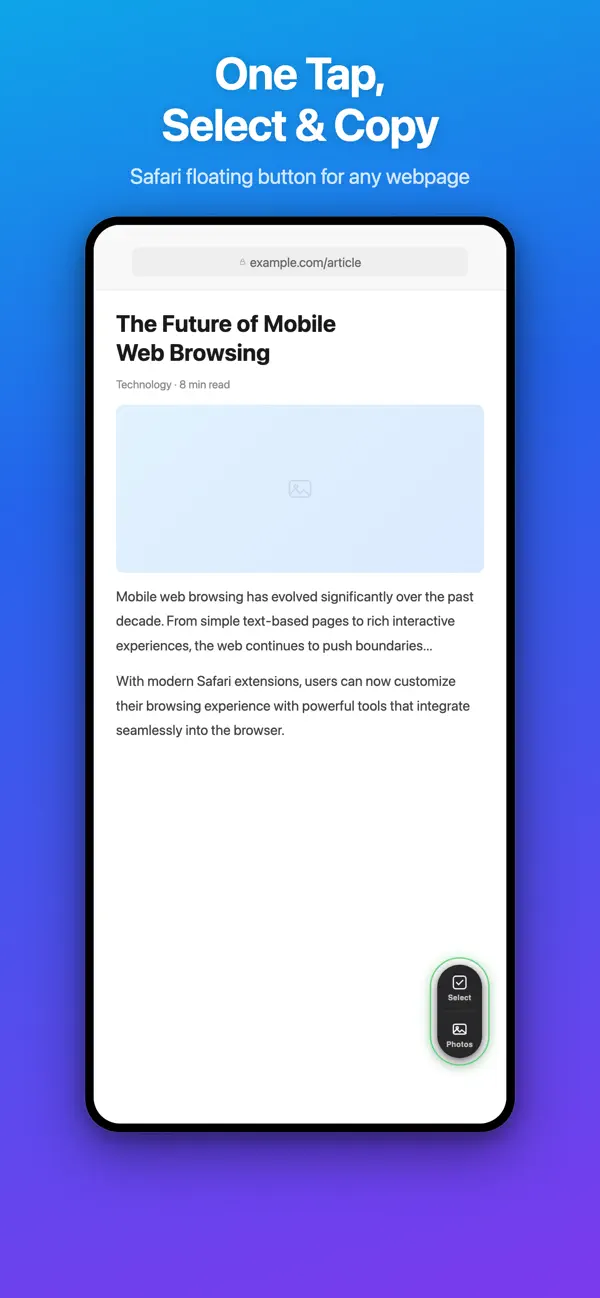
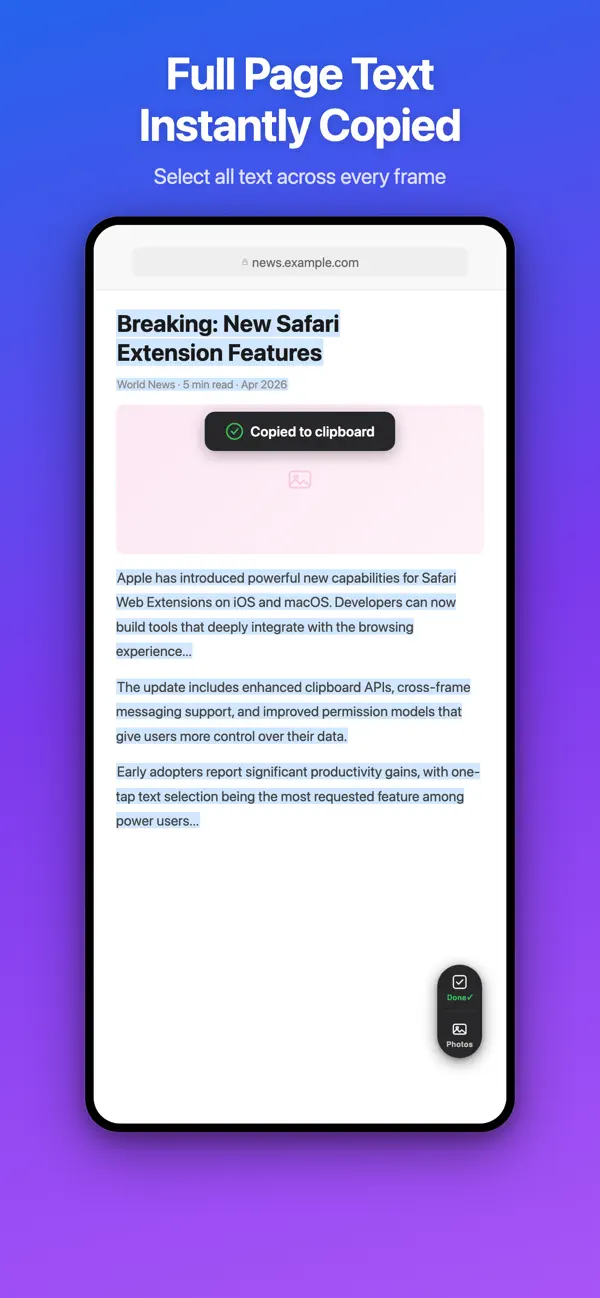
• One-Tap Select All — Instantly select and copy all visible text on any webpage, including text inside iframes.
• Save Page Images — Browse and pick images from the current page, then save them directly to your Photo Library.
• Floating Button — A draggable button that stays out of your way. Drag to reposition, tap to act.
• Privacy First — No data collection, no tracking, no accounts. Everything stays on your device.
• Works Everywhere — Grant access to all websites for automatic functionality, or authorize sites individually.
HOW TO GET STARTED:
1. Open SnapClip and follow the setup guide.
2. Enable the extension in Settings → Safari → Extensions.
3. Open Safari and start using!