Spellbook - REAL Wand Gestures
iPhone / Utilitaires
⌚ APPLE WATCH REQUIRED
Have you ever wanted to control your home with your Apple Watch?
Well.. now you can!
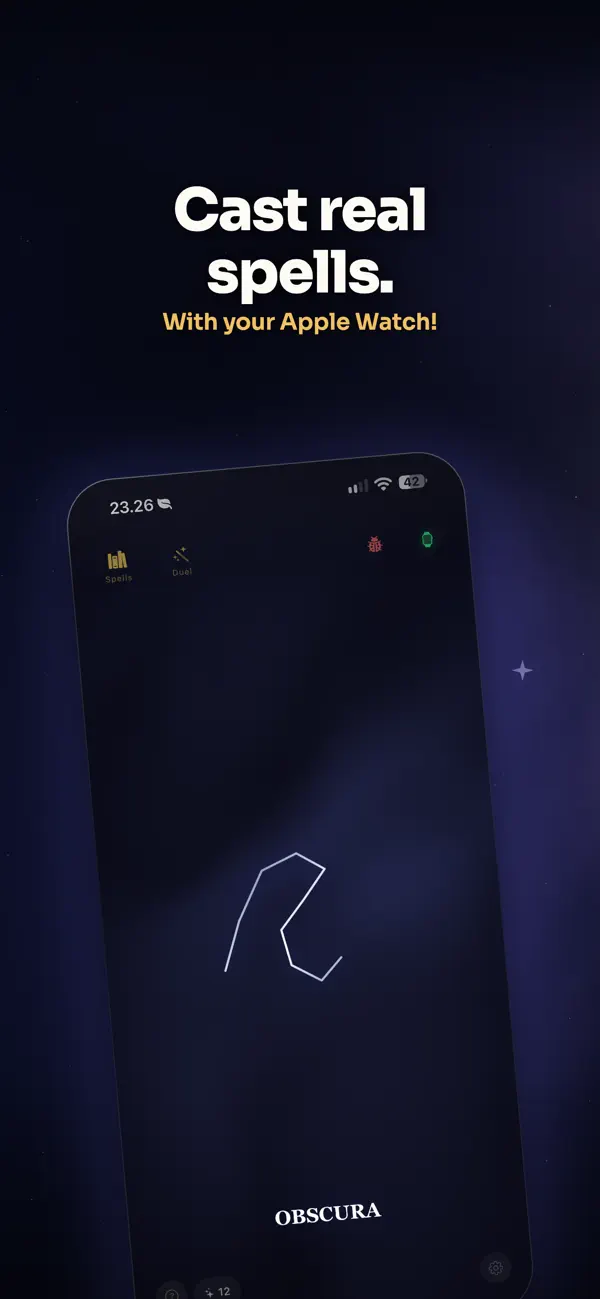
Spellbook transforms your Apple Watch into a magic wand.. really!
-- How does it work though?
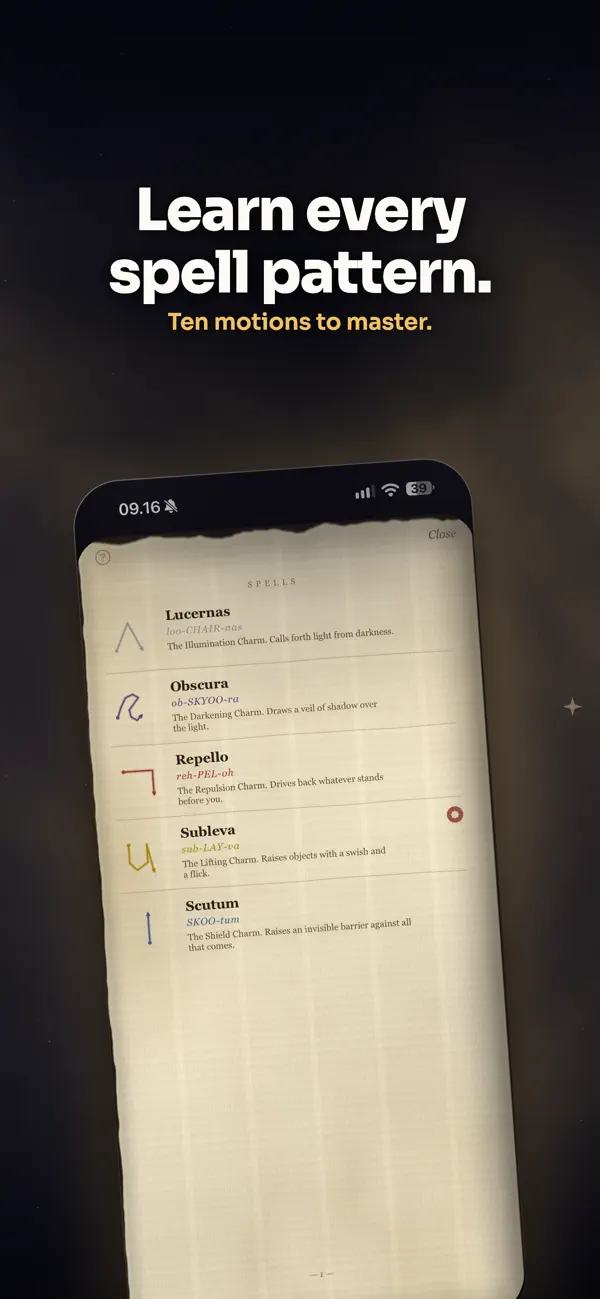
8 different spell patterns have been recorded - the motions are displayed on the iPhone app, in the spell book.
Lucernas — Upward chevron ∧ — Summon the light
Obscura — Wave into a C — Banish it
Repello — Right then down — Disarming force
Subleva — U shape with a flick — The lifting charm
Scutum — Straight line up — Raise your shield
Amplora — Rightward chevron > — Amplify and enlarge
Sistere — M shape — Halt all motion
Aperio — Up then circle — Unlock and open
Exanima — Lightning bolt — Killing curse
Mineura — Left chevron — Reduce
Each spell can be renamed! If you'd rather say Lumos than Lucernas, or Expelliarmus instead of Repello — rename them whatever you like. Fans of a "certain wizarding world" will feel right at home.
-- What happens when a spell is detected?
On your phone, or watch, you can setup actions when a spell is detected.
For example, Lumos - the light enabling spell, I would like it to turn on my bedroom light with HomeKit.
I would also like to turn it off when I perform Nox - the light dimming spell.
You can even add custom spell sounds (provided by yourself). Imagine Lumos and a "light" sound is made.
Also, optional haptic feedback to make it feel real!
-- What can I control?
- HomeKit lights — any room, any scene, any brightness level
- Individual accessories — toggle switches, smart plugs, sensors
- iPhone controls — media playback, brightness, etc (with attunement mode!)
- Attunement — rotate your wrist clockwise / anticlockwise after you cast a spell to control brightness, hue, etc!
- On-screen spell reveal on iPhone — dark, cinematic, dramatic
-- Can I fine tune the settings?
Everyone casts differently. Spellbook lets you dial in detection to match your style — adjust onset sensitivity, gesture speed, confidence threshold, and cooldown timing. Go precise and deliberate, or fast and snappy. Settings sync instantly to your Watch over WatchConnectivity.
-- DUELLING MODE?!?!
Yes, you can battle your friends over MultiPeer connection (no WiFi needed!) Just make sure you're in duelling range!
-- Privacy?
Everything works entirely on-device. No cloud processing. No account.
-- Requirements?
An Apple Watch is required. Spell recognition is based on wrist motion — there is nothing to do on iPhone alone. If you don't have an Apple Watch, this app is not for you.
Compatible with Apple Watch Series 4 and later. Requires iPhone with iOS 16+ and watchOS 9+.
SPELL DATA HAS ONLY BEEN TRAINED ON LEFT HAND.
If you wear your watch on your right hand, please wait for a future update where we support this.
-- -- -- -- COMING SOON -- -- -- --
More spells, more integrations, right hand support (in progress) and more!
Your wand awaits.
Terms of Use (EULA) https://www.apple.com/legal/internet-services/itunes/dev/stdeula/
Quoi de neuf dans la dernière version ?
Duelling mode improvements!
Big improvements to the duelling mode.
Right Wrist!
Beta support for now for right wrist mode, still needs some improvements.