UniK - Unicode & navigation Keyboard extension
iOS Universel / Utilitaires
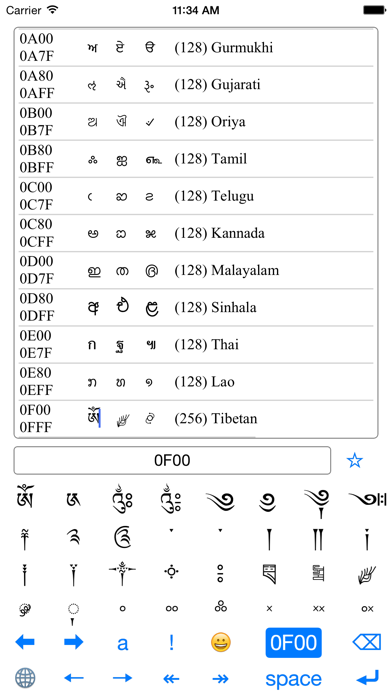
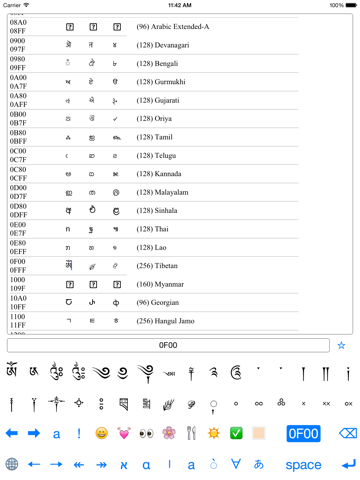
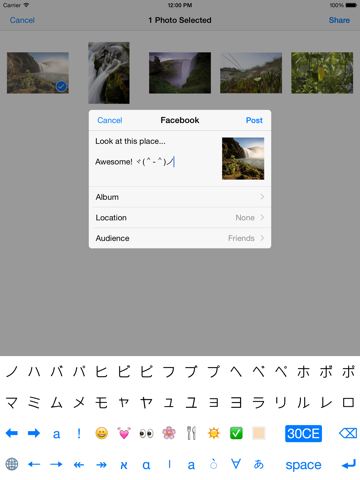
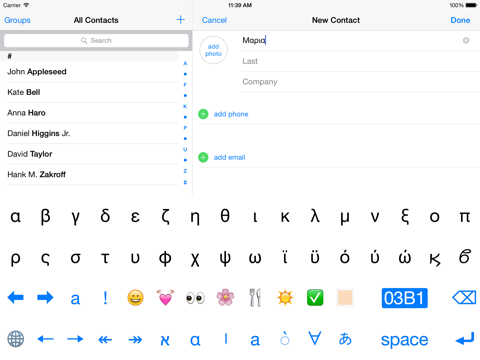
The FULL POWER of UNICODE at your fingertips. Universal input for ANY Unicode character including all alphabets, symbols and emojis using hexadecimal keypad.
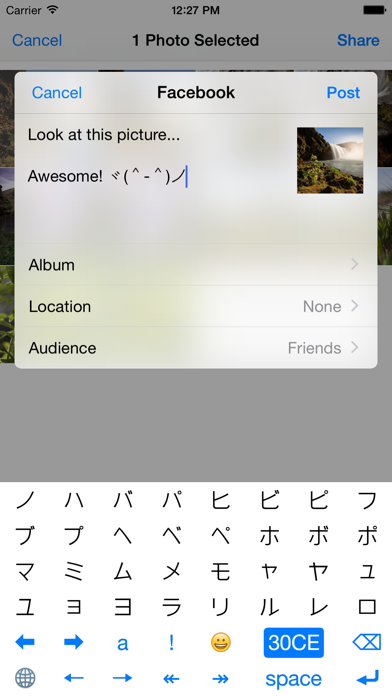
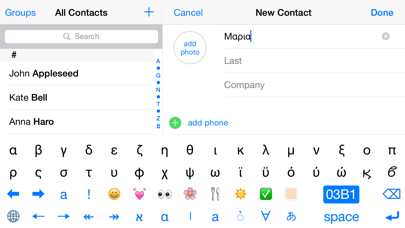
Instant keyboard with 32 buttons starting from any Unicode character. For most alphabets this is sufficient thereby giving the user a usable keyboard for many languages. For obscure languages UniK is the only keyboard that maybe available. For languages such as Hebrew or Arabic the stock keyboards do not provide input of diacritics, UniK readily provides this.
◆ Hexadecimal input for any Unicode character up to U+10FFFF, like a character map/viewer
◆ Convenience base chars for common alphabets and emojis
◆ Swipe left or right to page thru Unicode characters. Have fun exploring!
◆ Navigate text by character or by word
◆ Does NOT need "Full Access" which ensures your privacy and security
Instructions:
0. To install keyboard go to Settings > General > Keyboards > Add New Keyboard...
1. The code accumulator is the button to the left of the backspace and initially displays “....”
2. To enter codes that are more than 4 digits, long press the prefix digit
3. Swipe down, when the characters are displayed, to toggle the hex pad
4. To reset the code accumulator press it so that it is not selected
5. Swipe up, for small devices in portrait mode, to toggle other base chars
6. You can copy the unicode at the cursor by long press on the accumulator
7. Whether a code is rendered depends on the current font of the active app
Unicode Tips:
* Combining diacritical marks are rendered with dotted circle on the buttons for easy recognition
* You can change the skin tone of some human emojis by appending codes U+1F3FB to U+1F3FF
* To get a national flag use the block U+1F1E6 in typing the ISO code of the country
* To insert a tab in your text use U+0009
Start impressing your friends with characters that only UniK can deliver!
Quoi de neuf dans la dernière version ?
This app has been updated by Apple to display the Apple Watch app icon.
+ Minor adjustments