ViVi VibeLink
iPhone / Utilitaires
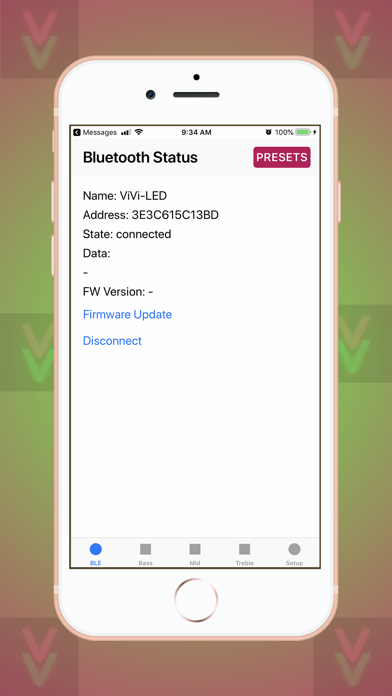
Control app for the ViVi Music LED Controller. Connects via BLE, no pairing required.
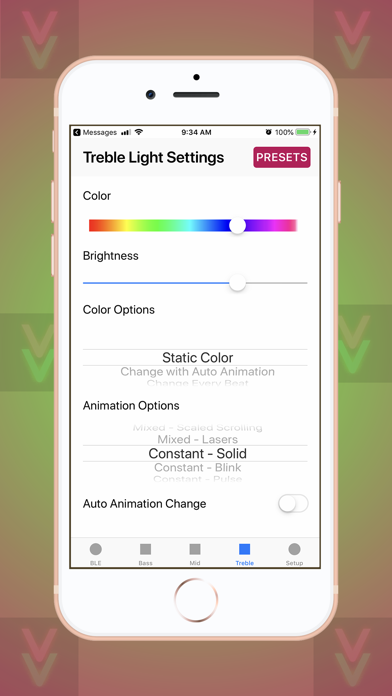
Change all settings for the 3 independent LED outputs:
- Brightness
- Color
- Auto Color Changing setting
- Animation
- Auto Animation Changing setting
- LED count (to fit animations perfectly to your strip size)
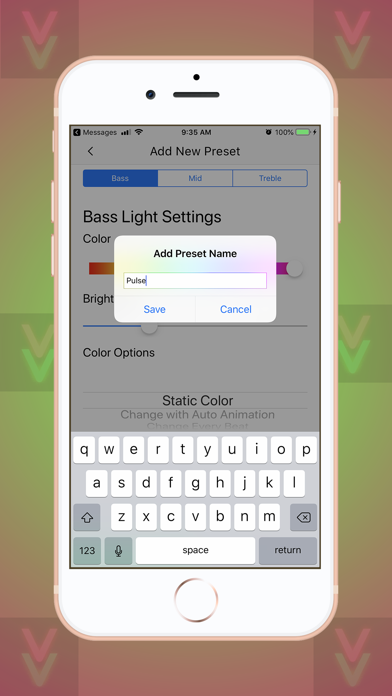
Go to the PRESETS tab to create, edit, copy, rearrange, and delete presets. Presets save settings for all 3 outputs and will change to those settings when the desired preset button is pressed. Add a preset using the + button, the starting values will be the current values of the controller. Rearrange presets by holding and dragging the preset. Use the 3-dot menu on each preset to edit, rename, copy, or delete each preset.
Quoi de neuf dans la dernière version ?
• Fixed issue under Setup where Bass +/- Button adjusted Mids instead of Bass
• Fixed issue where app would crash upon connection if all settings on constant animations and all set to 200+ LEDs
• Fixed issue where Presets would not work as expected if Scaled Scrolling animation was used in preset
• Special characters are now allowed in Preset names
• Default Presets are now included
• Dark mode is now supported