Void: Ad Blocker & Privacy
iOS Universel / Utilitaires
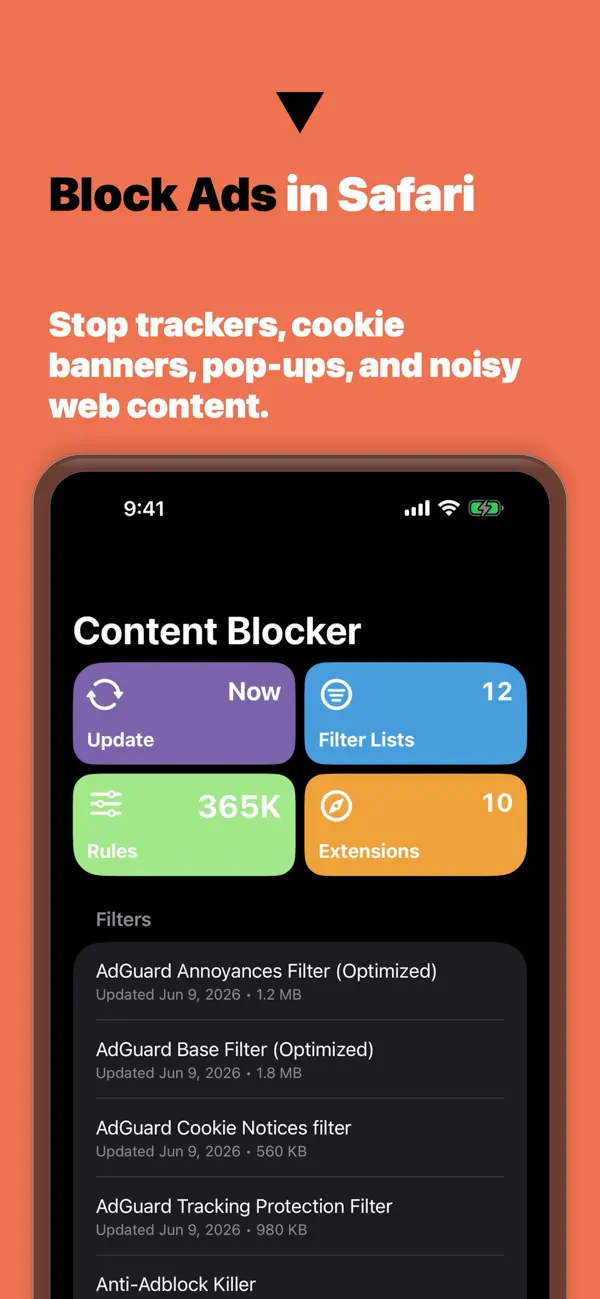
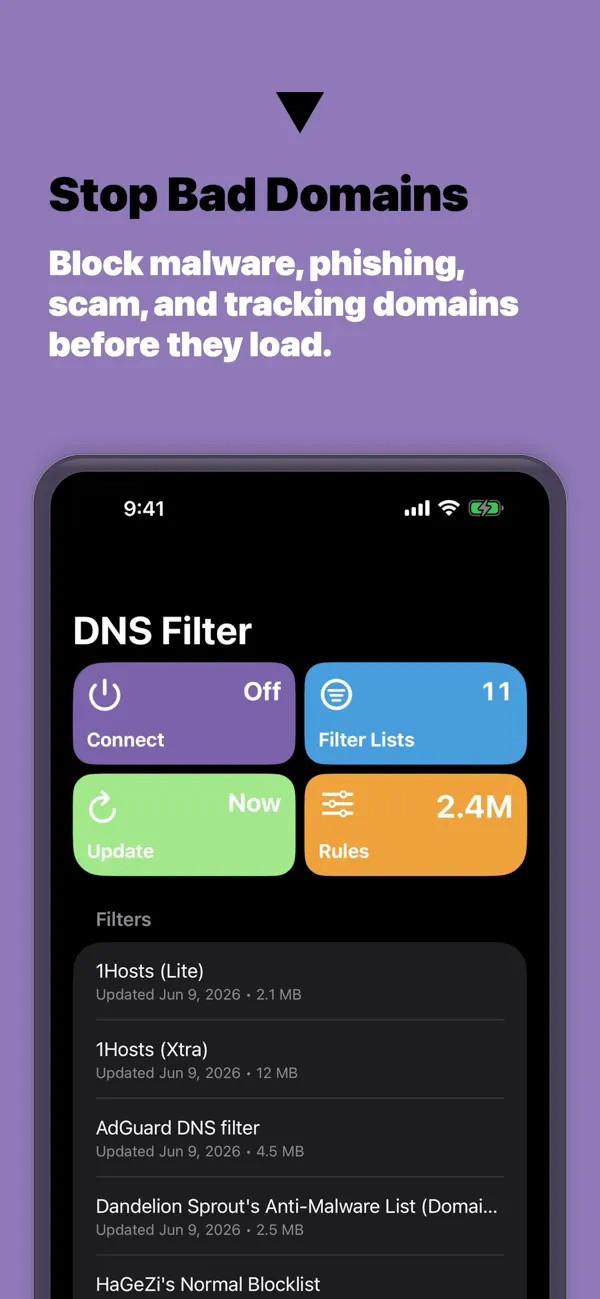
Block ads, trackers, cookie banners, pop-ups, malware, and phishing domains in Safari and DNS.
Void gives iPhone, iPad, and Mac users a local, private way to keep the web quieter. Choose curated filter lists, add custom rules, sync with iCloud, and refresh protection automatically with Void Pro.
WHAT VOID HELPS YOU DO
- Block ads, trackers, annoyances, and known malicious domains in Safari
- Use DNS protection for host-based blocking across your Apple devices
- Stop cookie banners, pop-ups, and noisy page elements with content filters
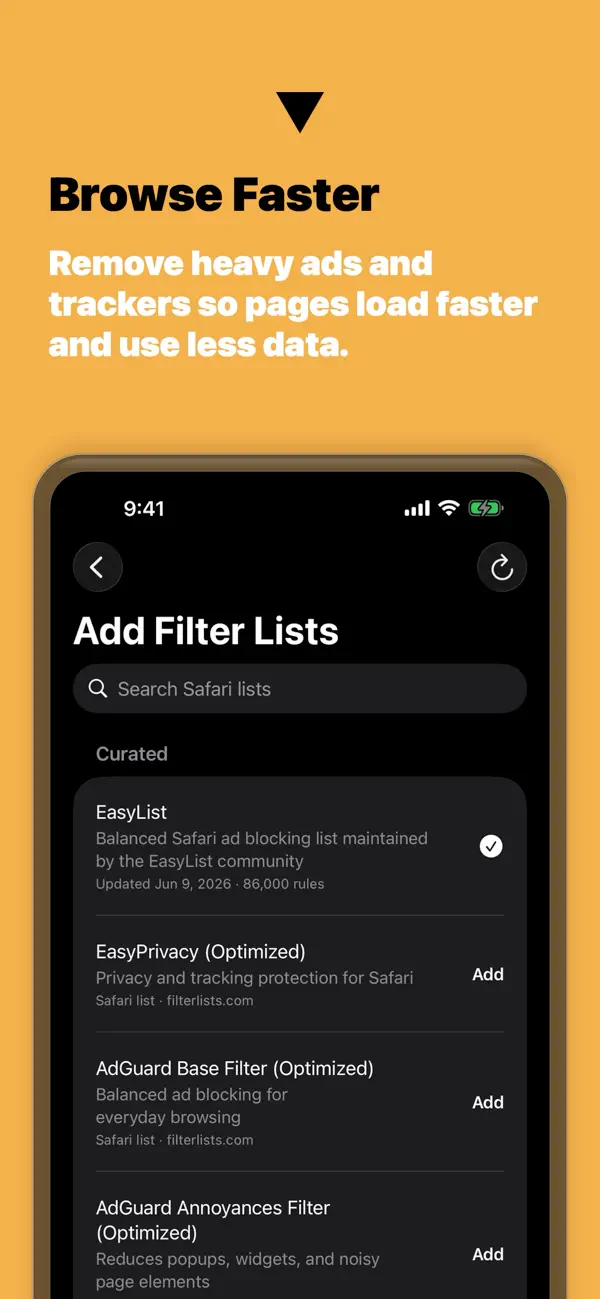
- Start with curated lists or add personal allow, block, cookie, HTTPS, and element-hiding rules
- Inspect generated rule counts and manage downloaded filter lists
- Sync lists and custom rules across iPhone, iPad, and Mac with iCloud
- Keep protection refreshed automatically with Void Pro
PRIVACY BY DESIGN
Void generates protection artifacts locally and does not build an advertising profile around your browsing. Your filter setup stays under your control.
VOID PRO
Void Pro unlocks expanded list management, custom rules, DNS filtering, automatic protection updates, iCloud sync, and a Lifetime option alongside monthly and annual plans.
Subscriptions are billed through your Apple Account and renew automatically unless canceled at least 24 hours before the end of the current period. A lifetime unlock is also available as a one-time purchase. You can manage or cancel subscriptions in App Store account settings.
Terms of Use: https://www.apple.com/legal/internet-services/itunes/dev/stdeula/
Privacy Policy: https://usevoid.co/privacy
Quoi de neuf dans la dernière version ?
Clearer App Store copy for people comparing ad blockers, tracker protection, and DNS privacy tools.
- Updated screenshots focus on ads, trackers, pop-ups, bad domains, custom rules, and sync
- Refreshed description explains how Safari content blocking and DNS protection work together
- Cleaner keyword coverage for ad blocking, privacy, filters, rules, and scam protection