Slickster
iOS Universel / Voyages
Find and share plans and activities based around your interests, mood, and location. From bars and eateries to local attractions, romantic getaways, and even family excursions—Slickster makes finding, planning, and sharing them fun and easy.
How to use Slickster:
Main Screen:
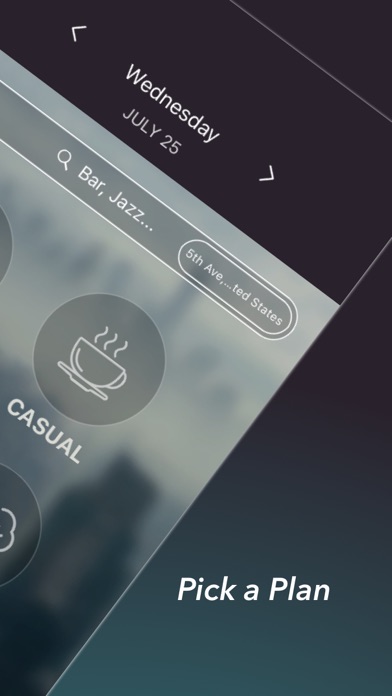
1.Tap the plan to begin or tap the map to input a new location.
2.Tap the side menu to input interests, view saved agendas, edit profile, etc.
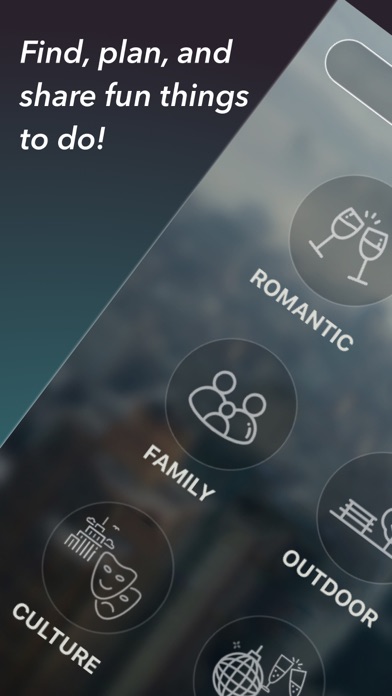
3.Swipe to see more Slycons - A Slycon is like your own personal activity playlist. Each Slycon represents a different overall theme—from interests and hobbies to industries, products, and unique local attractions.
(We're constantly adding more to give you the most complete planning experience.)
Plan Screen:
1. Easily swipe through plans and activities tailored around you.
2. Map icon on the top right corner shows your map plan
3. Tap the dropdown dots to customize subcategories.
4. Tap any activity to see additional info and share the activity
5. Tap the "+" icon to share and post the entire plan
6. Tap the "Post Activity" to share Activities
Dropdown Screen:
1. Swipe the top category to view other categories.
2. Tap the subcategory on the right to view additional activities.
3. Slide the pin to search within a larger radius.
4. Tap the time to change times.
5. Tap nearby/rating to search by nearest location or highest rating.
Additional Features:
-Quick Search helps you find categories of interest and create plans from there.
-Swipe through locations on any plan or activity.
-Tap the top right corner of any Slickster plan to see it mapped out.
-Share plans with friends via text, email, chat, or social.
-Tap the "+" icon on the bottom left to save plans/activities and add titles and descriptions.
*Currently works in all U.S. cities and outside the U.S. in Australia, Canada, France, Netherlands, and the UK.
Quoi de neuf dans la dernière version ?
- Updated with Apple Login ID