Juno Connect: Jupyter Client
iOS Universel / developpeurs
Juno Connect is a client app for Jupyter, a cloud-based computational environment. Juno Connect lets you leverage the computing power of a remote Jupyter server right from your iPhone or iPad.
With Juno Connect you can:
• Connect to cloud-computing services, such as CoCalc, Binder, SageMaker, Gradient or NAAS
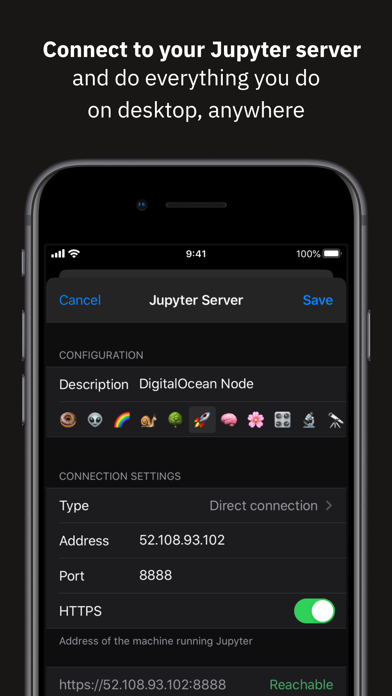
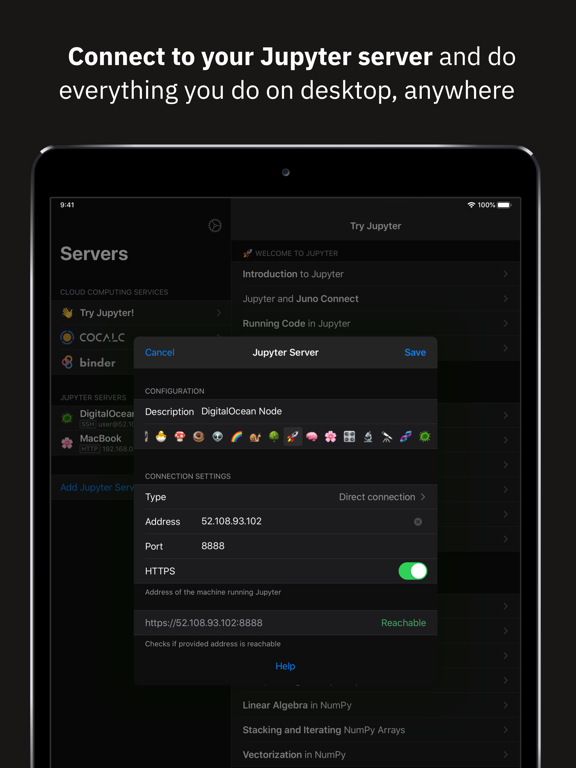
• Add and configure your own remote Jupyter servers
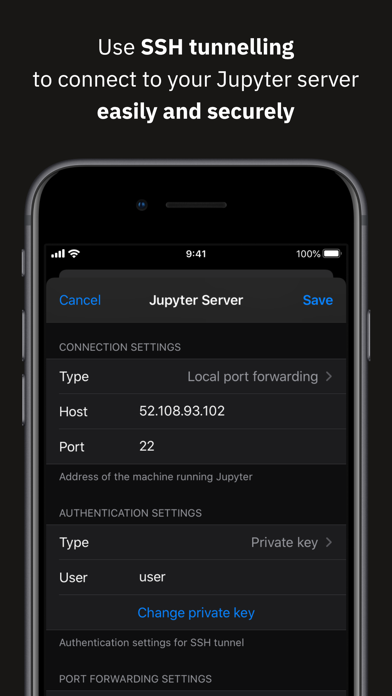
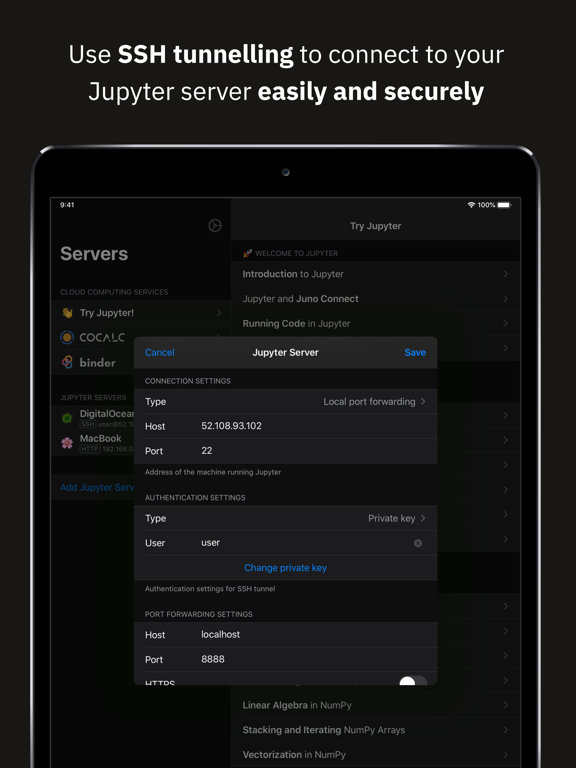
• Leverage SSH tunneling with local port forwarding for secure connections
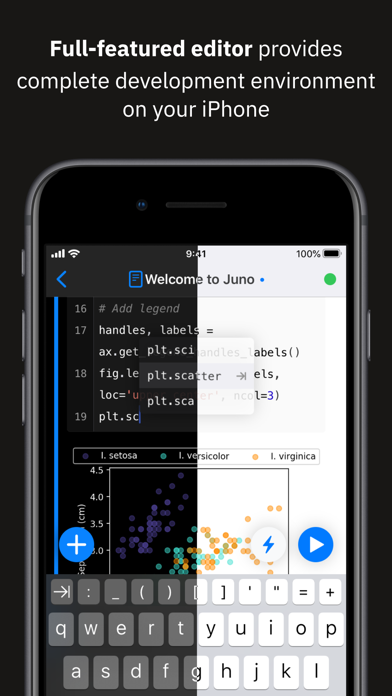
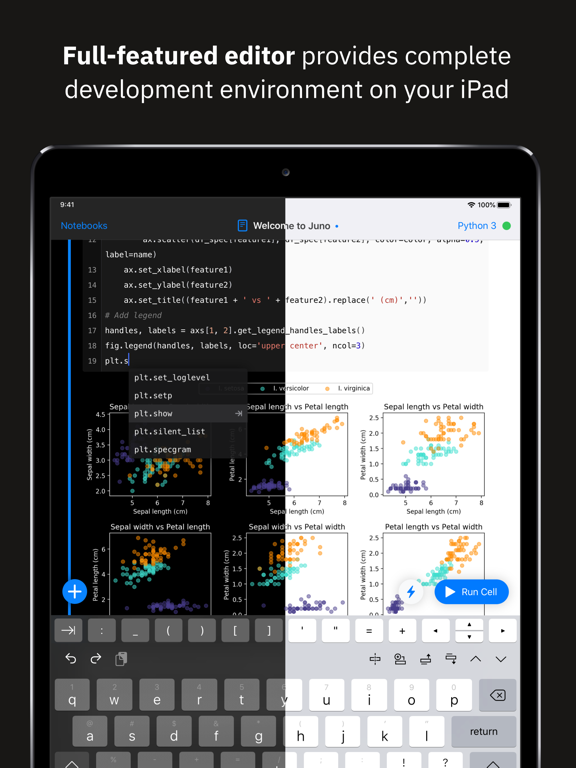
• Take full advantage of your keyboard and trackpad in our full-featured code editor
• Utilise full multitasking capabilities on iPad
When you run code in Juno Connect, the actual computing is happening on a remote Jupyter server, giving you access to virtually unlimited computational resources from your iPhone or iPad. You can either connect to your own Jupyter server — directly via HTTP/HTTPS, or by establishing an SSH tunnel with local port forwarding — or use cloud computing services, such as CoCalc, Binder, SageMaker, Gradient or NAAS. And if you would rather execute code on device instead, check out our other app Juno, it lets you work with Jupyter notebooks autonomously on your iPhone or iPad.
Juno Connect offers a full-featured notebook and code editor, providing a complete development environment on your iPad or iPhone. it supports Dark Mode and Dynamic Type, offers extended on-screen keyboard and works beautifully with all hardware keyboards and trackpads. Juno Connect lets you reach your Jupyter server easily and securely with SSH tunnel using local port forwarding. You can launch Juno Connect in Split-screen mode alongside other apps on iPad — run notebooks with documentation, terminal, or other code editor in front of you.
WHAT IS JUPYTER?
Jupyter is an interactive cloud-based computational environment, where you can combine code execution, rich text, mathematics, plots and rich media. It works with Jupyter notebooks, a computational document format that allows storing live code, markdown text, plots, images and equations in LaTeX — all wrapped into a single notebook file.
Notebook documents keep record of all inputs and outputs of the interactive programming session, and the rich output generated by running R, Python or Julia scripts (including HTML, images, video, and plots) is embedded into the Jupyter notebook document. They are especially convenient if you are coding in Python for data analysis, machine learning, or computational science in general.
A notebook consists of a sequence of cells, each representing either a narrative text in a form of markdown text or HTML, or a coding script with a text or media output. This makes notebooks both human-readable documents with the analysis description and the results (figures, tables, etc), as well as executable scripts for data analysis or plain programming. You can use Jupyter notebook as a document with optional executable code in it, or simply as a programming playground for data manipulation and experiments.
Jupyter supports countless programming languages, including Python, R, Julia, and Scala. Jupyter lets you leverage big data tools, such as Apache Spark, from Python, R, and Scala — or explore that same data with pandas, scikit-learn, ggplot2, PyTorch and TensorFlow. And, of course, Juno Connect lets you use whichever language kernels and libraries are installed on your Jupyter server right on your iPhone or iPad.
Quoi de neuf dans la dernière version ?
This release fixes several issues related to keyboard and scrolling.