Muxy
iOS Universel / developpeurs
Muxy Mobile is the companion app for Muxy, a terminal multiplexer for your desktop. Pair your phone over the local network and take your sessions with you.
Built for developers
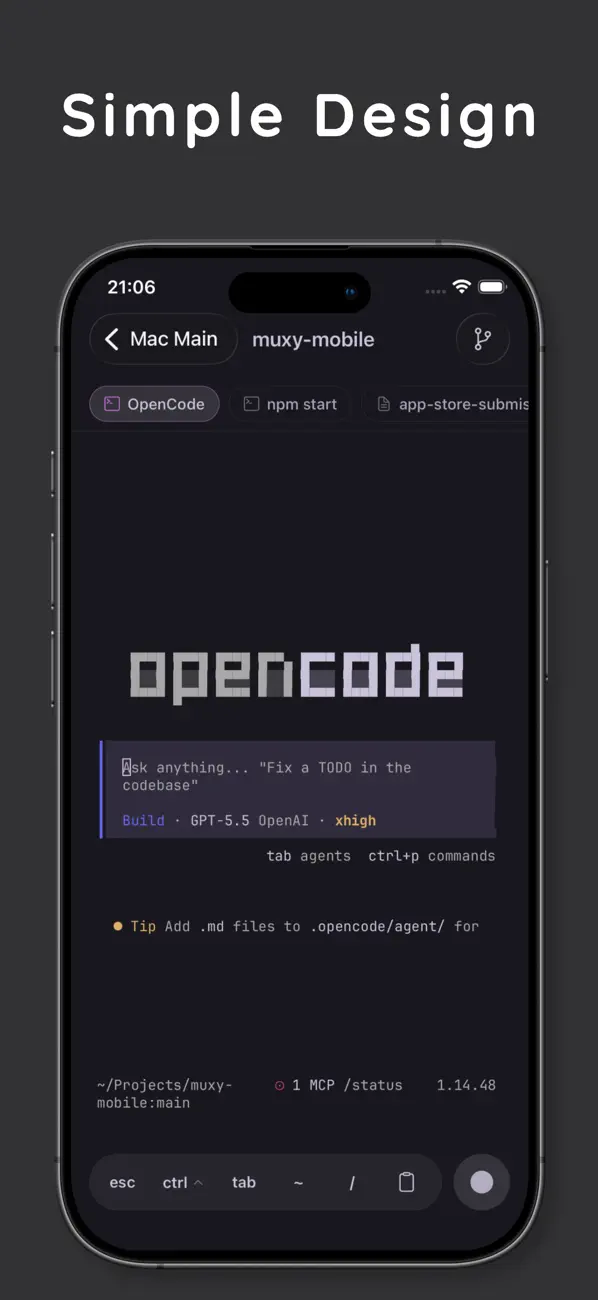
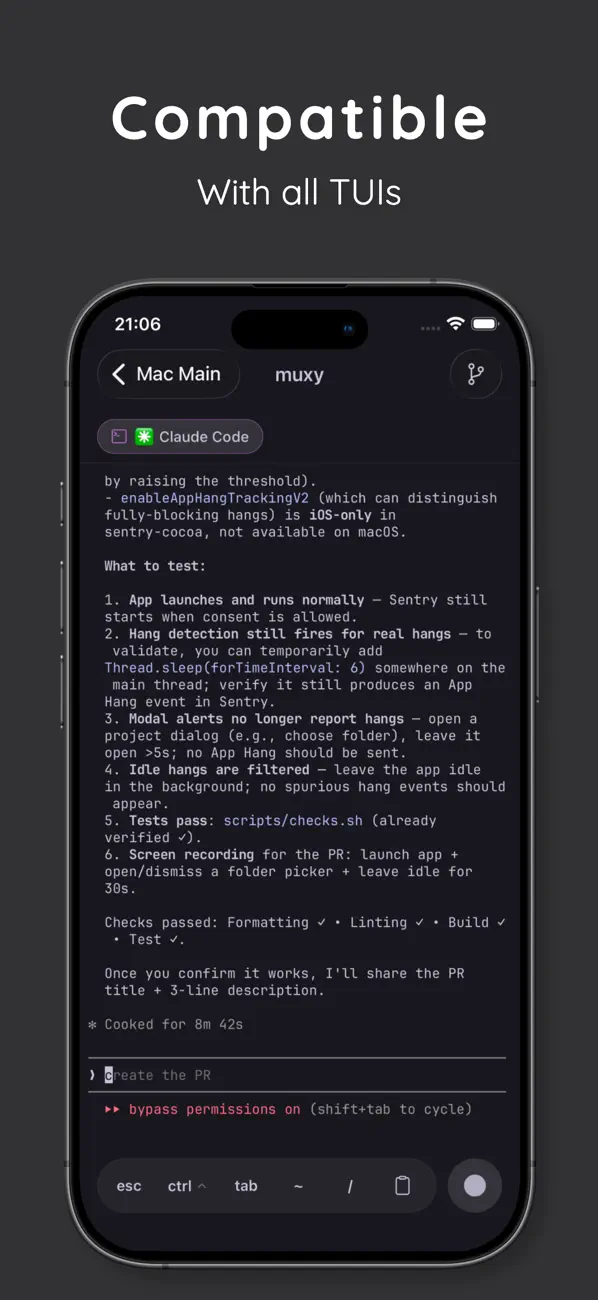
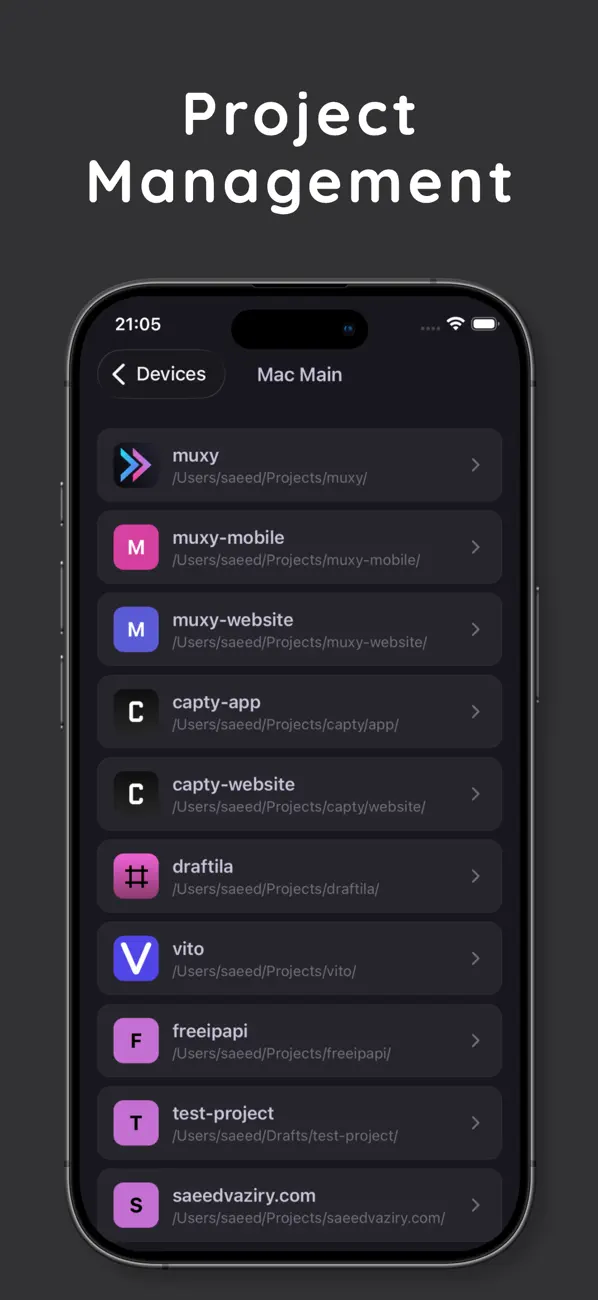
Drive real terminal sessions from your phone. Switch projects, run commands, review git changes, and stay in flow when you step away from your desk.
How it works
1. Install Muxy on your desktop and enable the Mobile server in Settings.
2. Open Muxy Mobile on your phone, enter the host and port shown in Muxy.
3. Approve the pairing prompt on your desktop. You're connected.
Features
• Real-time terminal sessions over your local network
• Project and tab switching with a swipe
• Nerd Font support for powerline glyphs and icons
• Git status, branch, and diff at a glance
• Light, dark, and device-matched themes
• Demo Mode to explore the app without pairing
Privacy first
Muxy Mobile talks directly to your desktop over your local network. No cloud, no accounts, no telemetry — your terminal sessions never leave your network.
Quoi de neuf dans la dernière version ?
- Fix scroll issues
- Fix terminal rendering issues when on-screen keyboard appears