Spatial Perception
iPhone / Forme et santé
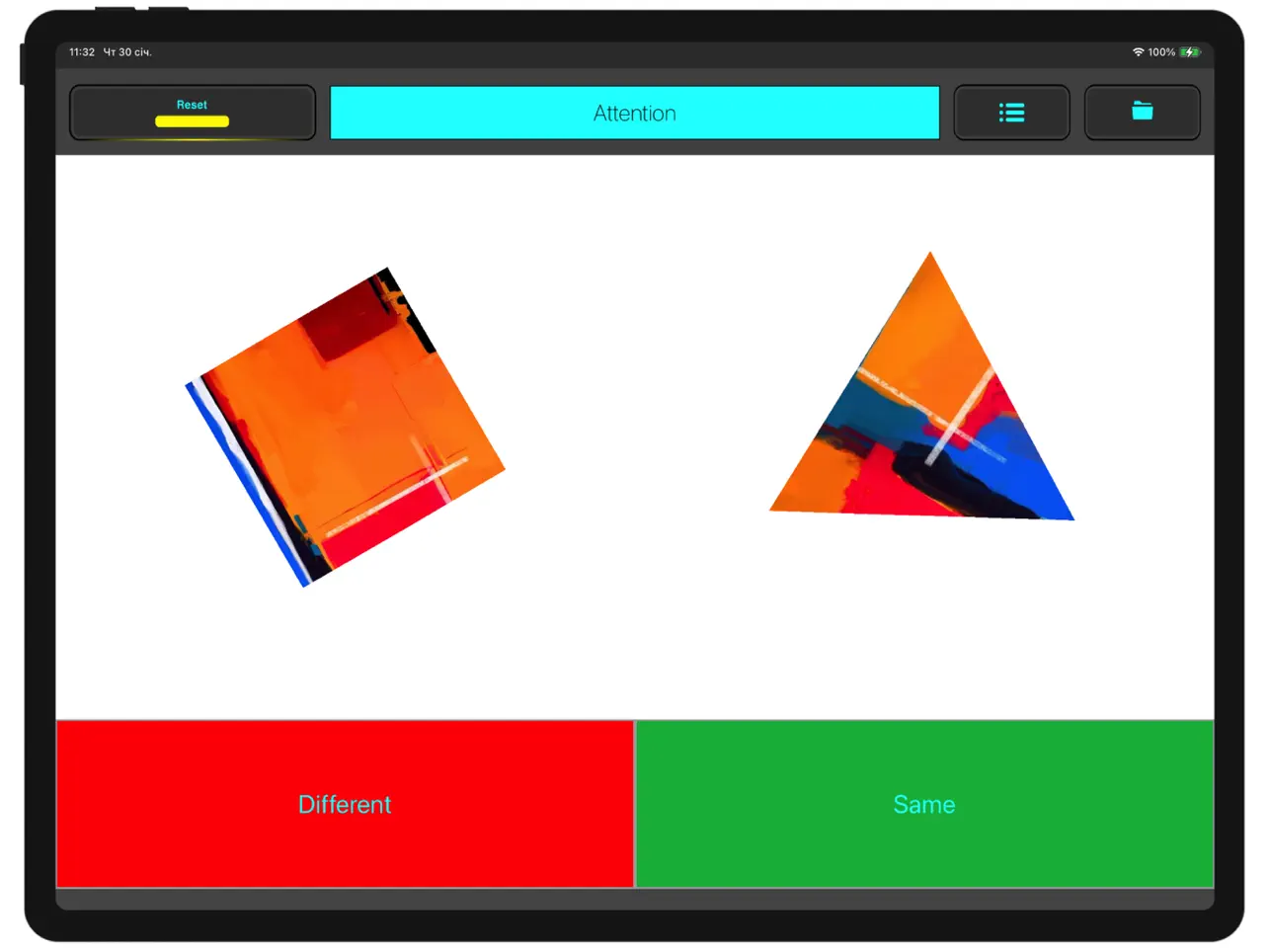
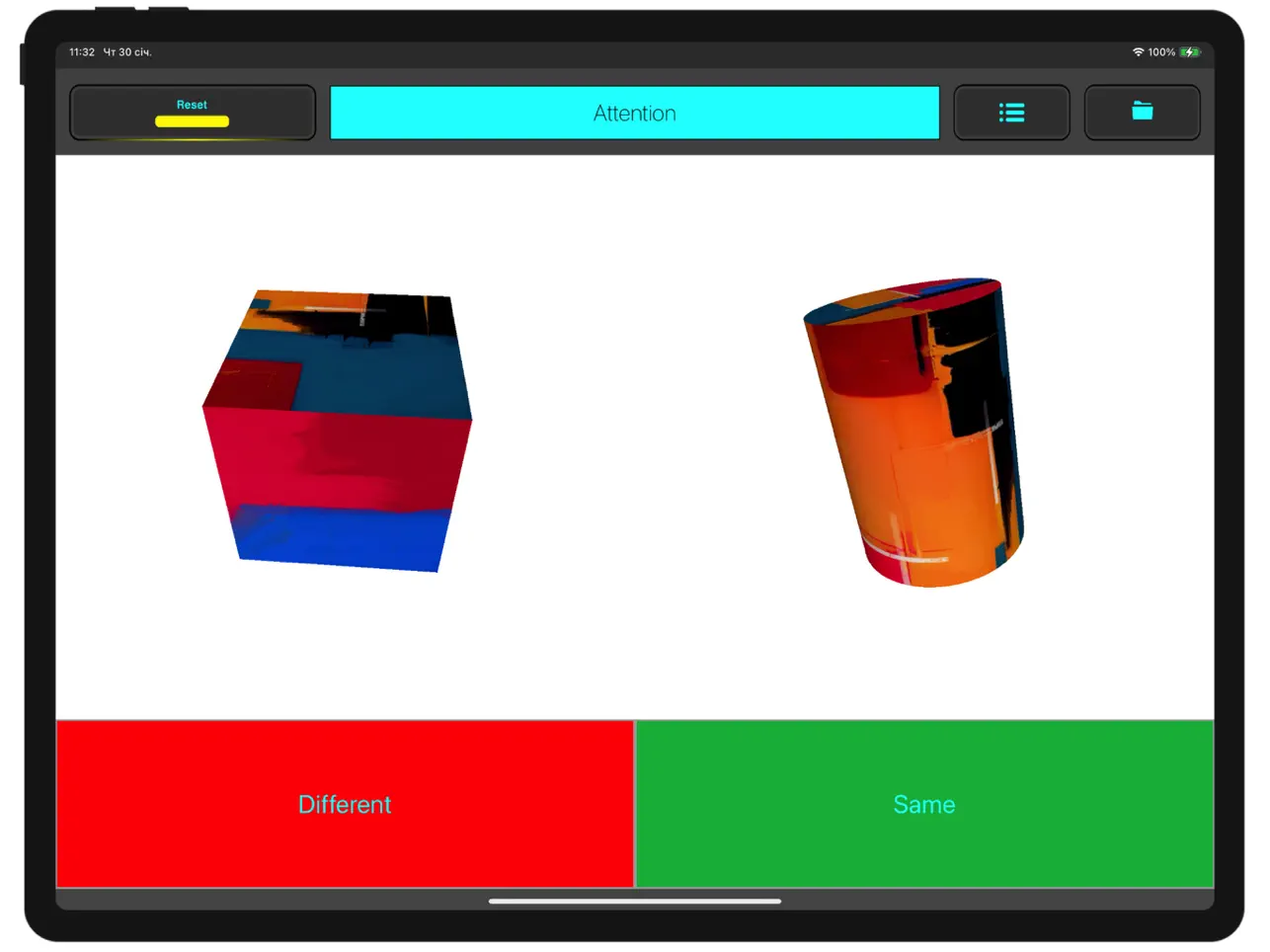
The “Spatial Perception” app helps assess an individual’s spatial perception—specifically, the speed of recognizing geometric shapes. In Stage 1, 2D shapes are compared; in Stage 2, 3D shapes are compared. In Stage 3, the comparison is performed after a preliminary rotation of the shapes. In Stage 4, additional visual stimuli are added to the rotating shapes to make 3D recognition more challenging. If the shapes are the same, tap “Same” (green button). If they are different, tap “Different” (red button).
In the app settings, you can choose the texture used to display the shapes.
• “Chess texture” provides sufficient contrast to identify the shape. Moderate visual stimulation helps maintain attention without overload.
• “Grey Wood” features a minimalist design and low visual stimulation, helping you focus on the shapes without unnecessary distractions.
• “Color Abstraction” provides high visual stimulation and requires increased attention and vigilance.
You can see how the visual stimuli (geometric shapes) appear in space. For a closer look, select “2D shapes” or “3D shapes”. 3D shapes can be rotated and viewed from different angles. The “Demo test” mode shows how the shapes are presented across all four stages. Depending on the study goal, participant age, and motor experience, you can select a test task that includes 2, 3, or 4 stages and choose the number of attempts per stage (from 10 to 40).
Model characteristics can be generated based on measurement results. To do this, go to the “Data” section, tap “Choose”, select the desired measurements, and tap “Model”. The next screen displays the main characteristics of the selected measurements. If the characteristics are satisfactory, tap “Create model”. Created models are available in Settings under “Models based on measurements”.\n\tTo compare measurement results with a model, go to “Data”, select a measurement, tap “Summery”, and on the next screen choose “Assessment”. As an example, the default preset includes model characteristics for highly qualified martial artists (“Martial arts model”).
In Settings you can also manage your data backups: save a backup in JSON format anywhere (“Save backup”), import measurements from another device (“Add backup”), replace existing measurements with a new backup (“Replace backup”), or delete all data (“Delete all data”).
This app can be used by athletes and educators in specialized institutions for scientific research.
Scientific validation: The Spatial Perception assessment protocol and the app were preliminarily tested and demonstrated reliability and validity in a peer-reviewed journal study: Romanenko et al., 2025, Applied Sciences, 15(6), 3413. https://doi.org/10.3390/app15063413.
The “Spatial Perception” app includes a machine learning model (Core ML) that automatically determines the level of spatial perception based on the results of a 4-stage test. The algorithm takes into account the speed–accuracy trade-off and analyzes both overall indicators (mean reaction time and mean error percentage) and the profile of performance changes as task difficulty increases. The result is presented as a level (High/Med/Low), an index/ranking position, and a detailed performance profile. This makes it possible to use the app for regular monitoring of cognitive readiness and for selecting individualized training tasks (e.g., attention, inhibitory control, training under increased visual load, etc.). All computations are performed locally on the device, without transmitting personal data to a server.
The results should be interpreted in the context of the athlete’s preparedness and the testing conditions; the app is not a medical device.
Quoi de neuf dans la dernière version ?
Fixed some bugs. Added an on-device ML model for automated spatial perception assessment. Improved result interpretation with level classification (High/Med/Low). Enhanced performance and privacy by processing data locally on the device.