Panorama 360
macOS / Graphisme et design
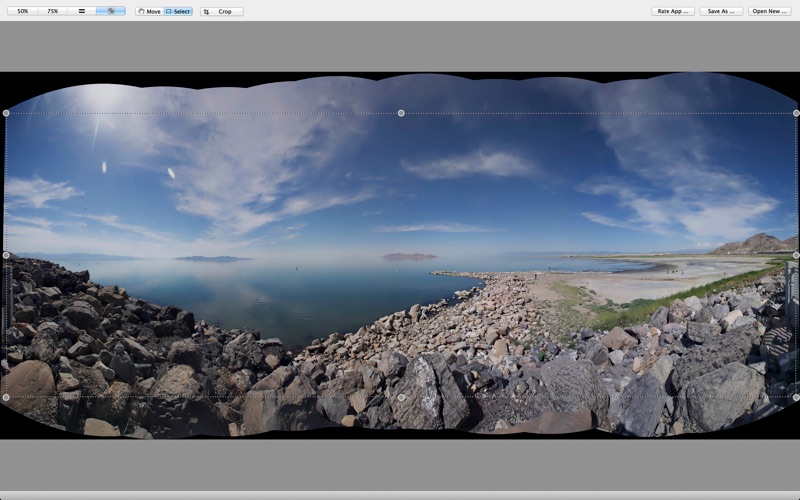
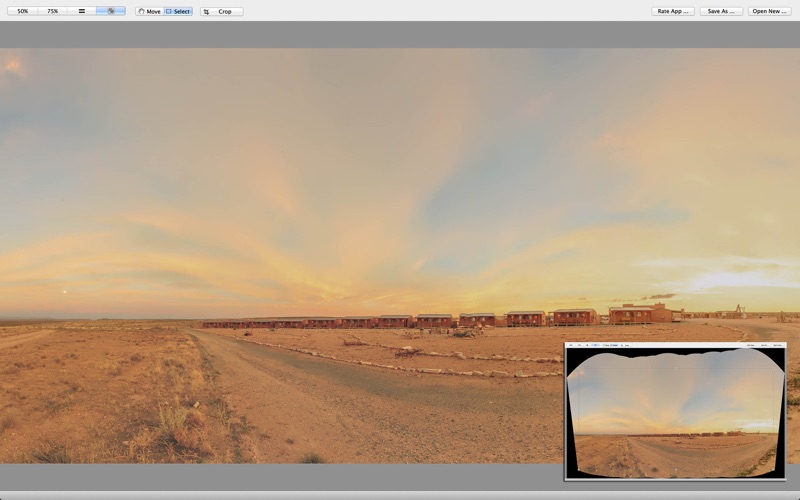
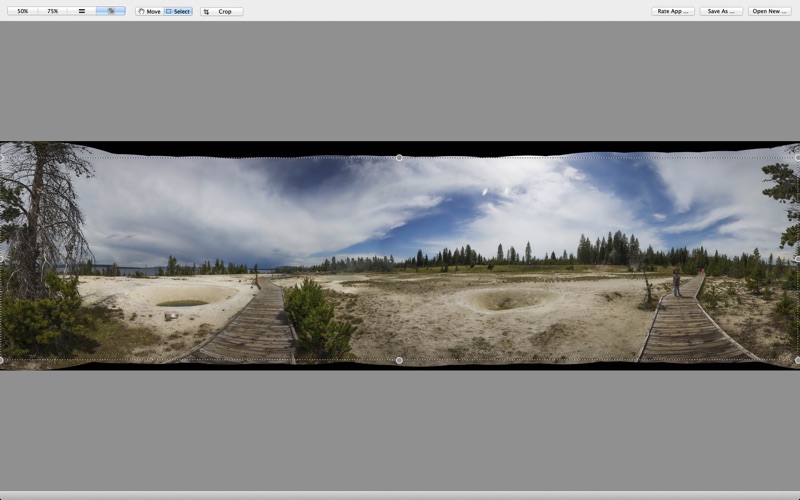
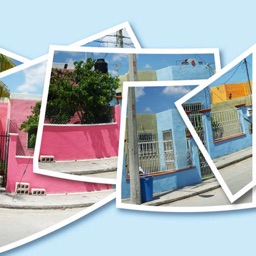
Panorama 360 is the highest-quality panorama app for you, generating beautiful wide-angle panoramas of up to 8000x6000 pixels, with no visible seams.
Panorama360 is the only panorama app that can stitch photos in any order or arrangement, including vertical, horizontal, or mixed arrangements. It achieves superb image quality by stitching full-resolution camera images.
Panoramic photos are a great way to showcase sweeping landscapes. By shooting a series of overlapping images and combining them on your computer, you can take in a much wider angle of view. This technique also means you don’t need an expensive wide-angle lens – your 18-55mm standard lens is fine. The Panorama360 app combines several photographs into one continuous image. For example, you can take 3-20 overlapping photographs of a city skyline, and then merge them into a panorama.
Learn how to make a good panorama photo:
Setting up for your shoot, a stable position to take your panoramas from is important. Once you find your potential spot and set your camera up, rotate it to the extreme right and left edges that you want to include in your photo and make sure that there isn’t anything that is too big of a visual or physical obstruction. Something else to keep in mind is to try to set up so that the full range of your shot does not show shadows from you or your camera.
When you have the settings you want and have taken your extreme left pictures it is time to grab a reference point in the viewfinder about 20%-30% away from the right side of your viewfinder. You do this because you are going to swivel the camera so that this reference point is at the far left but still in the viewfinder so that there is some overlap between your photos.
As far as overlap is concerned, you are shooting digitally so snap away, overlap 30-50% if you want, but err on the side of overlapping too much. If you don’t overlap enough, as Panorama360 app attempts to blend the shots it will not have enough of a fingerprint to blend well.
Now simply repeat this process until you come to the extreme right end of your desired panoramic shot:
1. Choose a reference point about 20-30% away from the right edge of the viewfinder
2. Swivel the camera to the right until your reference point is at the left edge of the viewfinder
3. Take the picture
4. Repeat until you have taken photos that cover the entire area you wish to capture in your panorama
Make your panorama:
Now you are ready to ‘stitch’ your photos together. Please open each photo that you wish to add to the panorama in Panorama360 app. Click OK button. Now Panorama360 app goes into action. It analyzes and blends the photos. This could take several minutes.
Go ahead and save your picture and you have a panorama!
Blend Images Together: to have Panorama360 attempt to seamlessly blend exposure and color.
Vignette Removal: to correct for any natural lens vignetting (darkening) at the edges.
Geometric Distortion Correction: to repair any lens distortion (often caused when shooting at a wider angle).
Features:
● RAW, JPG, TIF supported
● Highest quality and resolution
● Stitch any number from 2 to 40 or more images, in any arrangement
System Requirements:
2GB Ram for stitch 2-10 images
4GB Ram for stitch 2-20 images
8GB Ram for stitch 2-40 images
OSX 10.9 above
Recommendation: input each photo size greater than 6 million pixels
Quoi de neuf dans la dernière version ?
reduce memory usage