MetaSniffer Pro - EXIF & MORE
iOS Universel / Photo et vidéo
MetaSniffer PRO is a complete metadata toolkit for iPhone and iPad.
Inspect, edit, clean, redact, compare, and report the metadata inside your photos - including EXIF, IPTC, XMP, GPS, MakerNotes, camera details, lens data, capture time, color profiles, embedded thumbnails, and more.
Built for photographers, creators, journalists, evidence professionals, and anyone who cares about what their photos are really sharing.
Open a single image to see every metadata field clearly, or work across hundreds of photos at once with powerful batch tools.
Inspect your photos
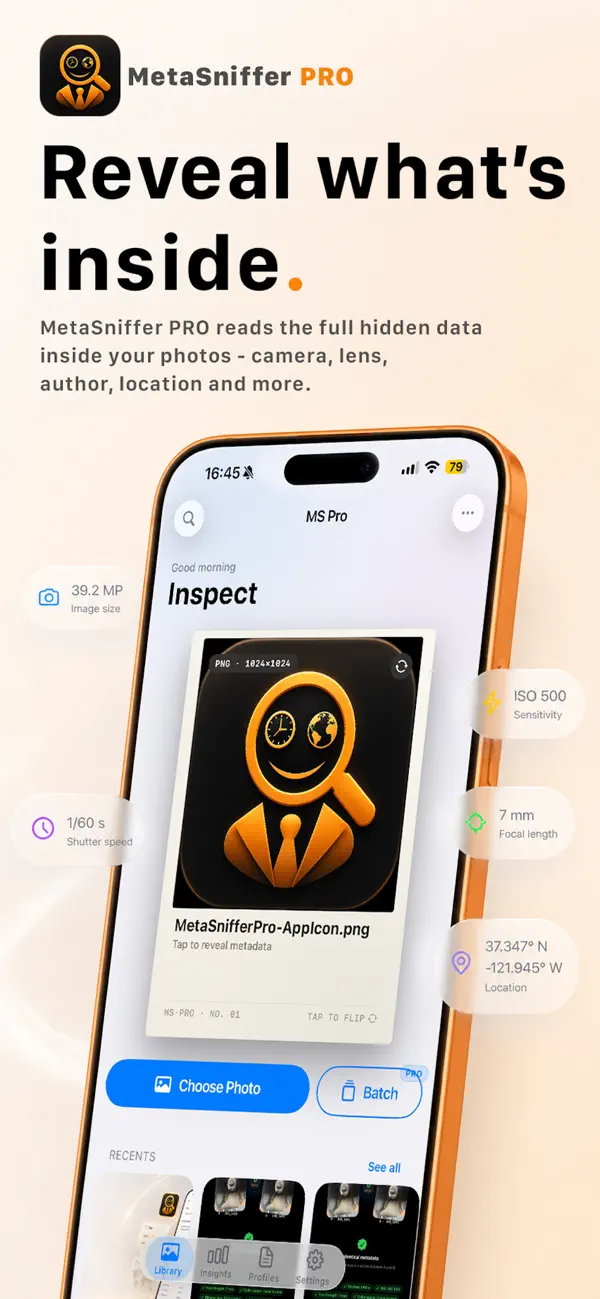
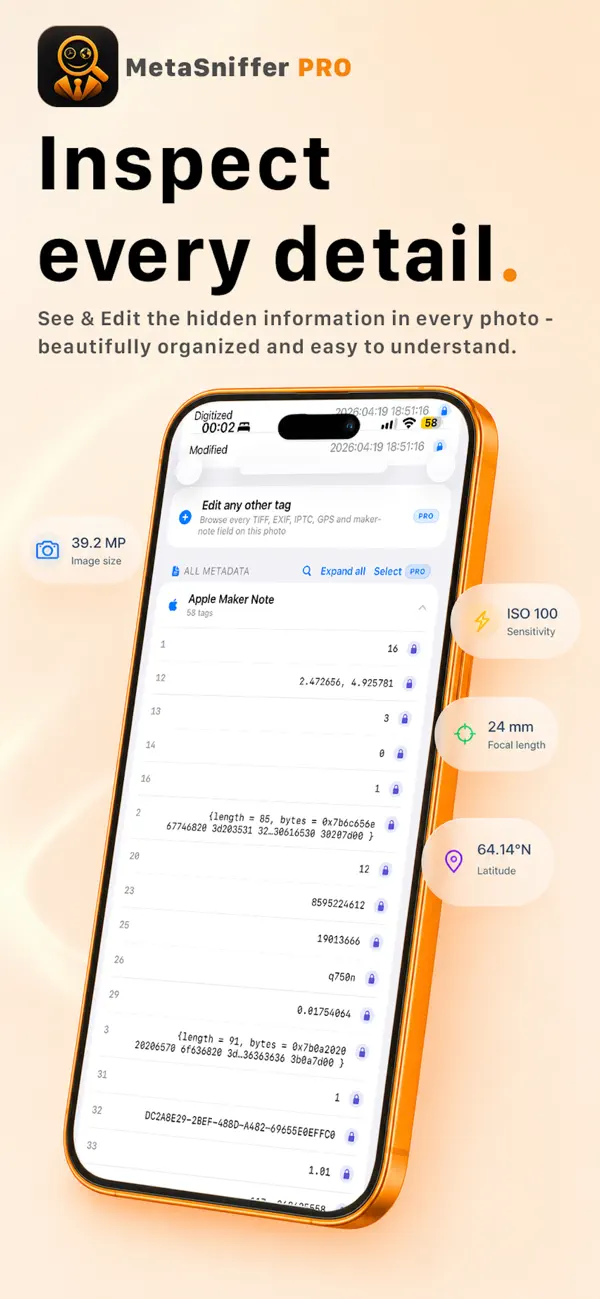
Read every metadata field embedded in a photo, presented in plain language with real names instead of cryptic codes. See camera and lens details, GPS coordinates, capture time, authorship, copyright, keywords, color profiles, embedded thumbnails, and more.
Edit complete image metadata
MetaSniffer PRO helps you edit, delete, add, or modify metadata such as location, timestamp, copyright notice, contact information, keywords, TIFF dictionary, GPS dictionary, IPTC dictionary, EXIF dictionary, JFIF dictionary, 8BIM dictionary, DNG dictionary, camera maker dictionaries, and more.
Edit with control
Change authorship, copyright, capture time, location, keywords, and dozens of other fields. Edits stay format-accurate, and filenames stay clean and consistent.
Redact before you share
Remove GPS coordinates, device serial numbers, lens IDs, MakerNotes, and other privacy-sensitive metadata from a single photo or an entire selection.
Work faster with Batch and Bulk
Inspect, clean, redact, and apply profiles to many photos at once. Bulk tools handle large selections with progress, undo, and per-photo error reporting.
Use Profiles
Save the edits you make most as reusable profiles - strip GPS, normalize authorship, anonymize device fields, clean sharing data - and apply them with a tap.
Capture metadata
Found the perfect metadata? Capture it once and reuse it across your photos.
Compare changes
Open any two photos side by side and see exactly what changed in their metadata, field by field.
Edit Map and Location data
See where a photo was taken on an interactive map, read the address back from GPS coordinates, and set or edit location metadata without leaving the app.
Generate Reports
Create detailed HTML or PDF reports for a single photo or a whole selection. Export raw metadata, structured XMP sidecars, or human-readable summaries for clients, evidence chains, or your own records.
See your privacy Insights
Get a clear picture of the privacy-sensitive metadata sitting across your library, with one-tap cleanup when you need it.
Save your way
Replace the original photo in place, or save a new copy. Convert on save between HEIC, JPEG, PNG, and TIFF, or keep the original format. Smart Rename keeps filenames consistent - unless you choose to change them.
Built for privacy
Every operation runs locally on your iPhone or iPad. Your photos and metadata are not uploaded, transmitted, or stored outside your device.
No account. No analytics. No tracking. No third-party SDKs.
MetaSniffer PRO’s vision is “Data Not Collected” for every category, with the Privacy Policy bundled in the app as the source of truth.
We do not read, see, store, access, transfer, touch any of your photos, metadata, device information or any other data. MetaSniffer PRO runs solely on your device with photos you specifically offer access to.
Free to download
MetaSniffer PRO is free to download. Browse your metadata and explore the Glossary for free.
The complete feature set unlocks through an auto-renewing subscription or a one-time Lifetime purchase. Subscriptions automatically renew until cancelled in your Apple Account settings. One-Time purchase is yours forever.
Quoi de neuf dans la dernière version ?
This new MetaSniffer PRO version brings:
• Complete rebuild: MetaSniffer PRO has been redesigned from the ground up with a new look, more options, and more powerful tools for editing image metadata.
• Library and Selection: Browse your full Photos library, or work only with the photos you choose to grant access to. Newly granted photos now appear at the front of Recents.
• Batch and Bulk: Inspect, clean, redact, and apply profiles to multiple photos at once. Remove GPS, device serials, and other privacy-sensitive fields across an entire selection.
• Smart Save: Replace the original in place, or save as a new copy. Convert on save between HEIC, JPEG, PNG, and TIFF, or keep the original format. Filenames stay clean and consistent — unless you choose to change them.
• Profiles: Save your most-used metadata edits as reusable profiles, then apply them to one photo or hundreds.
• Metadata Capture: Found the perfect metadata? Capture it once and reuse it across your photos.
• Compare: Open any two photos side by side and see exactly what changed in their metadata.
• Map and Location: See where a photo was taken on a map, read the address from coordinates, and edit GPS metadata without leaving the app.
• Reports: Generate detailed HTML or PDF reports for a single photo or an entire selection. Export raw metadata, structured XMP, or human-readable summaries.
• Insights: Get a clear view of privacy-sensitive metadata across your library, with one-tap cleanup when you need it.
• Refined throughout: Enjoy a redesigned Home, refreshed onboarding, time-of-day greetings, and smarter handling of Limited Photo Library access.
• Still 100% on-device: Your photos and metadata never leave your iPhone or iPad.
• A present for legacy users: enjoy your free upgrade and thank you for sticking around!
________
Every photo tells a story. Take control of what your photos say with MetaSniffer PRO.
View, edit, clean, and manage complete image metadata with a powerful toolkit built for privacy-conscious users, creators, photographers, and professionals.
Whether you need a quick adjustment or full metadata control, MetaSniffer PRO makes it simple.
Browse your metadata and explore the Glossary for free.
Choose an one-time purchase or an auto-renewable plan when you’re ready for more.
Upgrade today and unlock MetaSniffer’s smartest way to manage image metadata.