iPhoneAddict Apps
  • Actualités
  • Accueil Apps
  • iPhone
  • iPad
  • Universelles
  • Mac
  • Apple TV
KG KultureGeek
App
iPhone / iPad Télécharger iAddict v5 Mac Télécharger iAddict Mac
  • Actualités
  • Accueil Apps
  • iPhone
  • iPad
  • Universelles
  • Mac
  • Apple TV
  • Archives keynotes
  • Firmwares & iTunes
  • Contactez-nous
  • Comparateur de prix
  • KultureGeek
Accueil » Liste des Apps » Apps Universelles » Photo et vidéo » Night Portrait
L'application n'est plus disponible sur l'App Store français
1.0 iOS €Gratuit 松滔 袁 0 0 Night Portrait is so easy ! Photographers taking pictures at night want to capture the subject and surrounding lighting conditions as naturally as possible. If the photographer were to set the camera to full auto mode, the camera's flash would cause...
Night Portrait

Night Portrait

iOS Universel / Photo et vidéo

Gratuit
Obtenir sur l'App Store
Facebook X E-mail

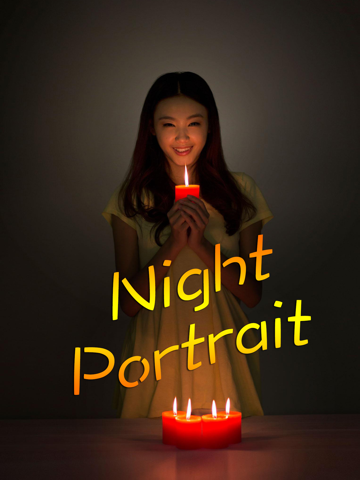
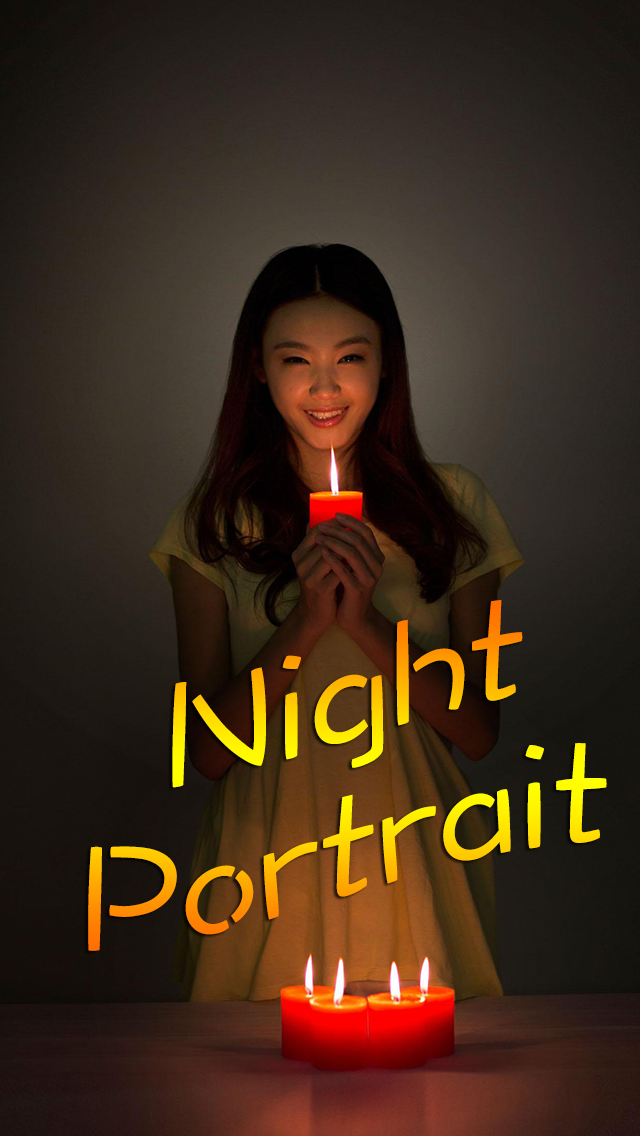
Night Portrait is so easy !

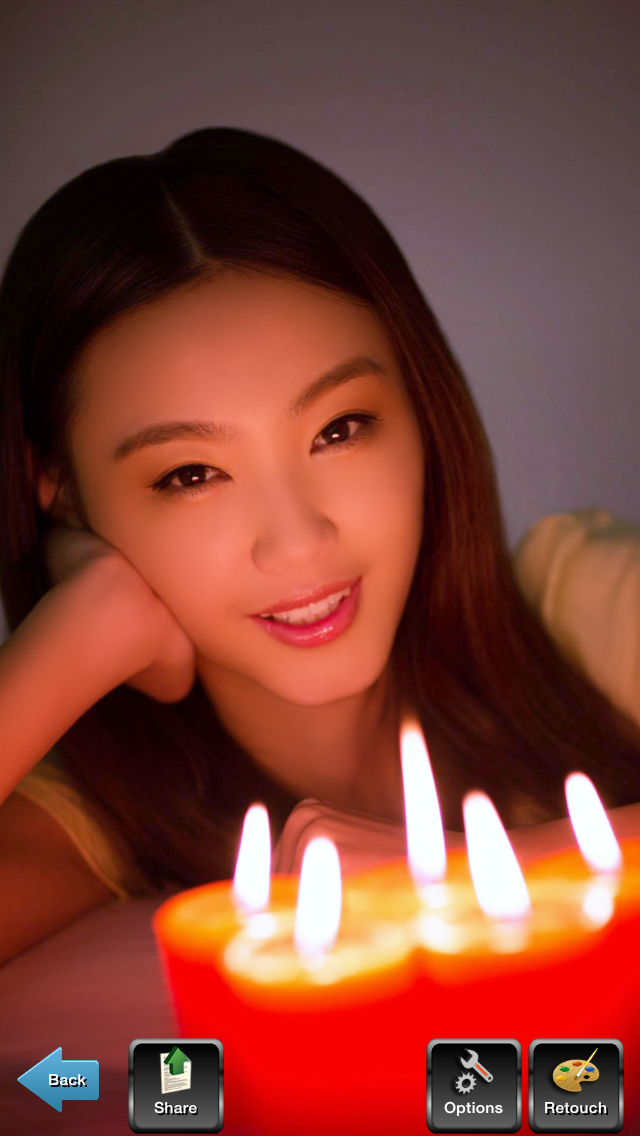
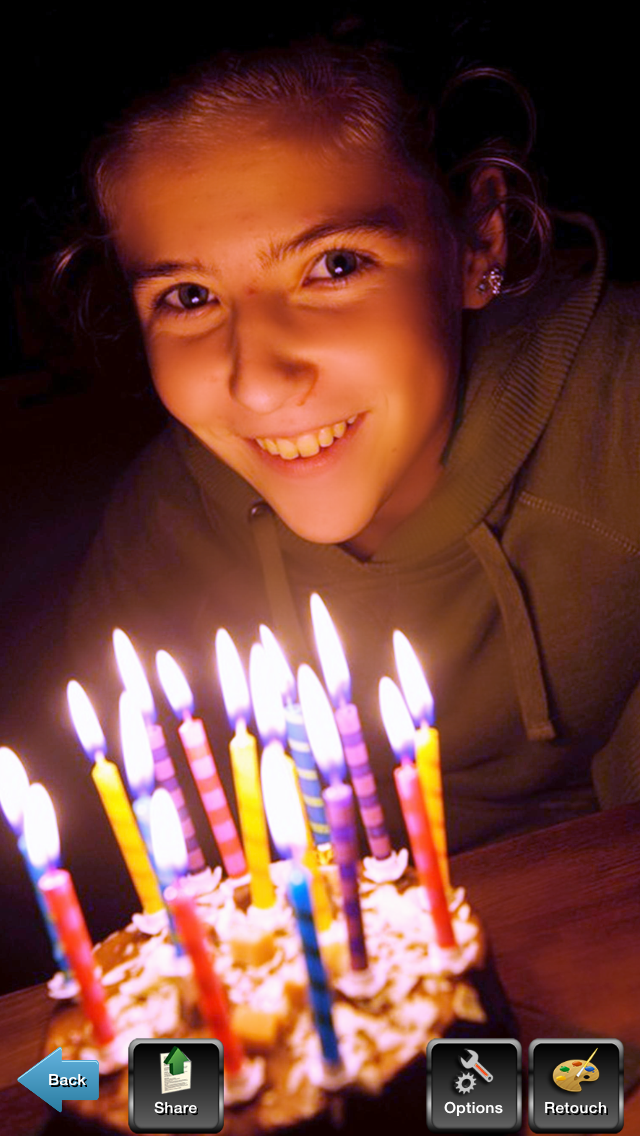
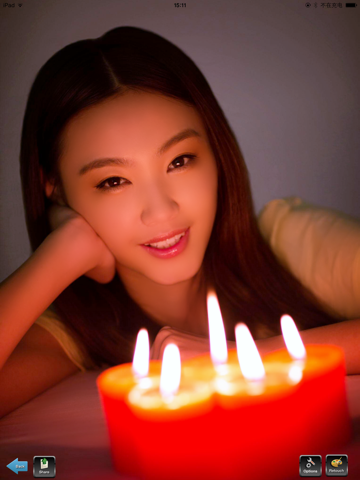
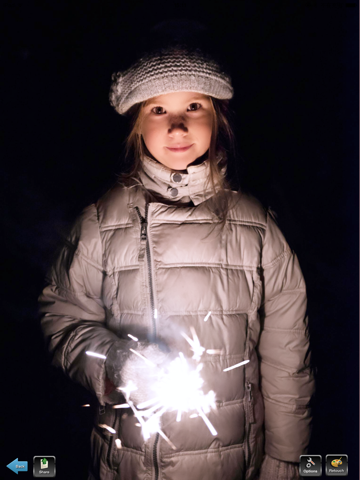
Photographers taking pictures at night want to capture the subject and surrounding lighting conditions as naturally as possible. If the photographer were to set the camera to full auto mode, the camera's flash would cause the entire scene to appear unnaturally lit. Night portrait app automatically slows the shutter speed to allow time for adequate light to hit the camera's sensor, as well as adjusts the timing of the flash to only illuminate the object or person in the foreground. The slower shutter speed, combined with the flash timing, helps to create more natural looking night shots. Powerful anti-noise algorithm retouch the Skin Beauty!

When to Use Night Portrait app

Night portrait app is ideal for taking pictures of people or stationary objects at night. The app allows the photographer to capture the nighttime atmosphere while providing enough light to show the subject's features. The timing of the flash in night portrait mode prevents the scene and the subject from appearing "blown out" or unnaturally lit.

Tips for Using Night Portrait app

In night portrait mode, the camera automatically sets a slow shutter speed and any movement of the camera will result in motion blur. Using a timer is helpful in preventing motion blur by preventing the camera from moving when the shutter is depressed. To experiment creatively with night portrait mode, photographers can hold or move the camera to intentionally blur objects and lights.
Night Portrait app is designed to deliver a better-looking portrait at night (or in any dimly lit environment). Night Portrait app does so by combining flash with a slow shutter speed. That slow shutter speed produces a longer exposure time, which enables the camera to rely more on ambient light and less on the flash to expose the picture. The result is a brighter background and softer, more even lighting.

Night Portrait app also differs from regular Portrait app in that it renders the scene in the same way as Scene Intelligent Auto in terms of colors, contrast, and sharpness. So shots taken in Night Portrait mode typically display sharper, bolder colors than those taken in regular Portrait Camera App.

En voir plus...

Quoi de neuf dans la dernière version ?

This app has been updated by Apple to display the Apple Watch app icon.
  • Screenshot #1 pour Night Portrait
  • Screenshot #2 pour Night Portrait
  • Screenshot #3 pour Night Portrait
  • Screenshot #4 pour Night Portrait
  • Screenshot #5 pour Night Portrait
  • Screenshot #6 pour Night Portrait

D'autres applications du développeur

Panorama 360 CameraPanorama 360 CameraiOS UniverselAI Twins CameraAI Twins CameraiOS UniverselAuto Stitch Pic-Merge PanoramaAuto Stitch Pic-Merge PanoramaiOS UniverselCutOut Superimpose LassoCutOut Superimpose LassoiOS UniverselSkin MakeupSkin MakeupiOS UniverselPortrait 101 in 1 Filters - enhance and retouch your photoPortrait 101 in 1 Filters - enhance and retouch your photoiOS UniverselVoir toutes les apps

Note

(0 note)

Détails sur l'application

Version
1.0
Taille
93.9 Mo
Version minimum d'iOS
8.0
Dernière mise à jour
24/01/2015
Publié par
松滔 袁

Newsletter App Store

Recevez chaque jour les meilleures promos

Actualité Apple

Image Google annonce Pixel Tag, son concurrent de l’AirTag d’Apple
Google annonce Pixel Tag, son concurrent de l’AirTag d’Apple
Image Dave the Diver : le jeu indé culte arrive sur iPhone, iPad et Mac le 17 septembre prochain
Dave the Diver : le jeu indé culte arrive sur iPhone, iPad et Mac le 17 septembre prochain
Image L’iPhone 18 arrivera en 2027 et non 2026, confirme un sous-traitant d’Apple
L’iPhone 18 arrivera en 2027 et non 2026, confirme un sous-traitant d’Apple
Image Des détails sur l’écran de l’iPhone des 20 ans tout en verre
Des détails sur l’écran de l’iPhone des 20 ans tout en verre
iPhoneAddict Apps

Le catalogue iPhoneAddict pour suivre les nouveautés, mises à jour et baisses de prix de l’App Store.

Apps

Toutes les apps iOS iPhone iPad Universelles Mac Apple TV

iPhoneAddict

Actualité Apple Archives keynotes Contact À propos KultureGeek

Suivez-nous

©2009-2026 i2CMedia. Tous droits réservés.