Date Today for Safari
iOS Universel / Productivité
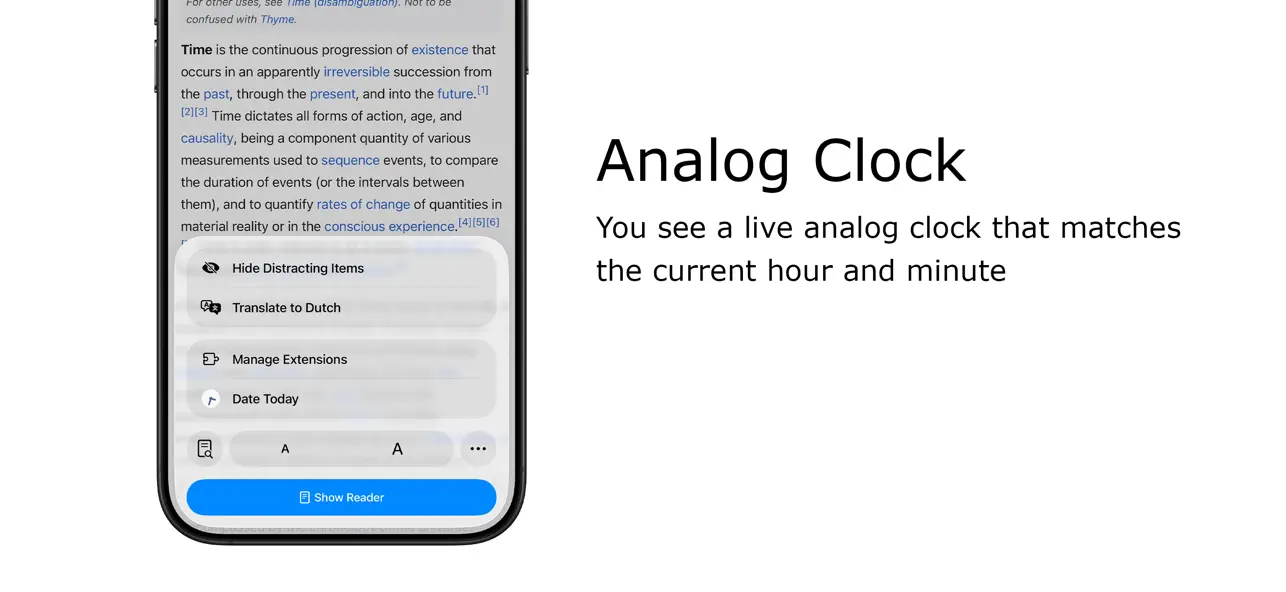
Stay organized and never lose track of time with Date Today, the perfect browser extension for displaying an analog clock in your toolbar bar. In a single blink, effortlessly access the current date and time, helping you manage your schedule seamlessly.
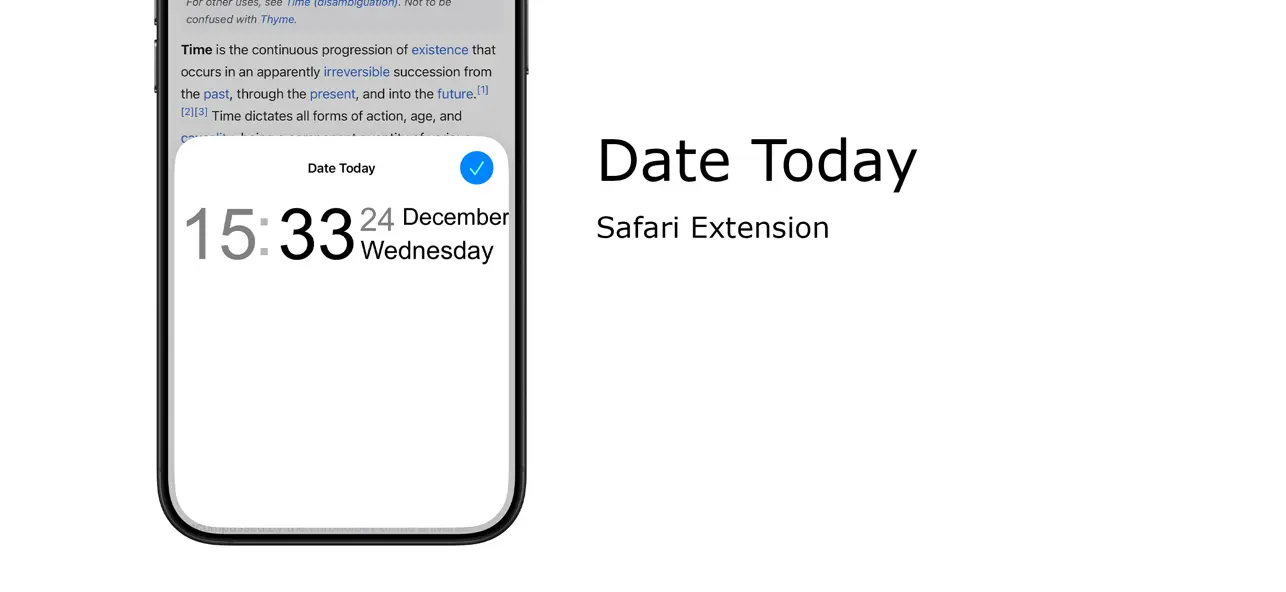
Date Today is a lightweight and useful add-in designed to know the current time in hours and minutes. With the current day of the week, day number and current month. Are you asking yourself 'what day is it today' or 'what is the time today'? With one single click on the button you get this information, and if you click again in the popup window. You copy the current timestamp in your clipboard. So, you can paste it in your online Google Doc, Microsoft Word Document or your new Gmail email message.
Browser extension features:
◆ Popup Panel:
View the current date and time in a convenient popup window for quick reference.
◆ Clock format:
Choose between a 12-hour or 24-hour clock system to suit your preference.
◆ Browser Button Options:
Opt to showcase either the Analog or Digital Clock in the browser button for added flexibility.
◆ Customize Day Theme:
Personalize the color of the hour and minute hands to match your style.
◆ Customize Night Mode theme
Activate Night Mode for a visually comfortable clock display during darker hours.
◆ Color Personalization:
Make it yours by customizing the number and text color to reflect your unique taste.
◆ Font Family Customization:
Modify the font family with options such as Arial, Impact, Sans-serif, Times New Roman, and Verdana.
◆ Picture-in-Picture Mode:
Experience enhanced visibility with the Picture-in-Picture mode, showcasing the Date Today panel in a convenient floating popup window. Stay informed about the date and time without disrupting your browsing experience.
◆ Badge Customization:
- Current Date Badge:
Enhance your experience with the inclusion of a Current Date badge, prominently displaying the current date in a clear and concise format.
- Current Time Badge:
Keep track of the current time with a dedicated badge, providing quick access to this essential information.
- Day Number and Month Badge:
Display a customized badge featuring the day number, seamlessly integrated with the month. Choose whether to position it at the top or bottom, depending on your web browser's layout.
- Day Name of the Week Badge:
Elevate your toolbar with the inclusion of a dynamic Day of the Week badge. Stay informed about the current day effortlessly, ensuring you are always in sync with your schedule.
- Customizable Badge Color:
Personalize your badges by selecting your favorite colors. Choose hues that resonate with your style and preferences, ensuring a visually appealing and cohesive browsing experience.
◆ Tooltip:
Easily monitor the current date and time (hours:minutes:seconds) directly in the toolbar.
◆ Context Menu:
Right-click menu functionality to paste the current timestamp in text boxes, text fields, and the address bar.
◆ Support for Dark Mode
Project Information:
https://www.stefanvd.net/project/date-today/browser-extension/
Required Permissions:
◆ "contextMenus": Add web browser context menu to paste the current timestamp.
◆ "activeTab": This to execute the context menu action on the currently open tab.
◆ "alarms": This to run the clock time in the background.
◆ "storage": Save settings locally and sync with your web browser account.
Quoi de neuf dans la dernière version ?
+ Fixed timestamp
If you like Date Today, the best way to support the app is by sharing it with others, so please consider telling your friends and family about Date Today!
To learn more about the Date Today for Safari or do you have any questions go to https://www.stefanvd.net/support