Smart Tools Pro - SmartTools
iPhone / Utilitaires
**Smart Tools Pro - Your Complete iOS Toolkit**
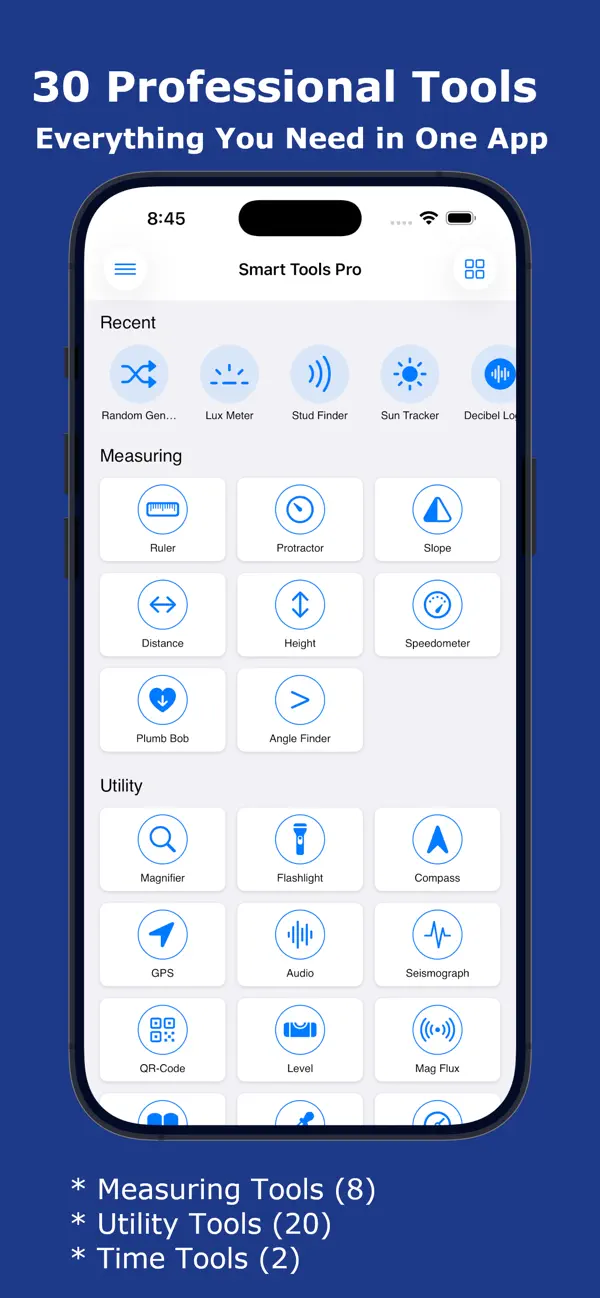
Transform your iPhone into a professional measurement and utility toolkit with Smart Tools Pro. Whether you're a DIY enthusiast, professional contractor, photographer, or just need quick access to essential tools, Smart Tools Pro has everything you need in one beautifully designed app - 30 powerful tools at your fingertips!
MEASURING TOOLS (8)
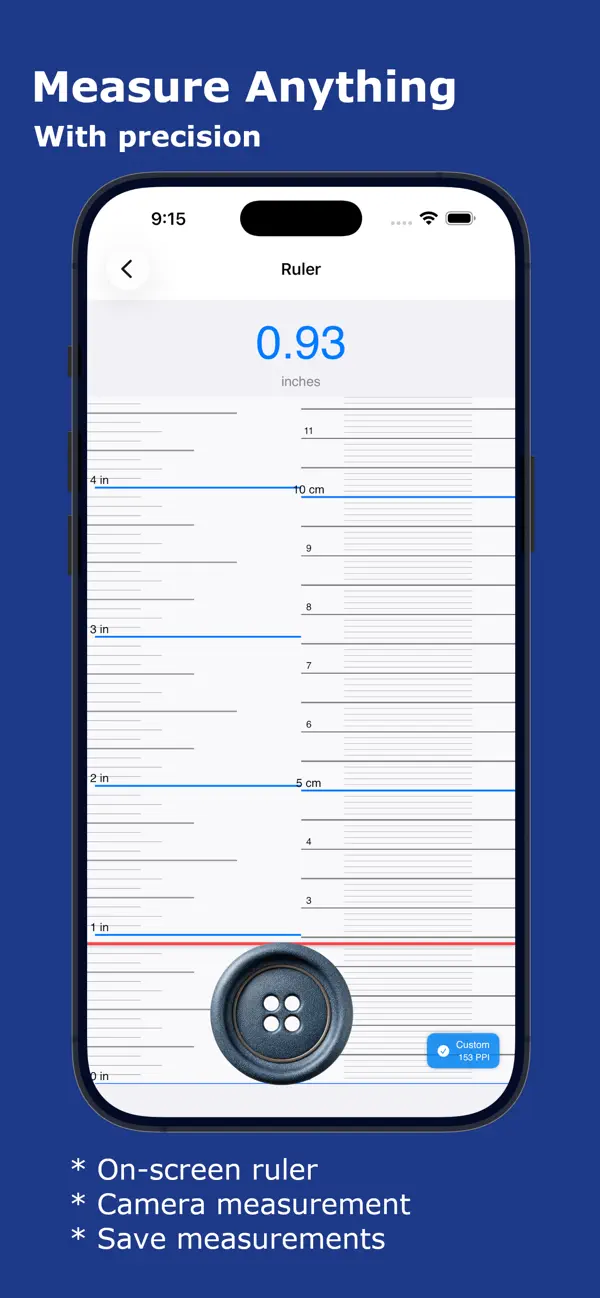
* Ruler - Measure objects with precision using your screen or camera. Perfect for quick measurements when you don't have a physical ruler.
* Protractor - Measure angles accurately for DIY projects, construction, or educational purposes. Real-time angle display with degree precision.
* Slope - Calculate slope angles and percentages. Essential for construction, landscaping, and accessibility compliance.
* Distance - Measure distances using AR technology. Point your camera and get instant distance measurements for room planning.
* Height - Measure heights of objects using your phone's sensors and AR. Perfect for measuring buildings, trees, or furniture.
* Speedometer - Track your speed in real-time with GPS. HUD mode for windshield reflection. Max speed and distance tracking.
* Plumb Bob - Check vertical alignment with a virtual plumb bob. Essential for construction and hanging fixtures.
* Angle Finder - Measure angles using camera-based angle detection. Draw and compare multiple angles.
UTILITY TOOLS (20)
* Magnifier - Magnify small text or objects with zoom control and flash support. Perfect for reading fine print and inspecting details.
* Flashlight - Powerful LED flashlight with adjustable brightness and strobe modes. Never be in the dark again.
* Compass - Navigate with confidence using the built-in digital compass. Shows direction, coordinates, altitude, and magnetic field strength.
* GPS - Track your location with precision. View latitude, longitude, altitude, speed, and accuracy. Save favorite locations.
* Audio - Advanced audio analyzer with frequency spectrum, waveform visualization, and real-time audio monitoring.
* Seismograph - Detect and monitor vibrations and movements. Track seismic activity and record shake events.
* QR-Code - Scan and generate QR codes. Create custom QR codes for URLs, text, contacts, and more.
* Level - Turn your iPhone into a professional spirit level with bubble display. Surface and edge modes with calibration.
* Mag Flux - Measure magnetic field strength in microteslas. Detect magnetic objects and monitor field variations.
* Reader - Text-to-speech reader for PDFs and images. OCR technology extracts text from photos. Adjustable reading speed.
* Color Picker - Pick colors from your camera in real-time. Save color palettes with hex, RGB, and HSB values.
* Barometer - Monitor atmospheric pressure. Track weather changes with pressure trends and altitude compensation.
* Random Generator - Generate random numbers, flip coins, roll dice, and create secure passwords. Perfect for games and decisions.
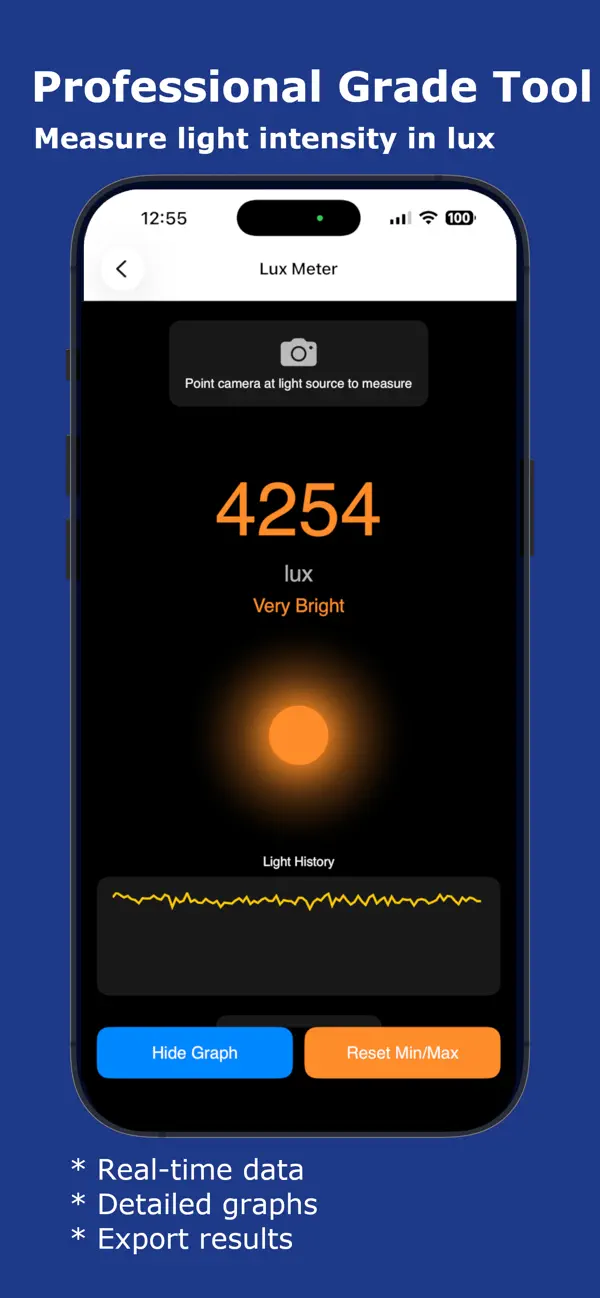
* Lux Meter - Measure light intensity in lux. Professional light measurement for photography and workspace optimization.
* Stud Finder - Detect metal studs and magnetic objects in walls using your phone's magnetometer. Essential for hanging fixtures.
* Sun Tracker - Track sun position throughout the day. Plan photography sessions and solar panel installations with sunrise/sunset times.
* Decibel Logger - Measure and log sound levels. Monitor noise pollution and track daily noise exposure with detailed history.
* Frequency Analyzer - Analyze audio frequencies in real-time. Spectrum analyzer with harmonic detection for musicians and audio professionals.
TIME TOOLS (2)
* Stop Watch - Precision stopwatch with volume button control for races and workouts. Record multiple laps with highest/lowest indicators.
* Timer - Countdown timer with volume button control for hands-free operation.
Download Smart Tools Pro today and discover 30 professional tools in one beautifully designed app!
Quoi de neuf dans la dernière version ?
- Improvements
- Recording feature added for audio with auto recording on a threshold
- Bug fixes