Orbit: Time-based Invoicing
iOS Universel / Economie et entreprise
Effortless time tracking & invoicing!
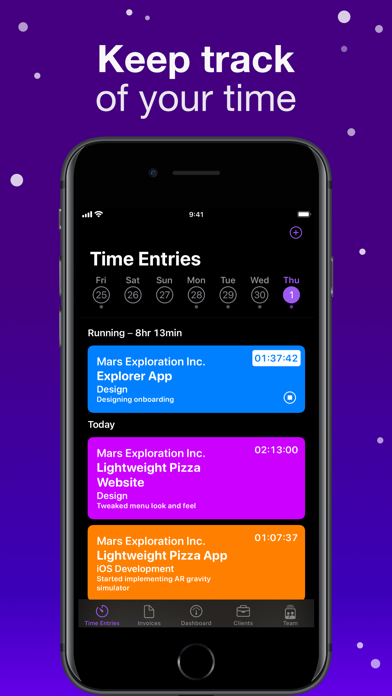
Ranked as "the best time tracking & invoicing app" by its developers, Orbit makes keeping track of clients, projects, worked hours, and invoices simple.
Orbit's goal is for you to focus on the tasks you want while the app takes care of the rest. Are you a designer? Welcome! A small team of developers? Cool, so are we. A consultant? Perfect! A project manager? We're not judging, welcome to you as well!
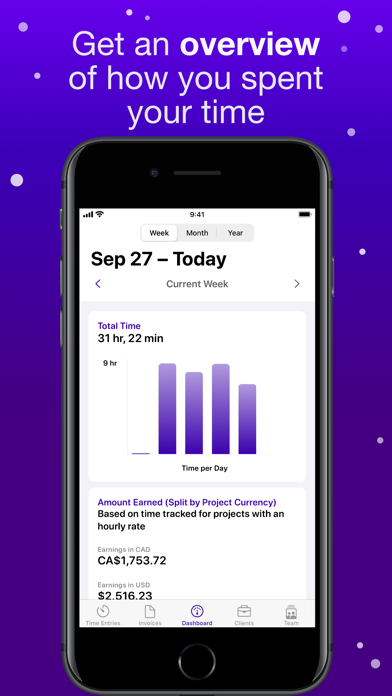
Ever wondered how much time you worked last week? We've got you covered. Quickly needing to check on the budget of a project? We've got you covered. Dreading to manually create invoices for all those hours you've worked? Guess what, we've got that covered as well!
Recent additions:
• Shortcuts support
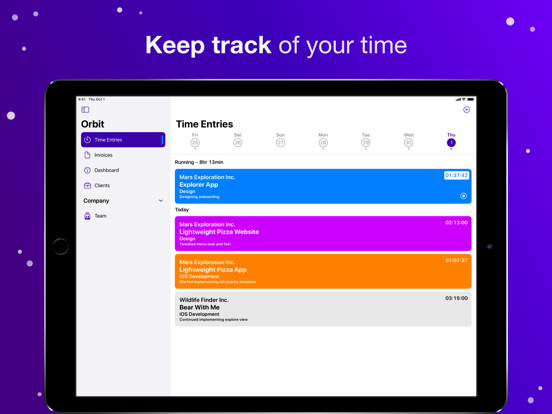
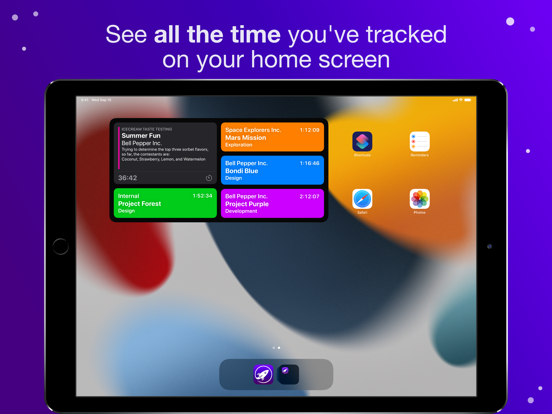
• Extra-large widgets showing you useful details right on the home screen of your iPad
• Quick Note support integrating with the system Notes app
• Support for the always-on display on the Apple Watch
Obligatory feature bulleted list:
• Easy setup
• Time tracking across projects & sync with iPhone, iPad, Apple Watch, and the Mac
• Automatic invoice generation from all your logged time entries
• Optional rounding of time entries and line items
• Ability to create custom invoices for expenses or material cost
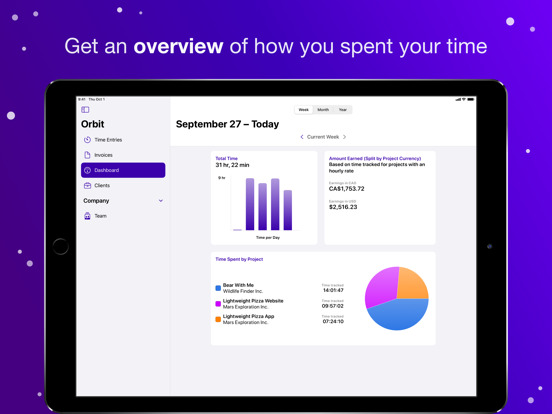
• A nice overview of how you spend your time
• Shortcuts support to allow for automation and integration with other apps
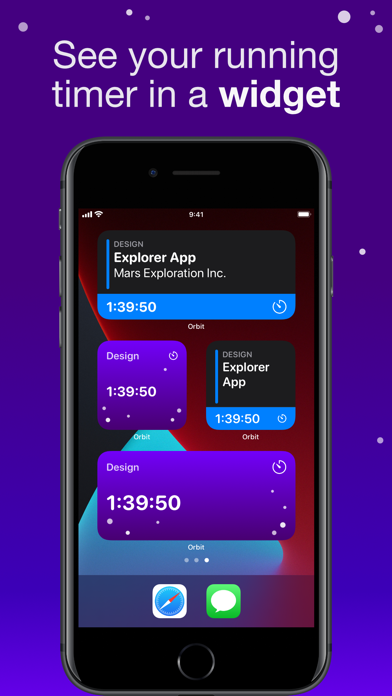
• Time tracking widgets
• Crew Plans for small teams to track time & invoice together
• A strong focus on privacy. No ads, no tracking of metadata, and no selling of personal data.
You can try Orbit using our tourist mode, before creating an account or subscribing to any of our premium plans (we also offer free trials for those). If you cancel your subscription, you'll still be able to see all of your data in our read-only mode (unless you ask us to remove it of course).
Privacy policy: https://timeinorbit.com/privacy
Terms of use: https://timeinorbit.com/terms
Quoi de neuf dans la dernière version ?
This update adds invoice status history, dashboard improvements for multi-currency totals, and refinements to custom project colors.
INVOICES
Invoices now show a status history, so you can see when an invoice was created, sent, and paid.
DASHBOARD
The earnings section in the dashboard now support multi-currency totals, converted into your base currency for a better overview.
PROJECT COLORS
We’ve improved the project color picker with better support for custom colors.
As always, please feel free to reach out with any questions, feedback, or suggestions.