Whitespace Platform
iOS Universel / Economie et entreprise
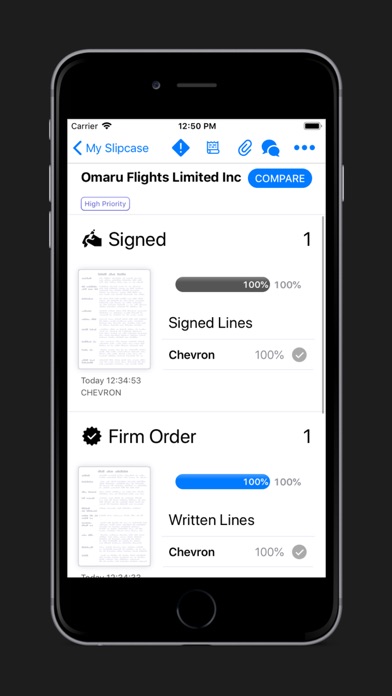
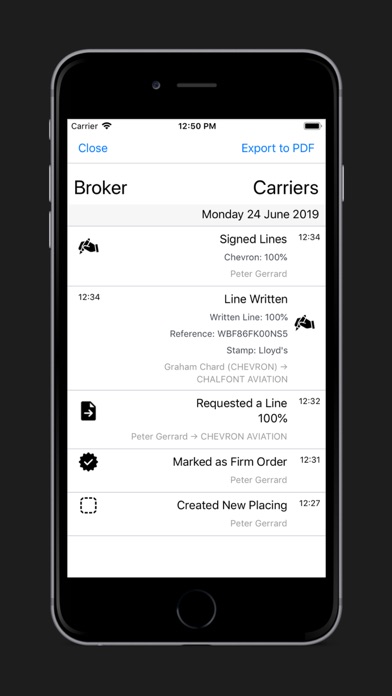
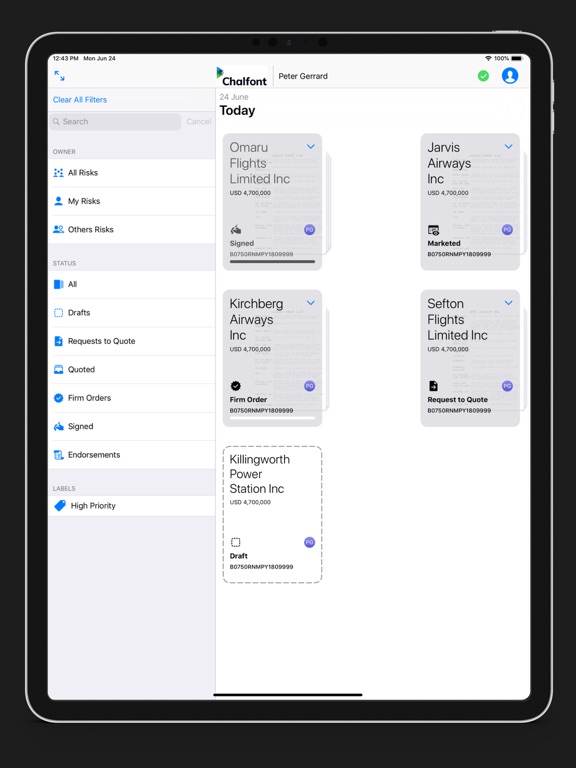
Whitespace enables the creation, negotiation, placing and onward processing of truly digital (Re)Insurance contracts.
Using Whitespace, brokers and underwriters deliver value to their clients at any time and from anywhere. It supports face to face discussion and complex risks, as well as more straightforward risks.
Key features include:
Instant contract comparison results
Mobile access that synchronises with all your devices and updates in realtime
Collaborate on contracts with fellow counter parties
Rich, digital contract data
Easy to use, intuitive user interface
Access to APIs for integration to other systems
Management Information
Work as part of a team or multiple teams
Key placing features:
Quote
Bind
Sign
Endorsements
Quoi de neuf dans la dernière version ?
New Features
Displaying Stamp Address Information in the Platform and in Exported Contracts
•When a stamp on a contract or Contract Correction includes addresses, that information is clearly shown below the stamp.
•Stamp address information is not shown for endorsement agreements, indicative stamps on a ‘Quote Details’ panel, or button stamps, which do not have any associated addresses.
•Older stamps without any address data are unchanged, without any blank address-related boxes or fields.
•By default, address information is included when exporting a contract to PDF or MS Word. Address inclusion can be easily toggled off in the ‘Export’ screen options.
Exporting PDF and Word Documents With Just One Underwriter’s Stamp/s per Printed Page
•Exporting with one stamp per page places each written line’s stamp/s together on a single page of the exported document, including split stamps, mirror stamps, or section stamps.
•Each stamp page contains a full copy of the contract heading and its text to ensure there are no gaps in the contract for any participant.
•If a (re)insurer’s stamps require a lot of space, they are continued over to a second page without being run onto another participant’s details.
Enhancements
•When writing a line, underwriters now see an information box towards the bottom of the screen listing the number of stamps they can choose from.
•In the export screen, the contract sections are listed individually, and now include a checkbox to restart page numbering at the beginning of that section.
•In addition to appearing as a cover or appendix within an exported contract, inline attachments can now also be set to appear in full within the exported contract at the position that their contract heading occupies, or alternatively at the end of that contract section.
•When brokers update signed lines, the total percentage value of all lines is shown in the same way that it is when originally signing the lines.
•The ‘Coverholder’ contract heading is now available for inclusion in contracts under the ‘Risk Details’ contract section.
•Having written a line on an off-platform contract, underwriters now only receive notification emails when the broker sends them a chat message about the contract, signs it, or adds a post-signing attachment.
•When cloning an existing contract which does not have an extended data Q&A questionnaire, it is now possible to also import a questionnaire from a user-selected template.