My Tools
macOS / Références
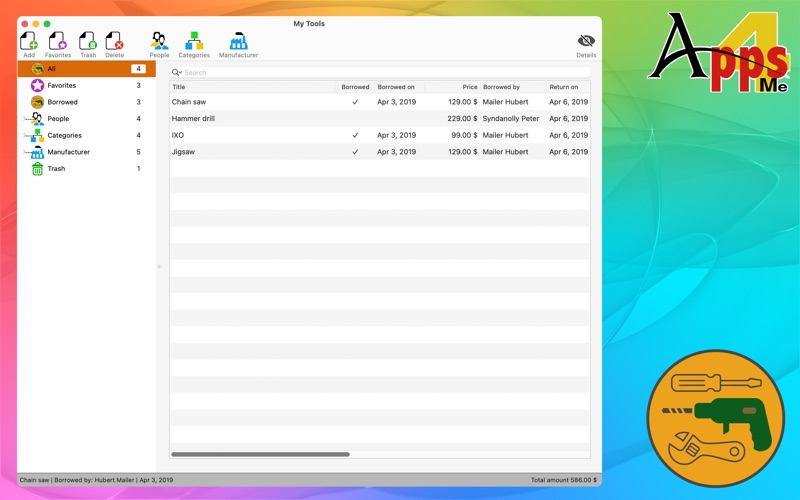
«My Tools» manages all your tools. (Garden tools, saw, drill press, etc.). With memory function for the return of the loaned tools.
Features:
• unlimited number of entries
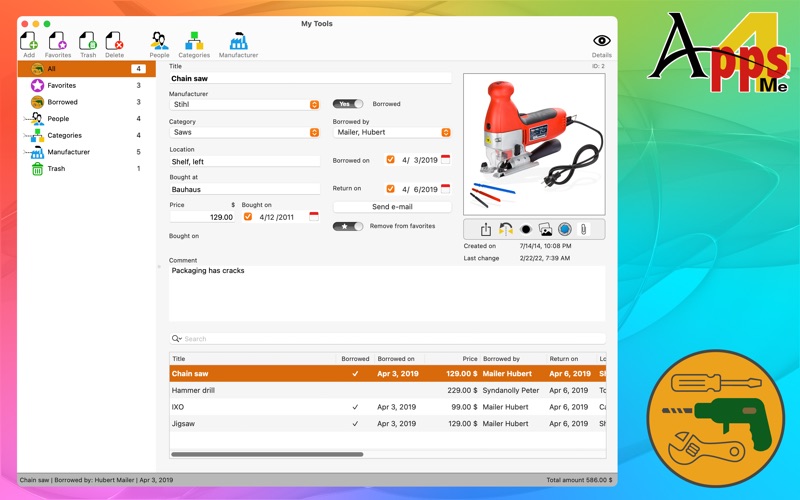
• date of purchase
• price
• Seller / store
• Location
• Manufacturer
• Comments
• add a picture to each entry (from FaceTime camera, picture taker, photos and from iPhone/iPad)
• search for picture on Google®
• add unlimited attachments (Invoices, manuals etc.) to each entry
• list of favorites
• unlimited number of user-defined categories
• unlimited number of user-defined manufacturer
• manage all tools
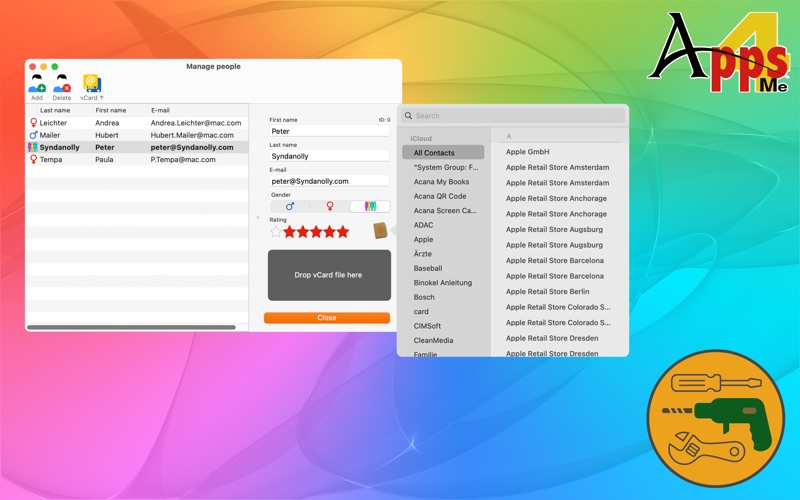
• manage people
• add people form contacts
• add people form card file
• assessment of persons
• view by categories or persons
• sending reminder emails with the borrowed things
• automatically calculation of the values of the entire tool stock or individual categories
• automatically save all changes
• Restore all data
• Printing
• Import from a CSV file
• Export all data as a CSV file
• Export all data as an Excel® XLSX file
Quoi de neuf dans la dernière version ?
New features and changes
• Debug mode can be enabled or disabled in the settings
• Various minor changes
Improvements
• Various minor improvements