SearchPhotosByDate: FindPhotos
iOS Universel / Photo et vidéo
SearchPhotosByDate – Find Your Photos Instantly
Rediscover your memories in seconds.
SearchPhotosByDate makes it effortless to find photos and videos from your iPhone and iCloud by selecting a specific date or date range. Whether you're looking for a moment from years ago or something from last week, your entire photo library becomes instantly searchable and beautifully organized.
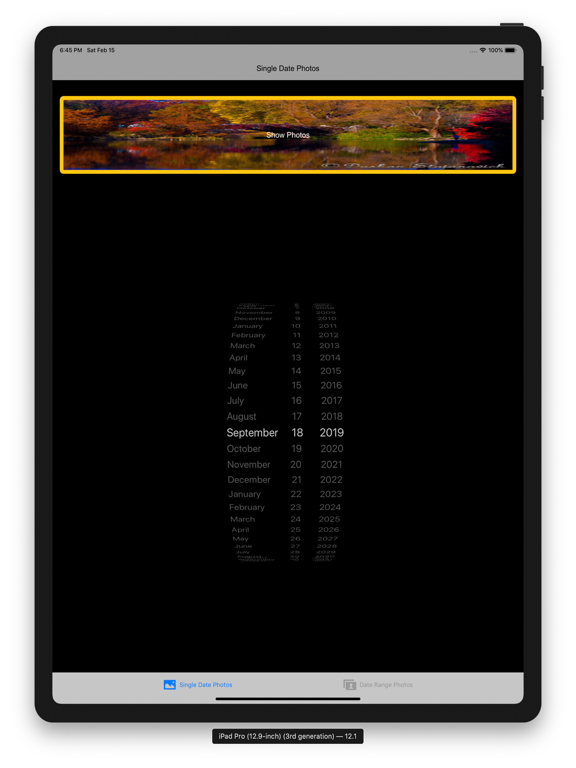
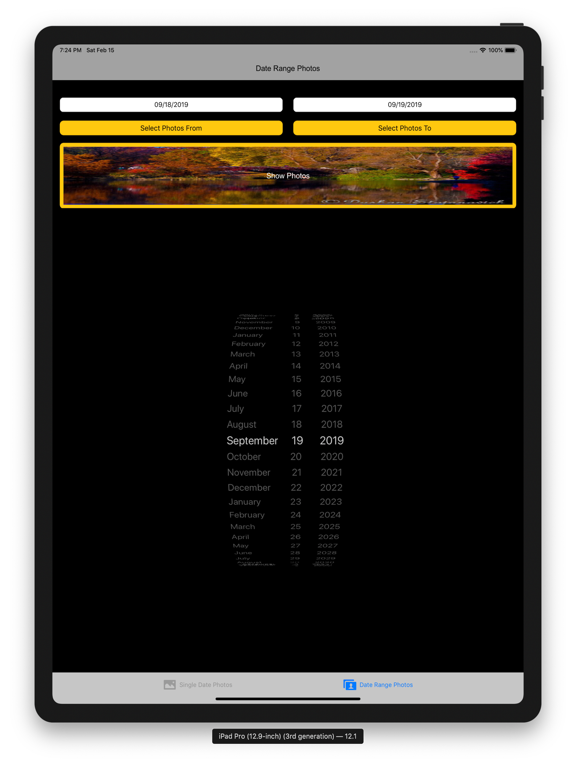
Smart Date-Based Search
Quickly filter your photos and videos by:
A single date
A custom date range
Multiple date selections
No more endless scrolling—jump directly to the moments that matter.
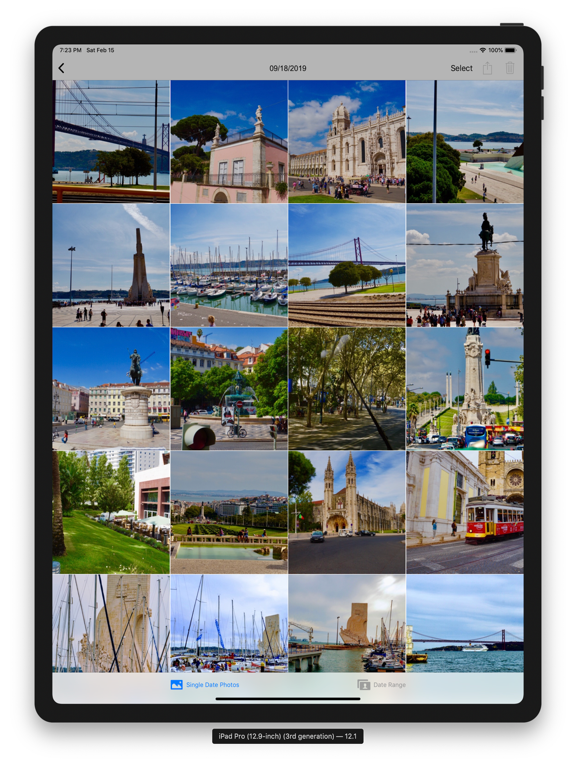
Clean, Intuitive Gallery
Browse results in a fast, responsive gallery:
Smooth scrolling through filtered media
Optimized layout for both iPhone and iPad
Instant loading of images and videos
Seamless Full-Screen Viewing
Tap any photo or video to:
View in immersive full-screen mode
Swipe effortlessly through your filtered collection
Enjoy both portrait and landscape viewing
Photo & Video Support
Works with your entire library:
High-resolution photos
Videos with smooth playback
Local device storage and iCloud media
Easy Sharing & Management
Take action on your memories:
Share photos and videos instantly
Delete unwanted items directly from the app
Use familiar gestures for a natural experience
Fast & Efficient
Designed for performance:
Handles large photo libraries with ease
Minimal loading delays
Optimized for modern iOS devices
Privacy First
Your data stays yours:
No external uploads
No tracking
All processing happens on your device
Perfect For
Finding photos from a specific event or trip
Organizing memories by date
Quickly locating older photos without scrolling
Managing large photo libraries
Why You’ll Love It
SearchPhotosByDate turns your photo library into a powerful, searchable timeline—simple, fast, and intuitive.
Quoi de neuf dans la dernière version ?
This update brings a smoother and more powerful photo & video browsing experience.
• Improved Chromecast support for both photos and videos
• Fixed first-image display issue when starting Chromecast
• Added seamless swipe navigation between photos and videos
• Better video playback handling in full-screen and normal view
• Improved landscape viewing experience
• Enhanced performance and stability
• Bug fixes and UI improvements