Cirkus: Schedule your Tasks
iOS Universel / Productivité
Cirkus is a team scheduling and project management app built around a timeline.
Plan work, book people and resources, and keep projects on track — without spreadsheets or messy calendars.
Turn tasks into a clear schedule with bookings, roles, templates, and automation.
Cirkus helps teams plan what’s happening, who’s doing it, and when — all in one place:
• Timeline bookings tied to projects and tasks
• Clear priorities and progress across your team
• Files, comments, and conversations inside the work
• Templates + automation for repeatable workflows
SCHEDULING & RESOURCE BOOKING
• Book people, equipment, rooms, or any resource you need
• Visualize bookings and projects in a timeline view
• Link bookings to projects, tasks, and subprojects
• Collaborate with comments, attached files, and booking history
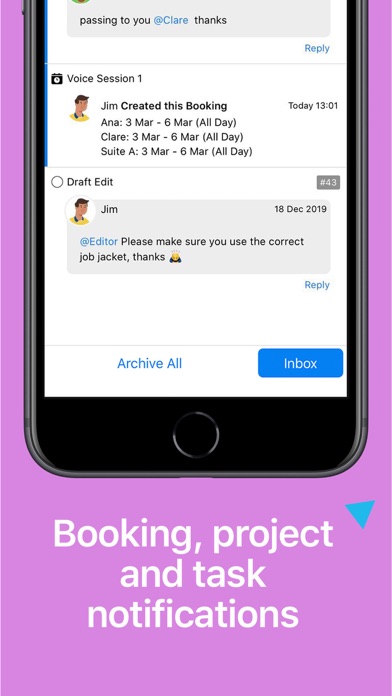
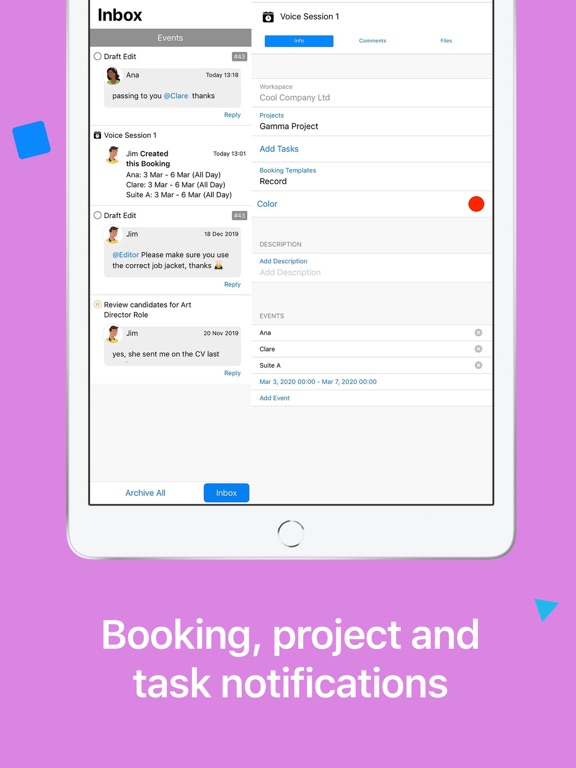
• Get notifications for new bookings and updates across devices
TASK & PROJECT MANAGEMENT
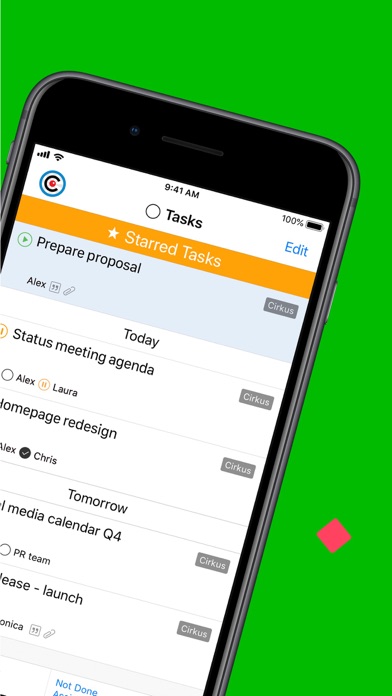
• Assign a task to multiple people using Roles
• Track each contributor’s status inside the same task
• Due dates, reminders, recurring tasks, comments, and attachments
• Project templates and custom fields for structured workflows
• Custom views to match how your team works
TEAM COMMUNICATION
• Keep conversations, files, and project scope in one place
• Reduce email threads and scattered file sharing
• Private discussions inside tasks and projects to stay focused
WORKFLOW AUTOMATION
• Create task templates for repeatable work
• Automate steps with task triggers
• Set permissions for freelancers and temporary collaborators
• Organize work with teams/organizations
Cirkus stays in sync across iPhone, iPad, Mac, and Web.
Learn more and access training videos on our website, and reach out anytime with questions to hello@cirkuscom
Quoi de neuf dans la dernière version ?
- In this latest release you can set a default Quote Status and default Schedule Status for your Cirkus Workspace. These defaults are automatically applied to new Quotes, Bookings and Scheduled Tasks.
- There's a new option to include or exclude the Project name when printing Quote PDF.
- The Timeline now remembers your viewport and range mode, making it easier to pick up where you left off.
- File downloads now display a progress indicator so you can see when files are loading.
- Improved scrolling performance and responsiveness throughout the app.
- Fixed issues across Tasks, Comments, Time Reporting, Project Templates, MFA, and more for a smoother, more reliable experience.