ServiceChannel Provider
iOS Universel / Economie et entreprise
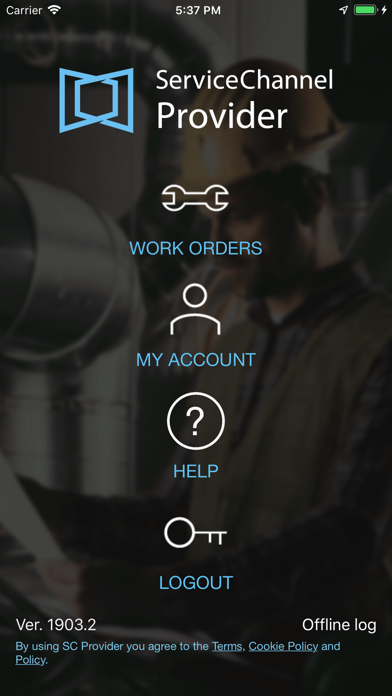
ServiceChannel Provider puts the power of on-site service management on every technician’s mobile device. Now you can keep your customers and your company in the know with status updates for work performed on-site.
Save time and deliver more efficient, cost-effective service:
- View and add notes on-site as well as add photo documentation of work orders
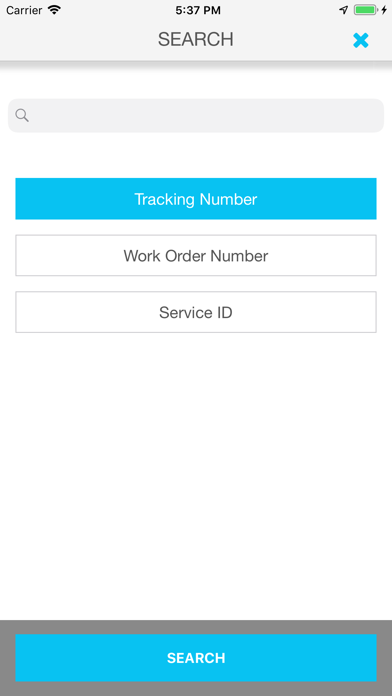
- Check incoming jobs and update work order statuses on the go
- Capture electronic signatures from your customer’s employees
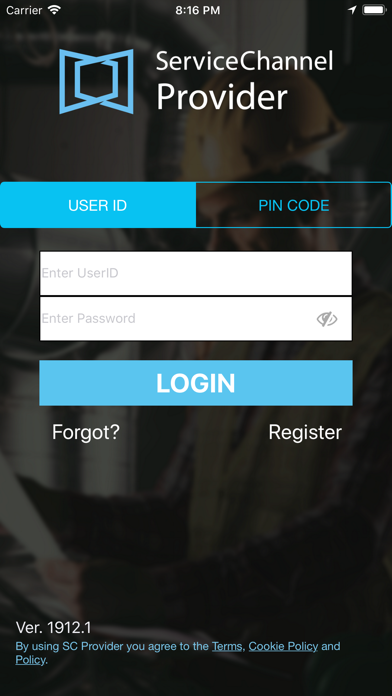
- Access work using existing PIN codes or technician accounts
- Show accurate work hours for invoicing with geolocation tracking
Based on your customer’s configuration, you can access additional features, such as:
- Time Tracking and Return Schedules
- Work Order Creation
- Inventory Management
- Refrigerant Tracking
Quoi de neuf dans la dernière version ?
FIXED
- After you answered a checklist question, you encountered an API related error message. As a result, you couldn't proceed with the check-in process. We've fixed the underlying API error.
- In some cases, you could check out and mark a work order as Completed even if there is an open leak record on it. We've corrected the process to prevent this from occurring in the future.
- FTM internal technicians couldn't log into the app due to an API error message. We've resolved the issue.