Humanity Schedule by TCP
iOS Universel / Economie et entreprise
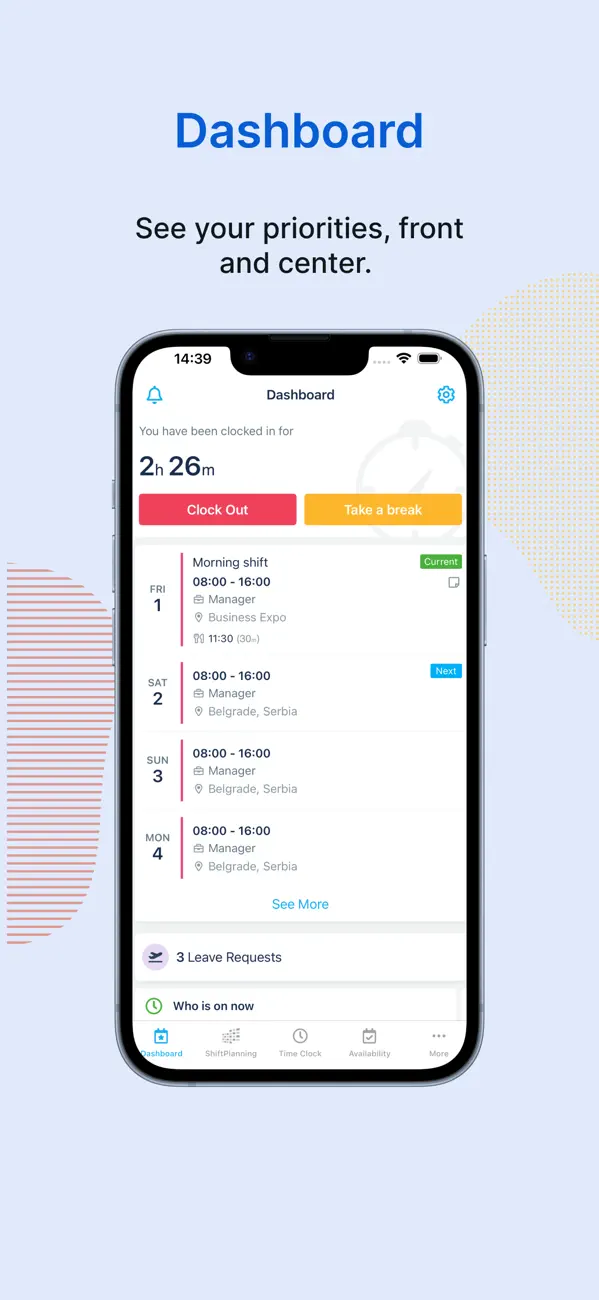
Put the power of scheduling in the hands of frontline employees with Humanity Schedule. Easily access schedules and shift actions from your mobile device, wherever and whenever you work.
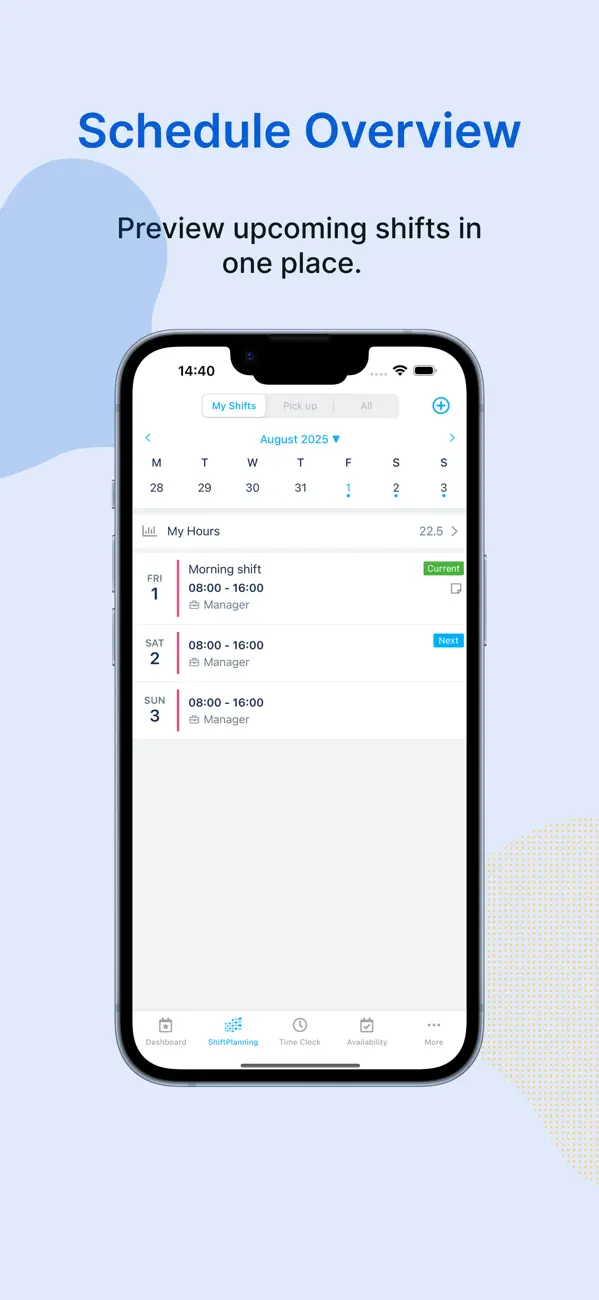
- Employee schedules in your pocket
- Clock in and out of shifts with ease
- Swap shifts directly with team members
- Request coverage for shifts from other employees
- Pick up open shifts, full or partial, to get more hours when you want them
- Manage your availability and submit time-off requests
- Receive instant notifications for schedule changes, shift reminders, and important updates
- Bonus: Stay in the loop with Apple Watch compatibility for on-the-go visibility
Manager essentials made easy
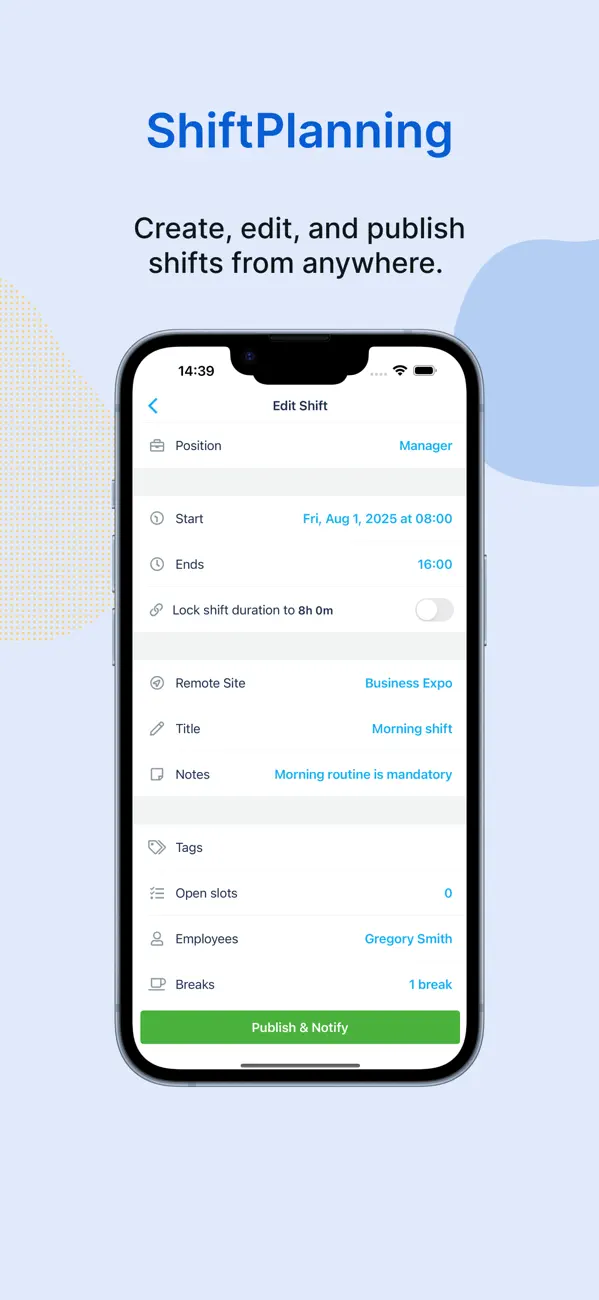
- Create, edit, and publish work shifts and schedules
- Access and manage staff schedules from anywhere
- Approve or deny employee requests for time off, shift swaps, and open shift pickups
- Track time and attendance in real time
- Monitor employee status: see who’s clocked in, on PTO, running late, or on break
- Communicate with staff through in-app messaging and announcements
- Easily access contact information for team members
Access to certain features may vary based on your company’s admin settings and permissions.
24/7 customer support
Need help? We’ve got you covered—our support team is available around the clock via email, phone, or in-app support.
Quoi de neuf dans la dernière version ?
[IMPROVED]
Fixed a few bugs and improved app stability
Have feedback? Email us at support@humanity.com