Endless TV Tycoon
iPhone / Jeux
Create hit TV shows—and decide what succeeds.
Start as a production studio or TV network, and grow into both.
CREATE YOUR OWN SHOWS
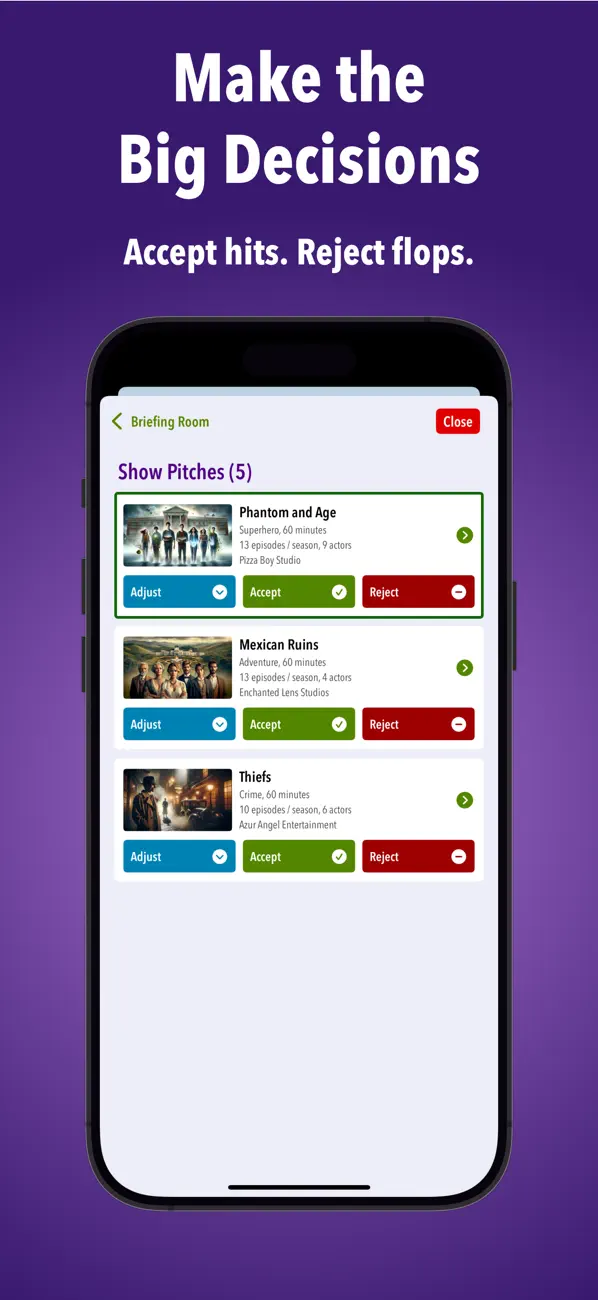
Write scripts, produce episodes, launch new series.
YOUR CHOICES SHAPE SUCCESS
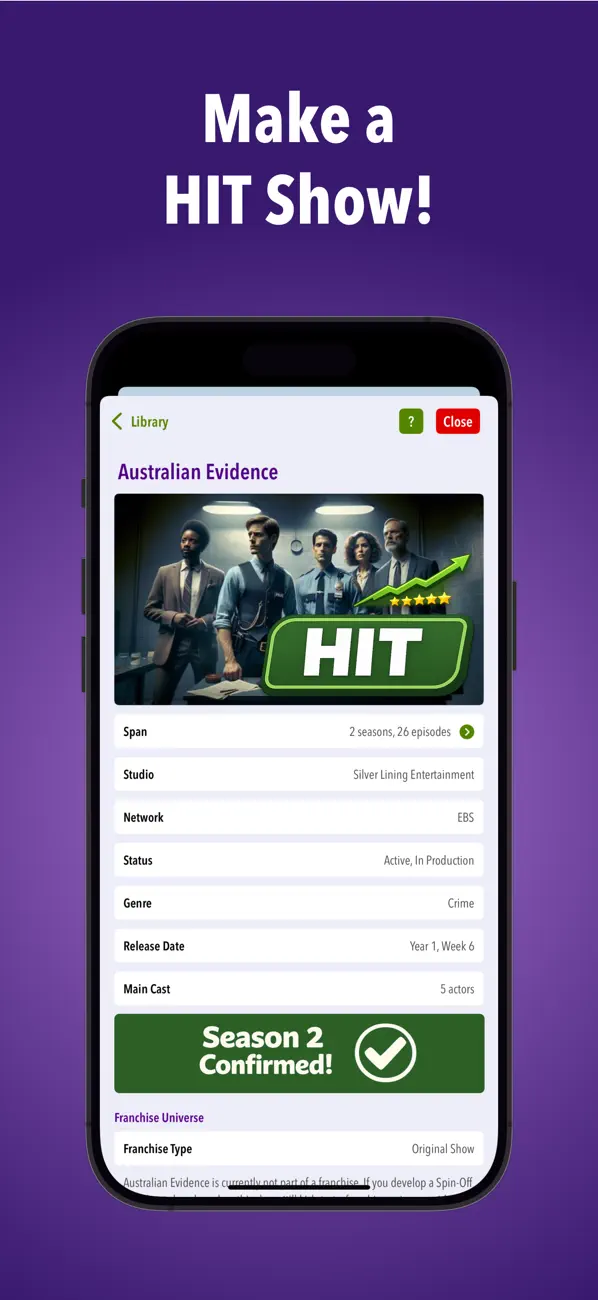
Track ratings, renew hits, cancel flops.
BUILD YOUR TV EMPIRE
Expand your studio, run networks, climb the charts.
NOT JUST IDLE GAMEPLAY
Every decision matters as you grow and optimize.
JUST ONE MORE TURN
A relaxing tycoon experience you’ll keep coming back to.
If you love tycoon management games, TV, or building something from nothing—this is for you.
Quoi de neuf dans la dernière version ?
This update introduces the long-awaited Critics & Viewer scores with written reviews.
*** Critics & Viewer Scores and Reviews — New Early Access Feature
Your episodes are no longer judged by a single number.
The old Episode Score has been renamed to the Quality Score, and now every aired episode also receives a separate Critics Score and Viewer Score — both ranging from 0–100.
And they don’t always agree.
Some episodes look perfect on paper… then get completely roasted by critics. Others are chaotic messes that viewers absolutely love. Different genres, styles, and creative decisions can lead to very different reactions — and honestly, that’s exactly the kind of TV industry drama the game needed.
If the gap between Critics and Viewer Scores becomes large enough, the episode becomes Controversial. Controversial episodes can spark extra attention and boost future viewership.
Critics and viewers now also leave short written reviews for every episode, giving you a better feel for how your creative decisions actually landed.
During End Week, airing episodes now appear as expandable events. Expanding them reveals for every episode:
• Critics & Viewer Scores
• Controversial status
• Written Reviews
• Viewership
• Rankings
Previously, only the best-performing episode of a season showed viewership and rankings data. Now every episode gets its moment in the spotlight.
You can also review Critics & Viewer Scores, Reviews, and Controversial status anytime from the Episode Detail screen, and some of this data even on the Episode Lists, and Show Detail screens.
Most of these features are currently part of Early Access. Ultimate Pass holders can use them right now as a thank you for supporting the game’s development. The features will become available to everyone once the next Early Access feature arrives.
*** Creative Direction System — Now Available to Everyone
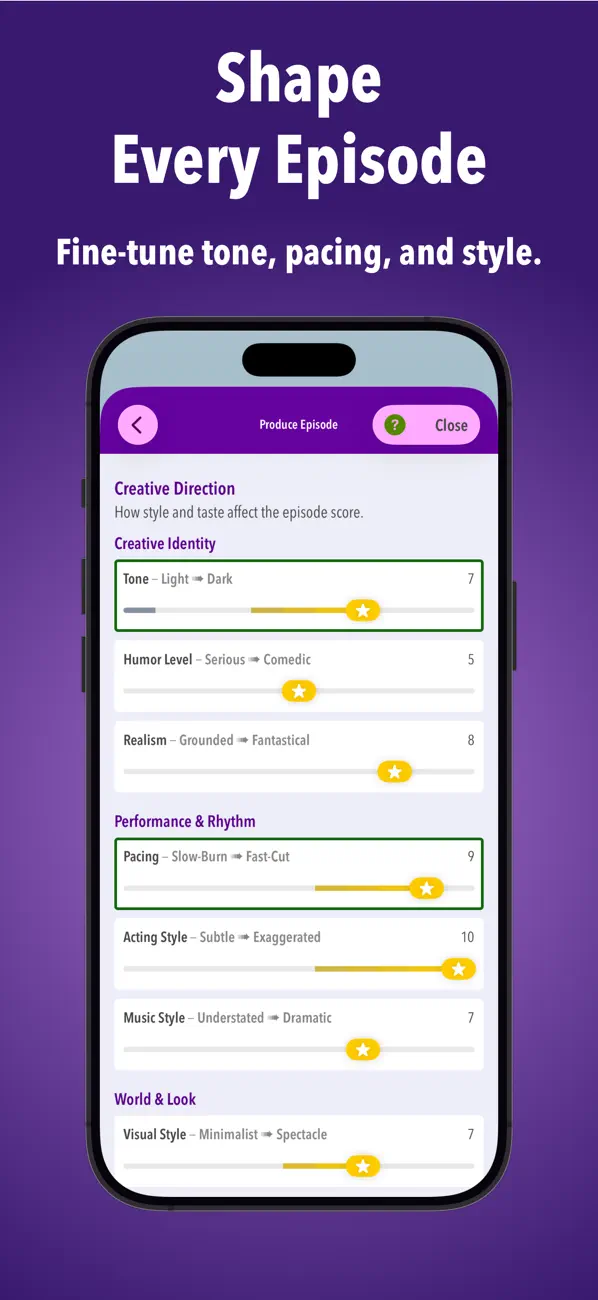
The other major recent addition is the redesigned Episode Production system with Creative Direction.
These new parameters define the style, tone, and overall feel of your episode — and whether it matches what viewers actually want.
For the first time, your creative decisions matter just as much as your budget.
There are 12 new episode parameters, grouped into four categories:
• Creative Identity: Tone, Humor Level, Realism
• Performance & Rhythm: Pacing, Acting Style, Music Style
• World & Look: Visual Style, Location Style, Set Style
• Storytelling: Structure, Narrative Density, Dialogue Style
Every genre has its own recipe for success, so part of the challenge is discovering what works best.
* Heat Map Feedback
After producing an episode, you’ll see a heat map showing how close your settings were to the ideal values. Getting close improves your results, while perfectly matching a parameter earns a star.
Audience tastes also evolve over time. When trends shift, you’ll be notified during End Week so you know it may be time to rethink your direction.
To help with this, the Last Known Values heat map shows what worked previously — usually still useful, but not always perfect anymore.
* Budget vs Creativity
For the first time, smart creative decisions can outperform pure spending.
This means:
• A low-budget episode can still perform well if the creative choices land.
• A high-budget production can carry weaker creative decisions.
Episode production is now more strategic, more personal, and far less predictable.
The Episode Production screen has also been fully redesigned with:
• a cleaner modern layout,
• a production summary at the top,
• less unnecessary scrolling,
• impact hints for spending parameters,
• and a more practical talent selection screen.
*** Custom Promo Images — New Premium Feature
Ultimate Pass holders can now use custom promo images for their shows.
Choose images directly from your Photo Library for both new and existing shows, then pan and zoom to create the perfect crop.
Happy TV empire-building!