Fantazio
iPhone / Jeux
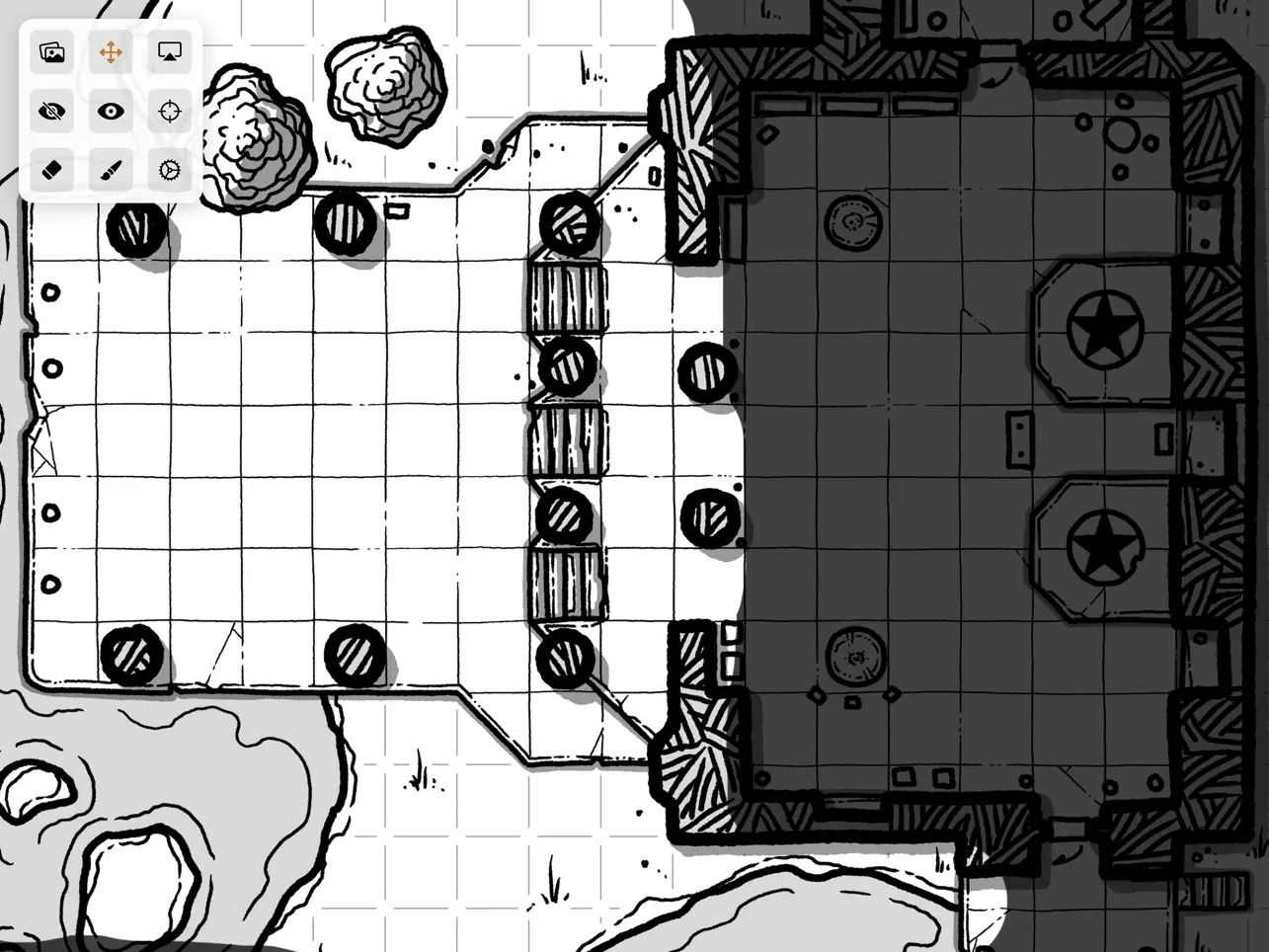
Having great maps for your gaming sessions helps everyone have more fun. But printing tons of maps for everyone to see can be a pain (and expensive). Just showing a map on a screen can reveal too much about your adventure. Fantazio lets you, the GM, have the flexibility to use as many maps as you would like, hiding and revealing only what you want your players to see.
Your iPad will show and control your view of the map. By sharing your iPad screen via AirPlay or connecting an external diplay, your players will only see the areas you revealed to them.
Quoi de neuf dans la dernière version ?
Map Library
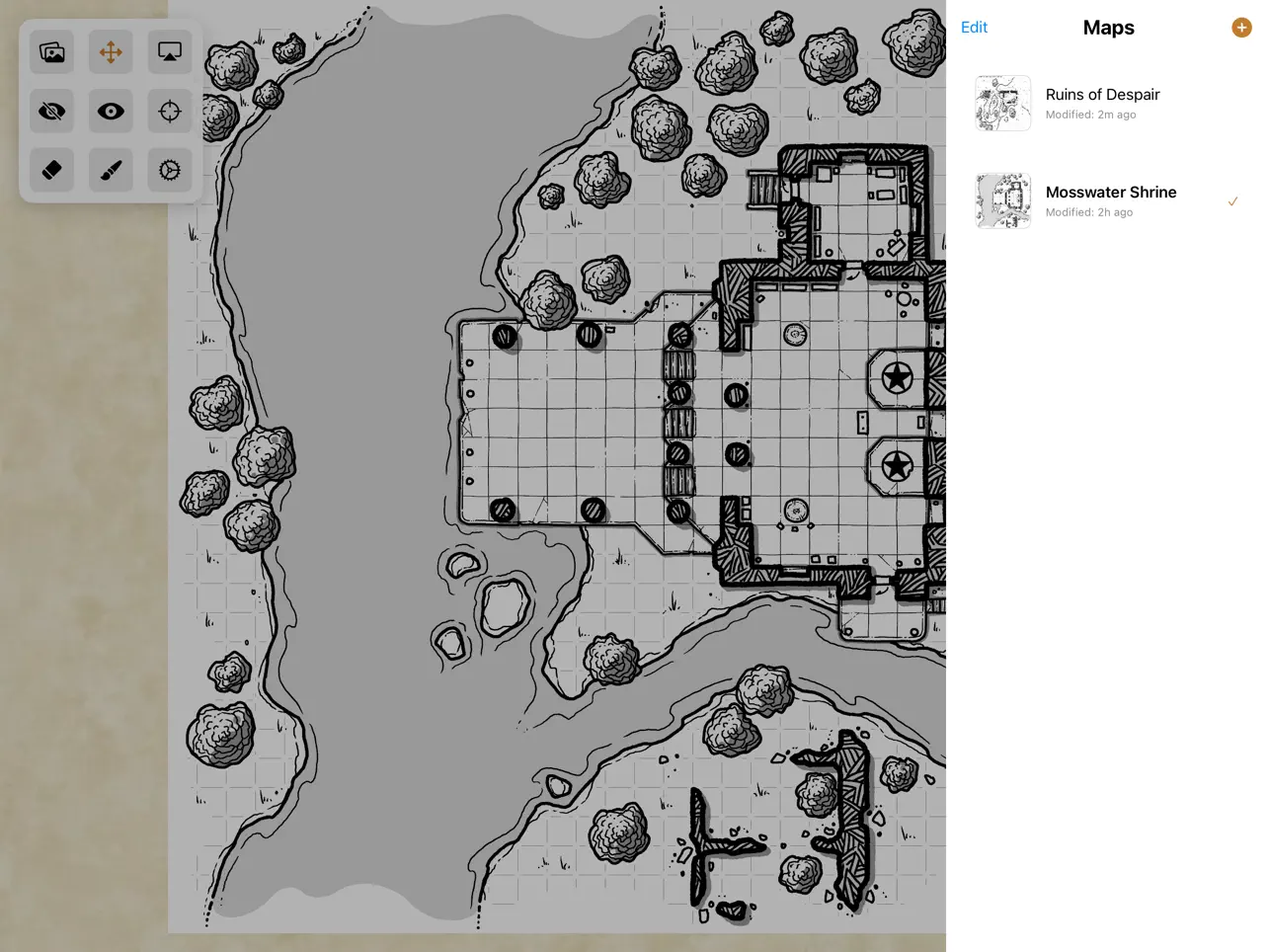
Manage unlimited maps from a single session. The new Map Library lets you add, rename, reorder, and switch between maps instantly. Each map maintains its own
independent fog of war settings, so you can prepare multiple dungeon levels or encounter areas and switch between them during play. The external display only
updates when you tap the AirPlay button, letting you prep maps privately before revealing them to players.
Import Maps from Files
You can now import map images directly from the Files app in addition to your Photo Library. This makes it easier to use maps downloaded from the web or stored in
cloud services like iCloud, Dropbox, or Google Drive.
Refreshed Tool Icons
The hide and reveal brush tools have new, more intuitive icons. The hide brush now uses a paintbrush icon, while the reveal brush uses an eraser icon. The reset
view button has been updated to use a scope/crosshairs icon for better clarity.
Improved Onboarding
A new "Floating Palette Buttons" page has been added to the onboarding tutorial, showing all nine tool icons with clear descriptions of what each one does. This
helps new users quickly understand the interface.
Better Error Messages
When importing a map image that is too large or invalid, you will now see a clear error message explaining the issue instead of the import silently failing.
Bug Fixes
- Fixed issues with map scale and position being corrupted when switching between maps
- Fixed the reset button to properly restore the initial view after app restart
- Various improvements to help documentation accuracy and consistency